Screenshots in.
Stunning mockups out.
For App Store sets, Product Hunt galleries and launch videos. Drop your real app screens into a device, style the scene, and export. No design tools, no sign-up wall.
No screens yet? Start from a template.
- 1Add your screen
- 2Style the scene
- 3Export in seconds
Made in MockFrame
Every image on this wall is a straight export from the editor. Nothing was retouched afterwards. Open any of them to start from the same template. Free templates come first. Pro ones are tagged and start at $5 a month on the annual plan.
Every screen your product lives on
Each frame is built at its device's real screen resolution, so a 1206 × 2622 screenshot from an iPhone 16 Pro fills it exactly, with no stretching or cropping.
56 phones, 18 watches, 14 laptops, 11 tablets and 5 browser windows.
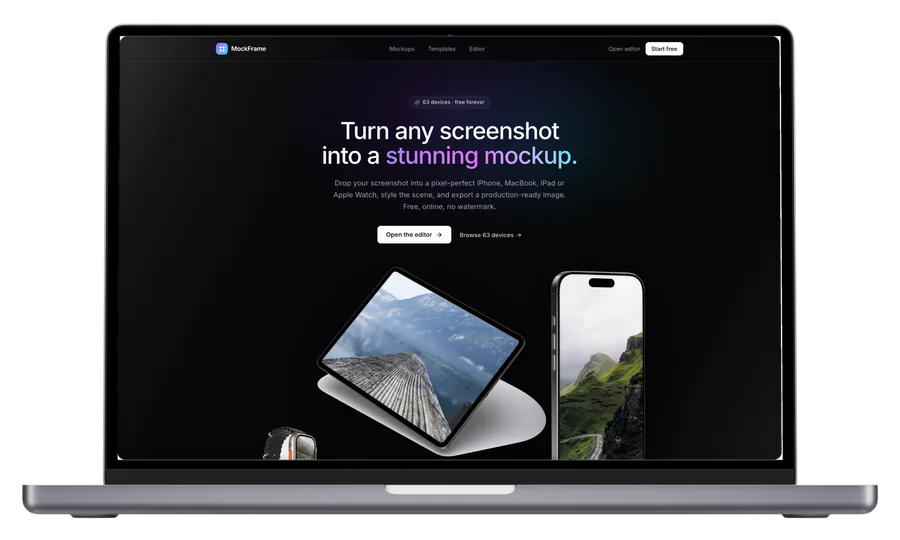 MacBook Pro 16″Front3456 × 2234
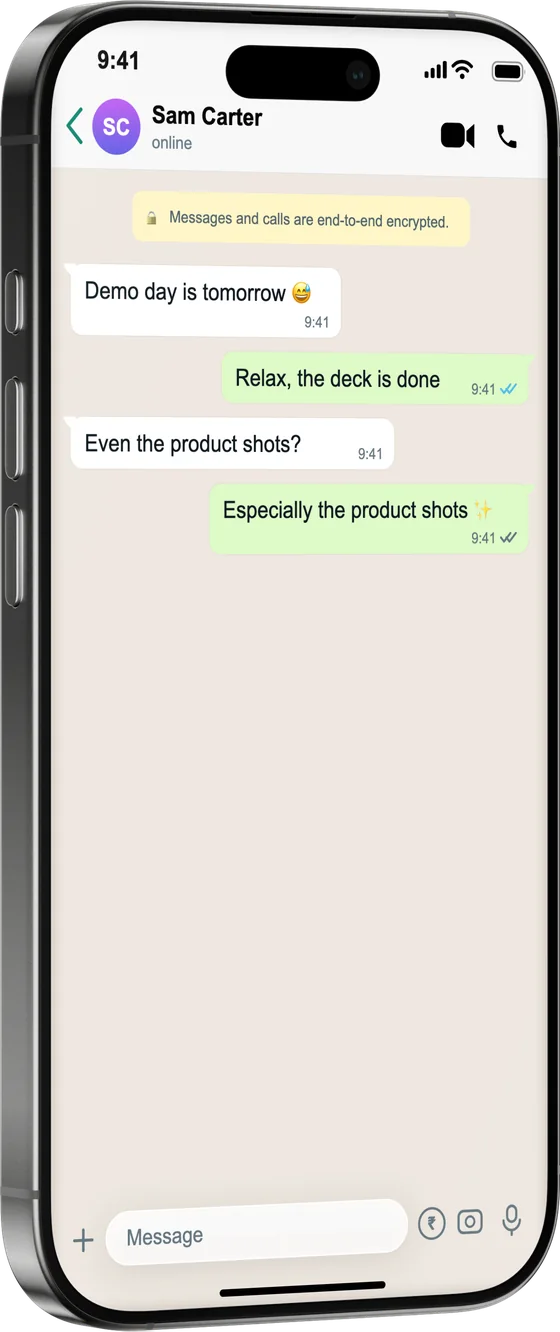 iPhone 16 ProBlack Titanium, leaning1206 × 2622
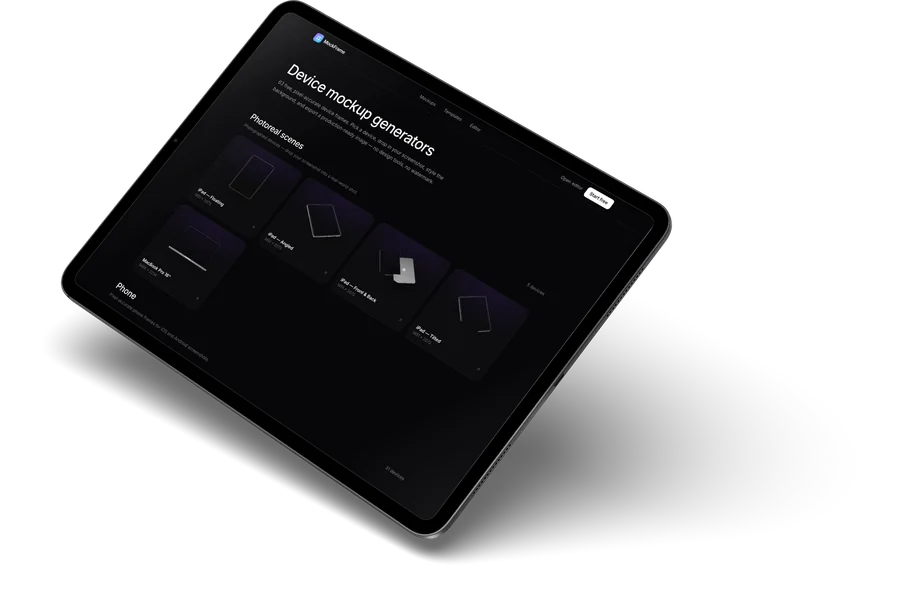 iPad ProSpace Black, angled2752 × 2064
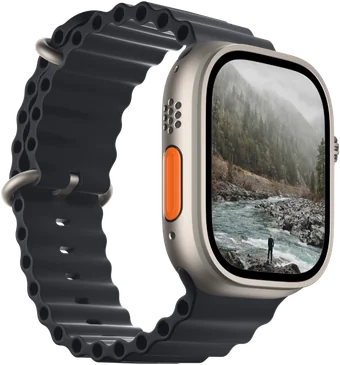 Apple Watch UltraMidnight Ocean, side410 × 502
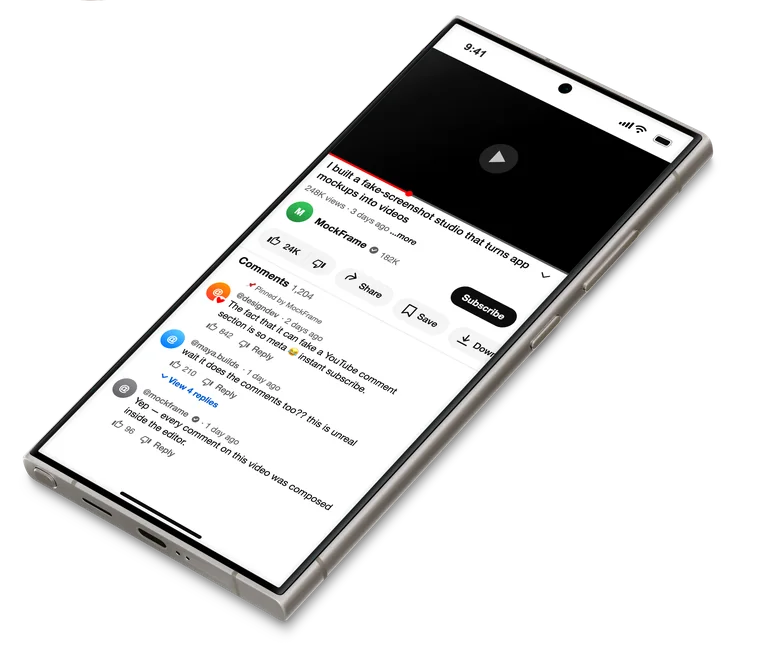 Galaxy S24 UltraTitanium Gray, lying flat1440 × 3120
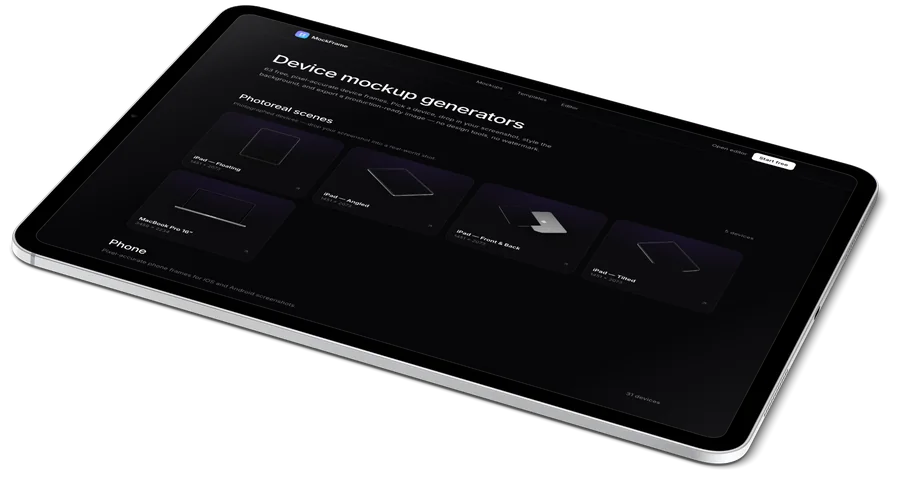 iPad ProSilver, flat2752 × 2064
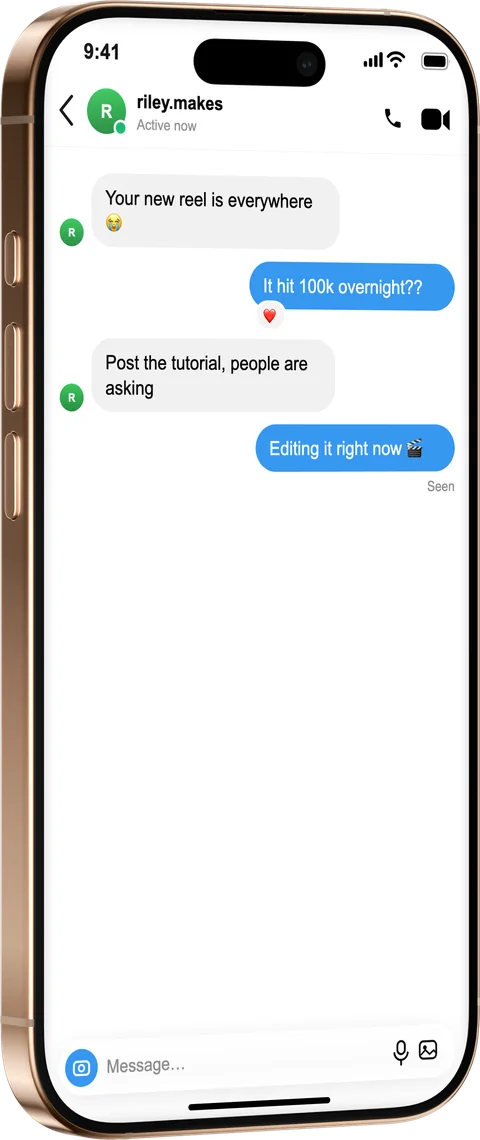 iPhone 16 ProDesert Titanium, leaning1206 × 2622
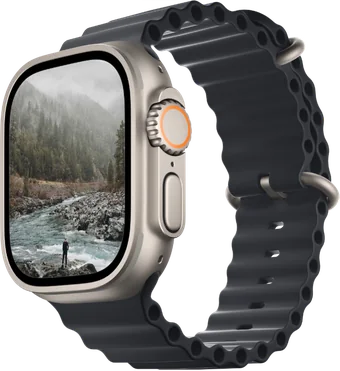 Apple Watch UltraMidnight Ocean, front410 × 502
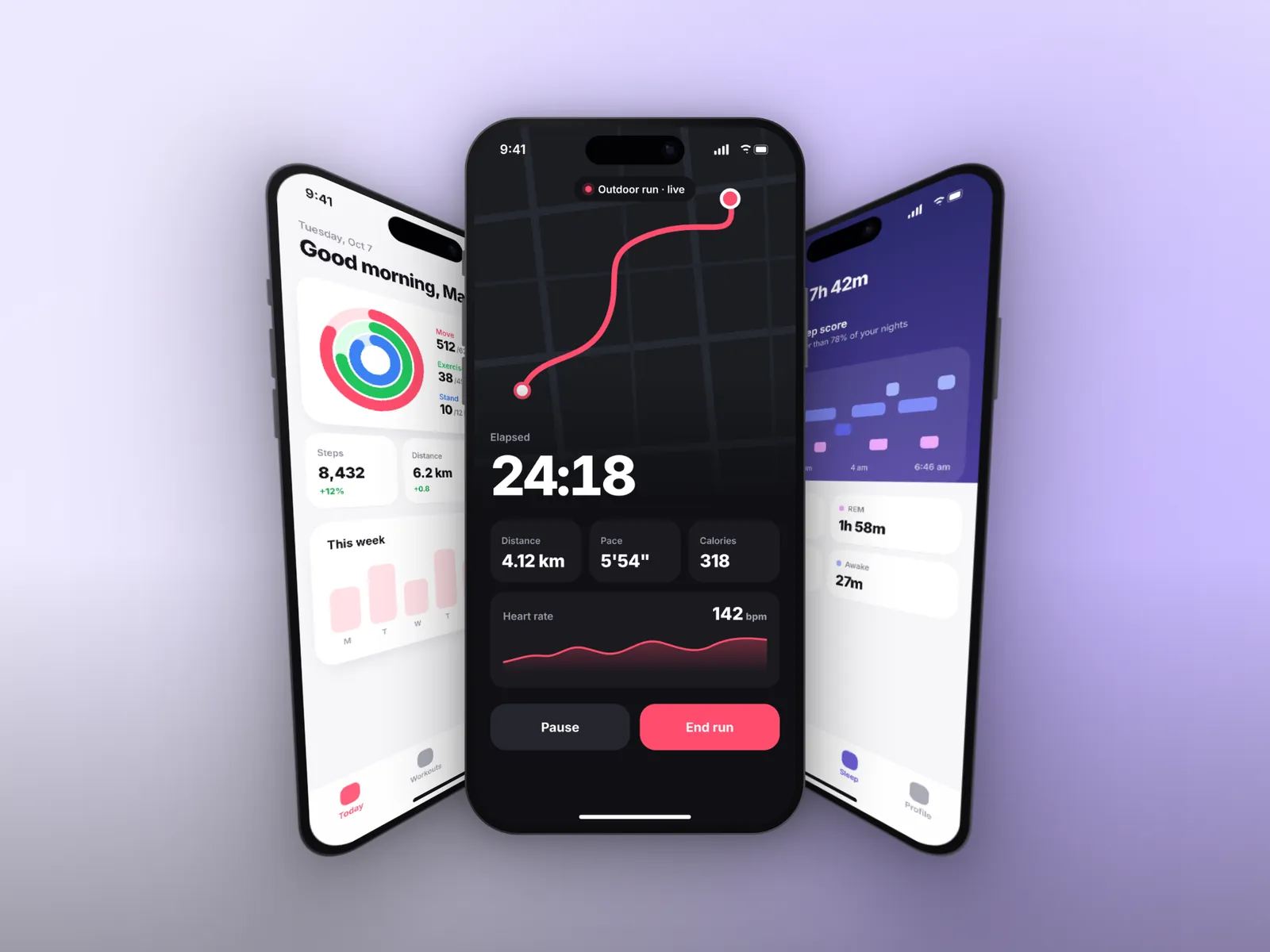
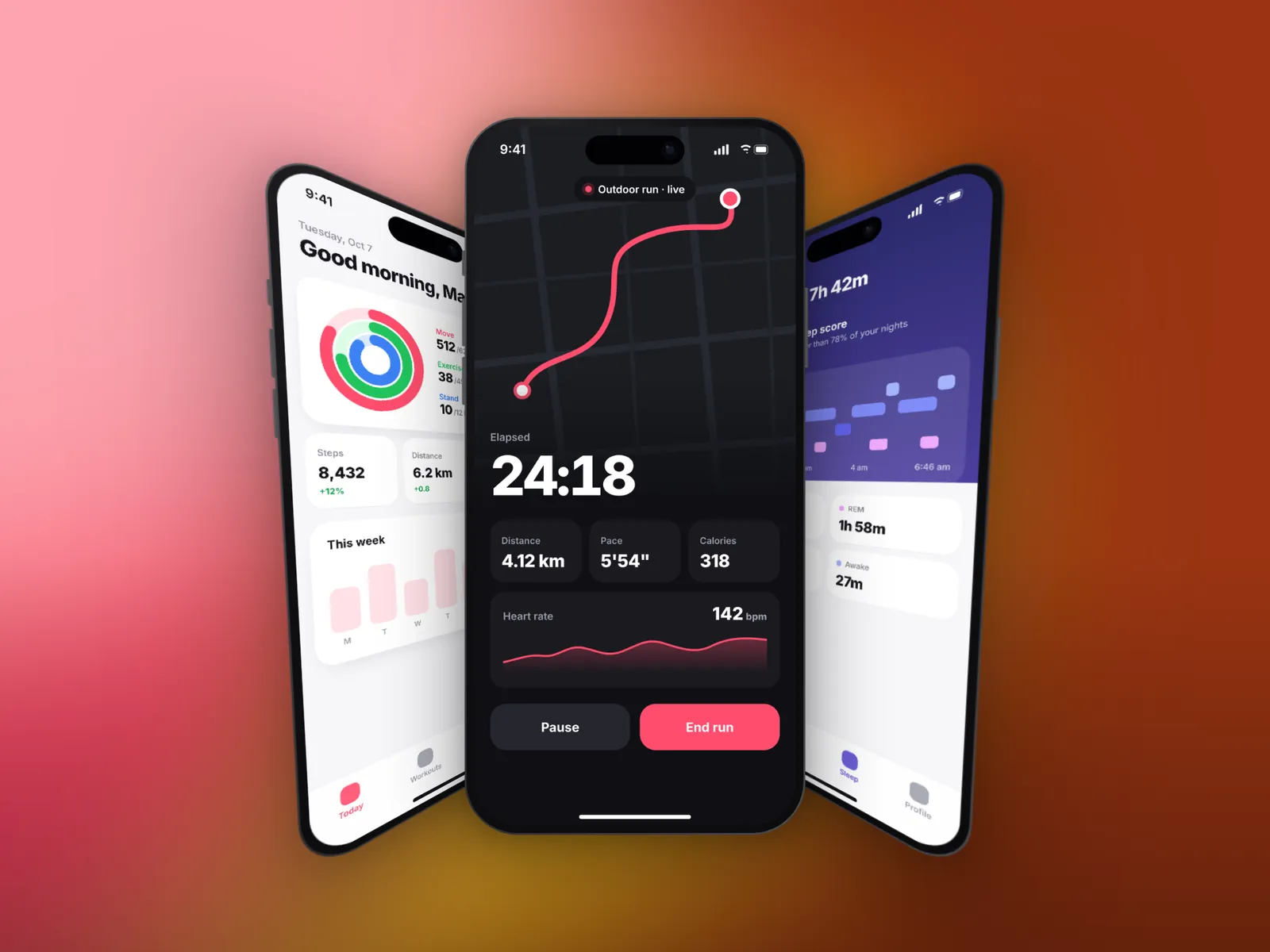
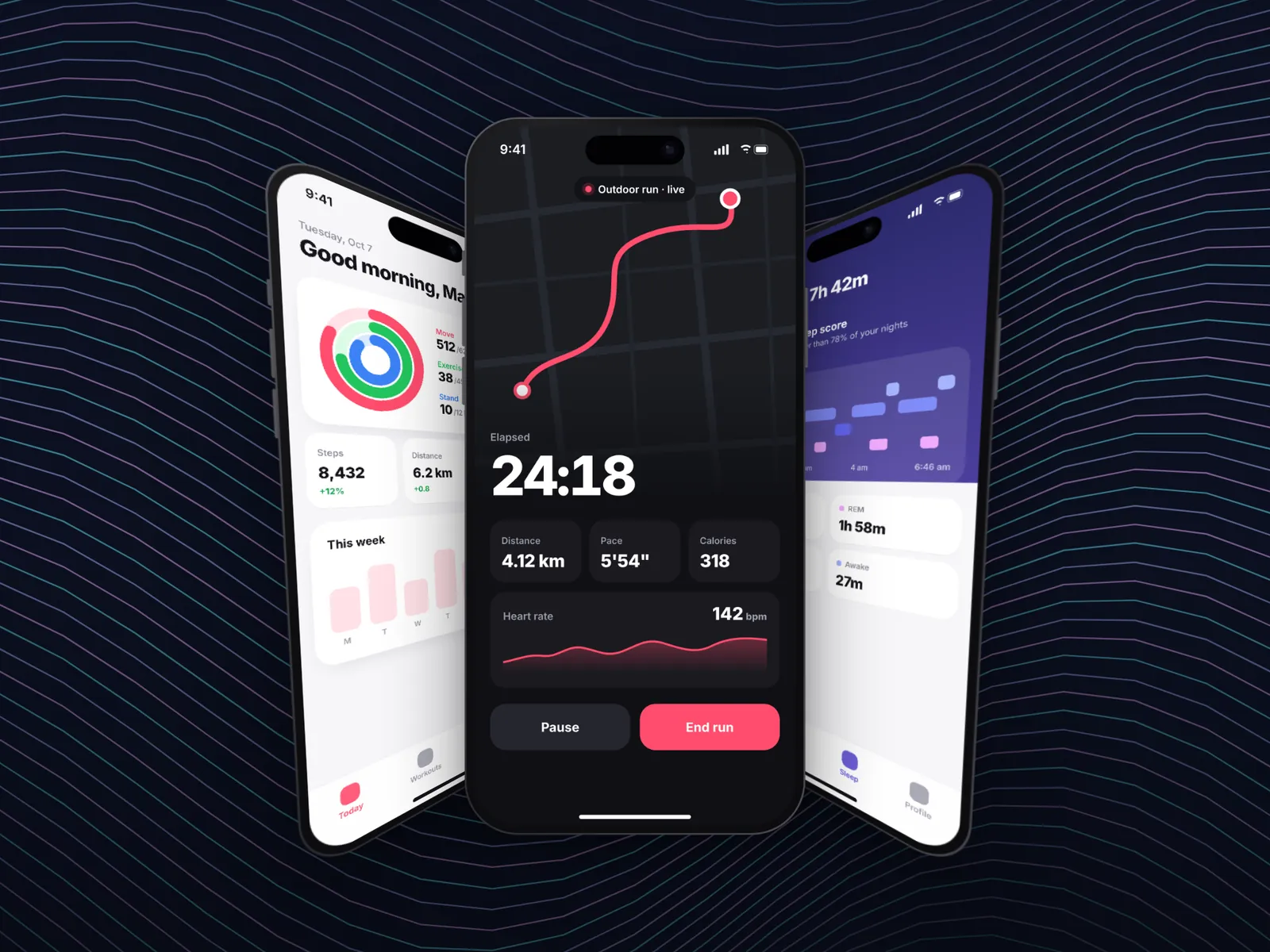
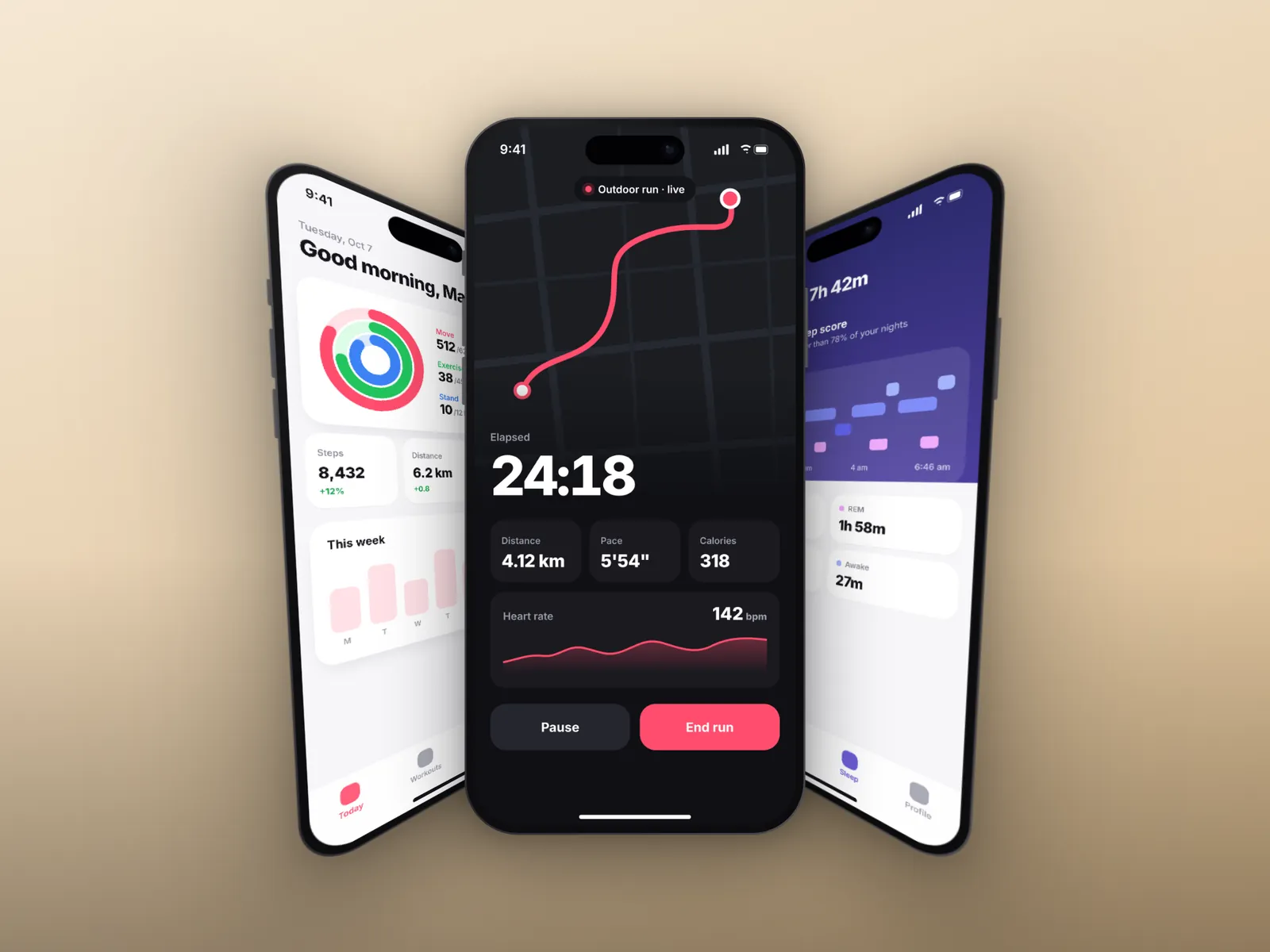
Change the mood in one click
194 backgrounds in 31 collections, 103 of them free. The phones, layout and shadows stay exactly where you put them.
Showcase layout, 1920 × 1440, exported from the editor.
Sized for wherever it's going
From a 9:16 story to a 3:1 X header, every size is one click. 29 presets or any custom size, exported as PNG, JPG or WebP. HD is free; 4K and 6K come with Pro.
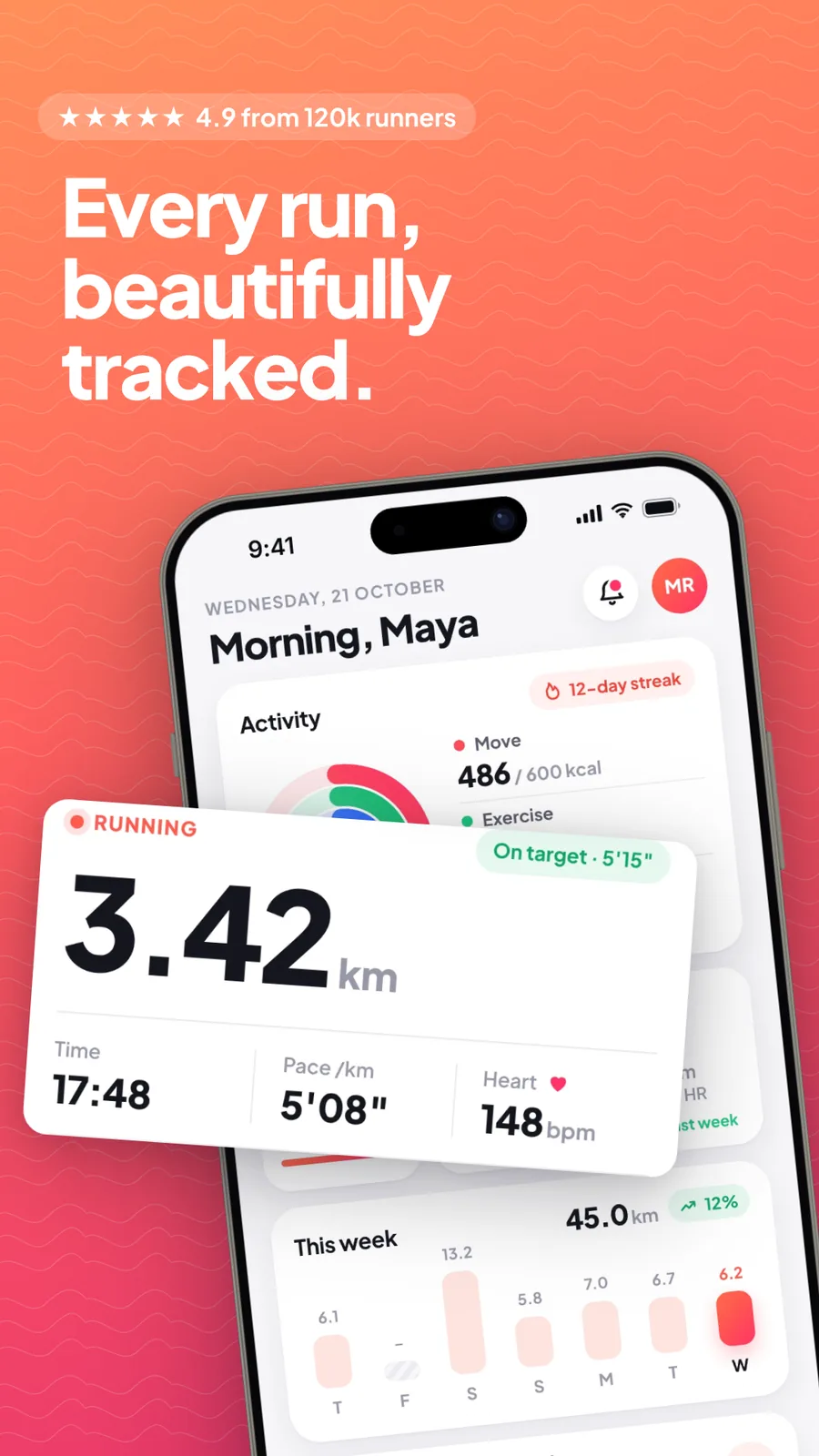
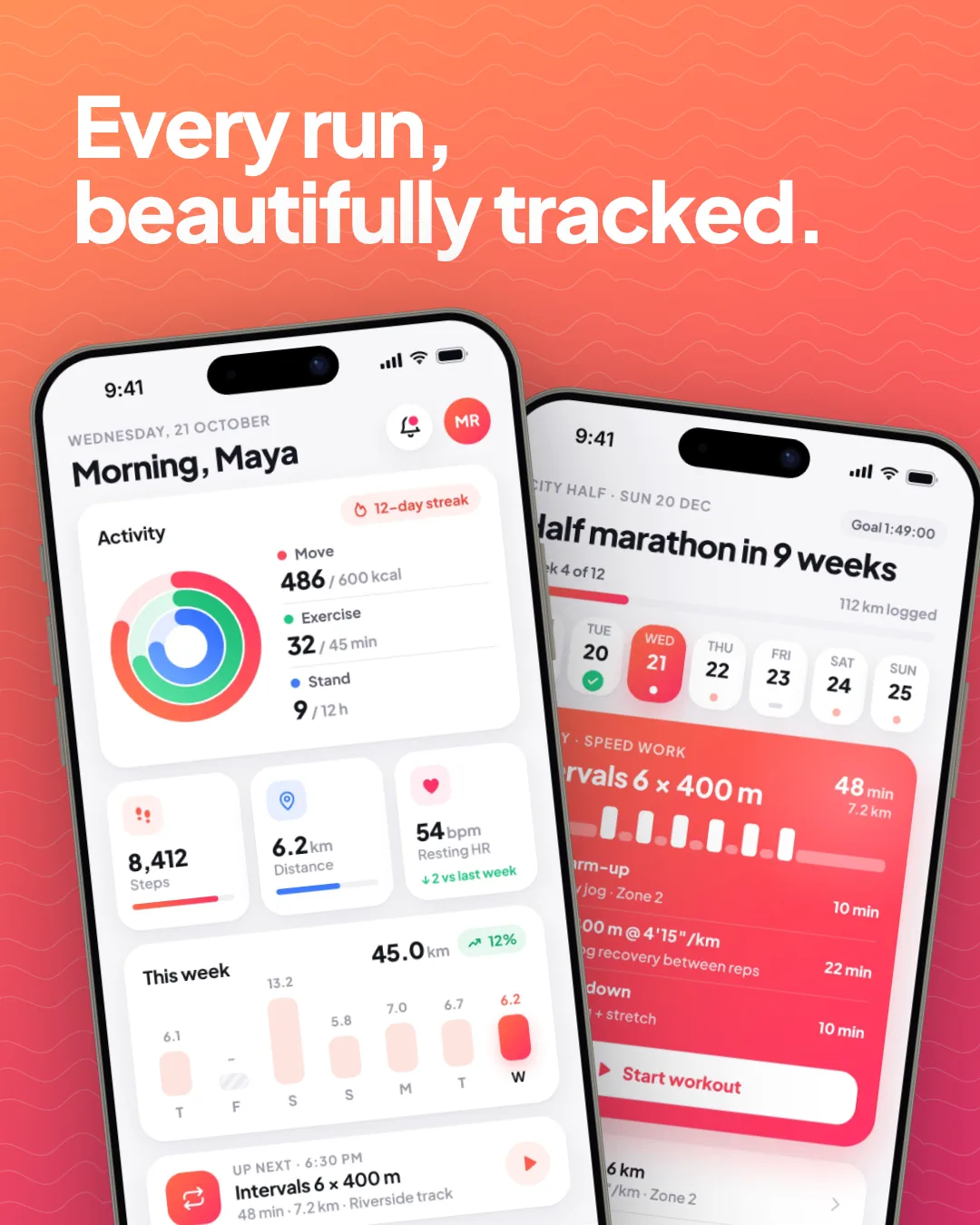
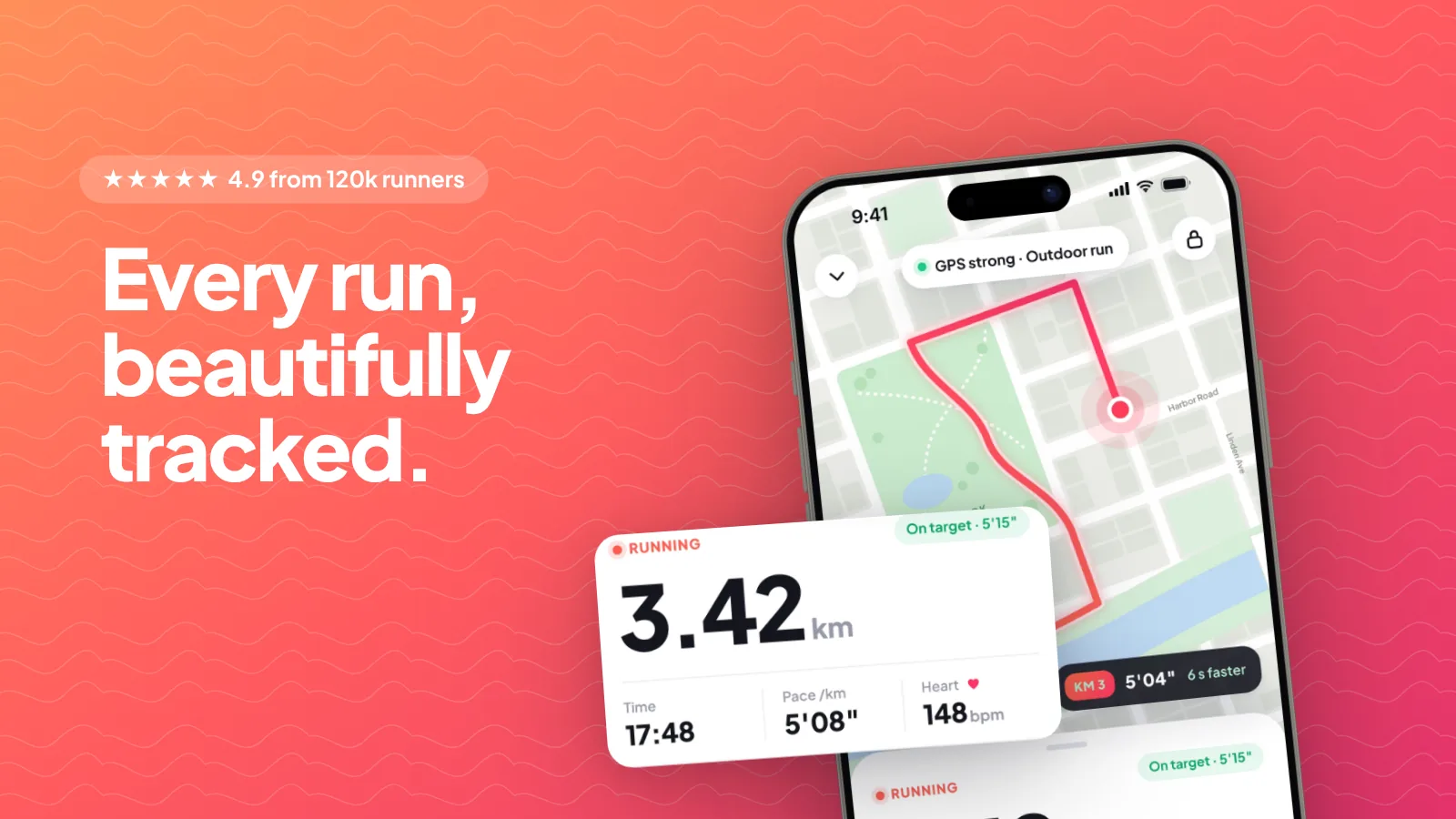
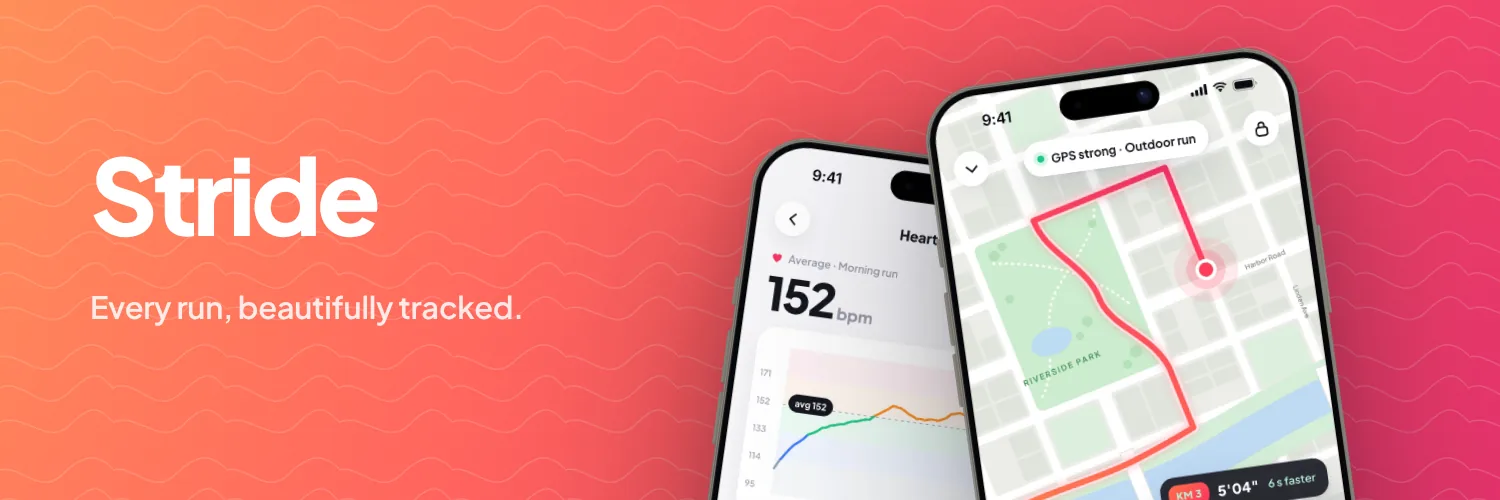
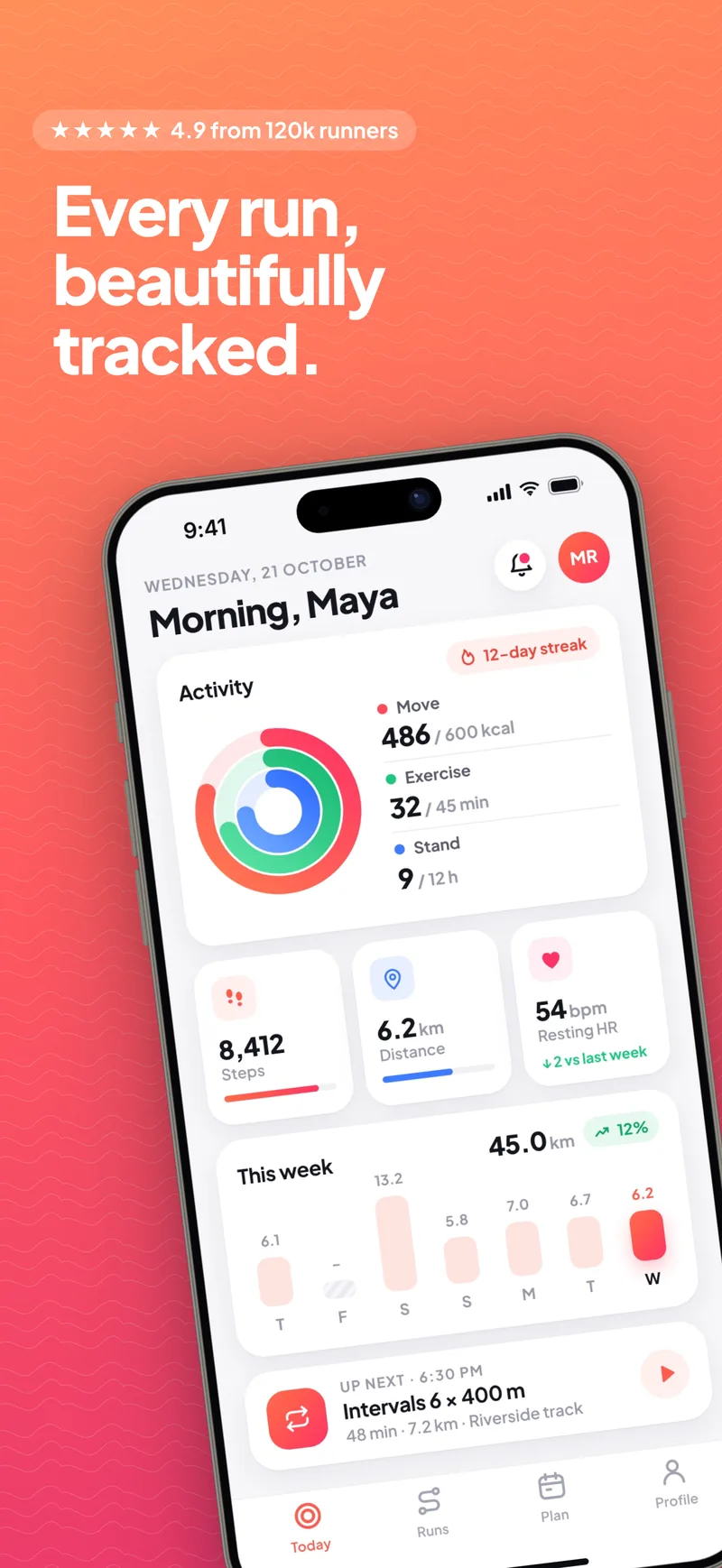
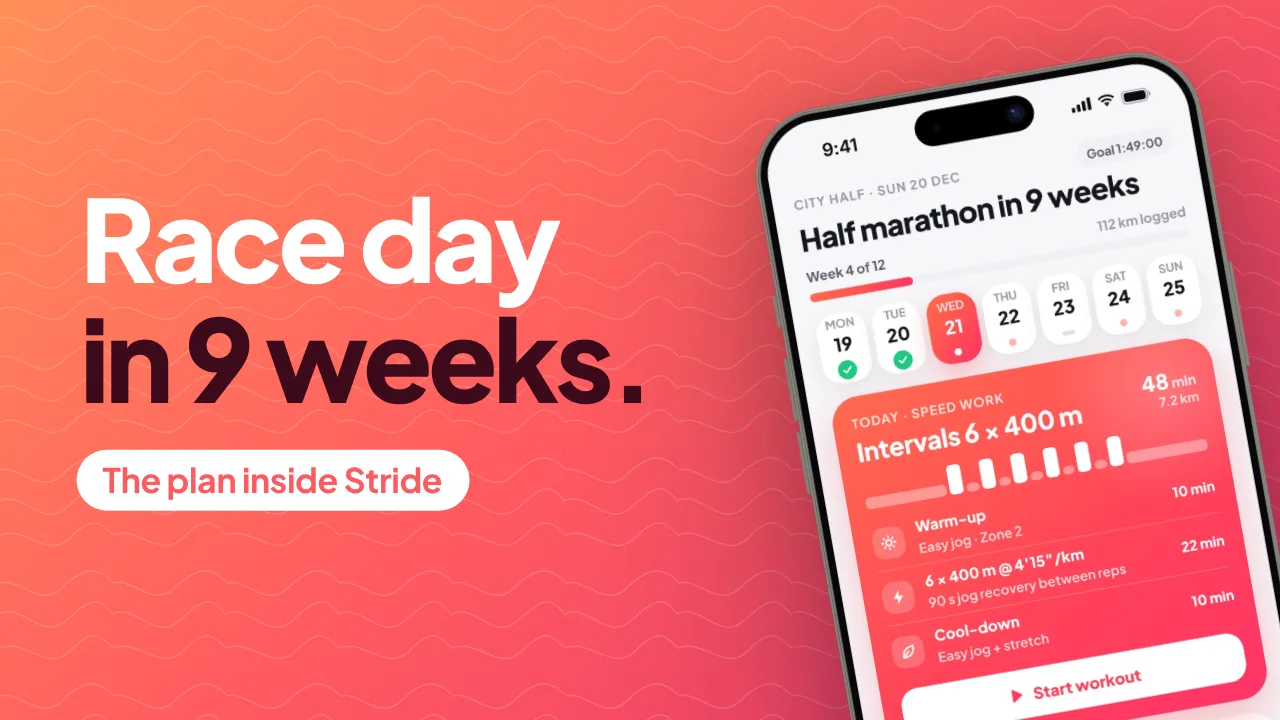
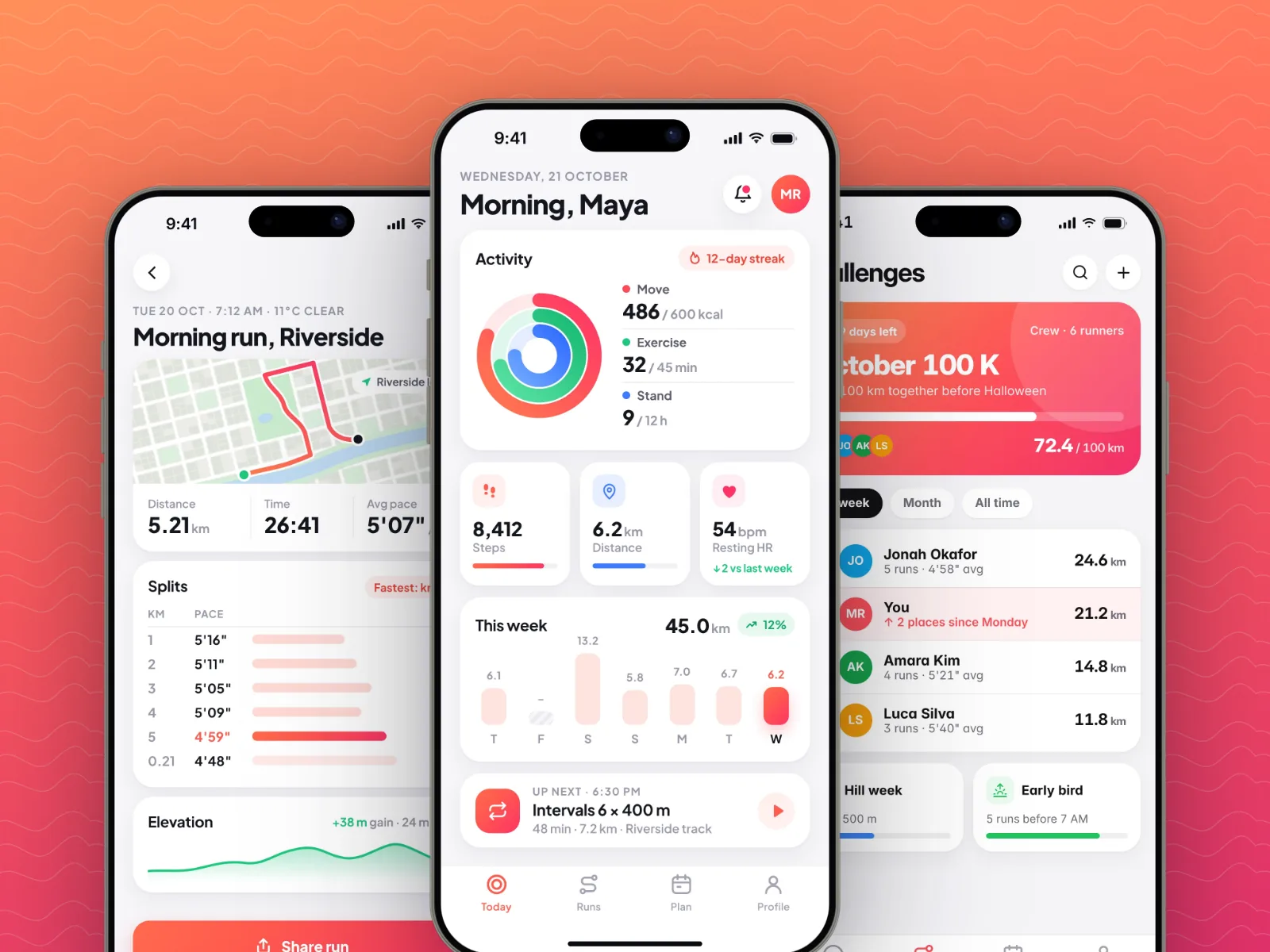
Instagram story, 1080 × 1920
More in the studio
- App Store screenshots
Drop 3 to 10 screenshots, pick a style, and download a submission-ready set for both stores.
- AI screenshot pack
Describe your app and get a complete store screenshot pack back.
- Launch kit
Every launch-day asset, designed, sized and written from one form. Your first kit is free.
- App promo video
A short animated ad built around one app screen, exported as MP4 for Reels and Stories.
- Text message video
A chat that plays message by message, with typing dots and sound, sized for vertical feeds.
- Website screenshots
Capture any page on desktop or mobile and place it in a browser window or device.
- Code screenshots
Syntax-highlighted code and diffs as clean cards, with your own background and ratio.
- Screen recorder
Record your screen and get smooth zooms wherever something happens, framed on a background.
Is it really free?
Yes. The full editor, every device frame and image export are free, and free exports carry a small “Made with MockFrame” badge. Pro removes it and adds video and GIF export, 4K and 6K output, the premium background collections and more chat screens.
Do I need an account?
No. Open the editor and start; your work is kept in your browser, so a reload doesn't lose anything. Sign in when you want drafts synced across devices.
Where do my screenshots go?
They stay in your browser. Images are processed on your device and only reach our servers when you use a cloud feature such as draft sync, share links or realistic renders.
What sizes and formats can I export?
Presets for Instagram, X, YouTube, Pinterest, Dribbble and the App Store, or any custom size. Files download as PNG, JPG or WebP. HD is free; 4K and 6K are on Pro.
Which devices are included?
104 frames: iPhone 15 to 17, Galaxy S24 and S25 Ultra, Pixel, OnePlus and Nothing phones, iPad Air, mini and Pro, MacBook Air and Pro, Apple Watch, and Safari, Chrome and Arc browser windows.
Can I make videos?
Yes. Chat stories and animated app promos export as MP4 for Reels, TikTok and Shorts. Video and GIF export are part of Pro.
Feedback
Something confusing, broken or missing?
Tell us. Your note goes straight to the people who build MockFrame, and every one gets read. Leave an email if you'd like a reply.
support@mockframe.appStart with the screenshot you already have.
Drop it into the editor and download your first mockup free, with no sign-up.
Start free