Design realistic iMessage mockups
Fake iMessage Generator
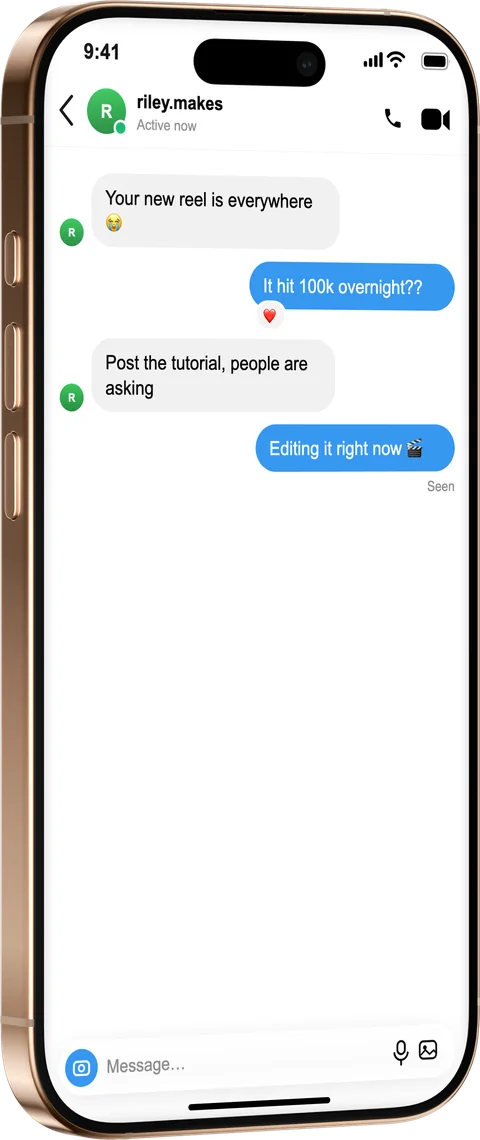
Create a realistic fake iMessage conversation for demos, ads and tutorials. Add both sides, toggle iMessage or SMS, show a typing indicator and read receipts, then export inside a photoreal iPhone.
How it works
From source to finished image
- 1
Write the texts
Add blue and grey bubbles, a date header and a typing indicator.
- 2
Match the iOS look
Switch between iMessage and SMS, set the contact, time and “Delivered / Read” status.
- 3
Frame and export
Place it in an iPhone, style the scene and export a share-ready image.
True-to-iOS styling
Bubble tails, delivery states and the status bar match the real Messages app.
Great for stories & ads
Export tall 9:16 versions for reels, ads and app-store previews.
Clearly a mockup
Add the free “fictional” label so recreated text threads aren’t mistaken for real ones.
What is a fake iMessage Generator?
The blue-and-grey iMessage look is instantly recognisable, which is exactly why it's used in ads, reels and product tutorials — and why you don't want to screenshot a real thread to get it. Write both sides of the conversation, toggle each message between blue iMessage bubbles and green SMS, and add the details that sell it: a date header, the “Delivered / Read” status and a typing indicator. Bubble tails and the status bar match the real Messages app, and you can export a tall 9:16 version for stories and app-store previews.
Frequently asked questions
Can I mix iMessage and SMS bubbles?
Yes. Toggle any message between blue iMessage bubbles and green SMS so the thread looks exactly like a real mixed conversation.
Can I show read receipts and a typing indicator?
Yes — add a “Delivered” or “Read” status under a message and drop in the three-dot typing indicator.
Can I make just one bubble instead of a whole thread?
Yes — use it as an iMessage bubble generator: add a single blue or grey bubble, frame it tight and export just that bubble for thumbnails, memes and explainers.
Can I export a tall version for reels?
Yes, export a 9:16 layout for stories, reels, ads and app-store previews, or any custom ratio.