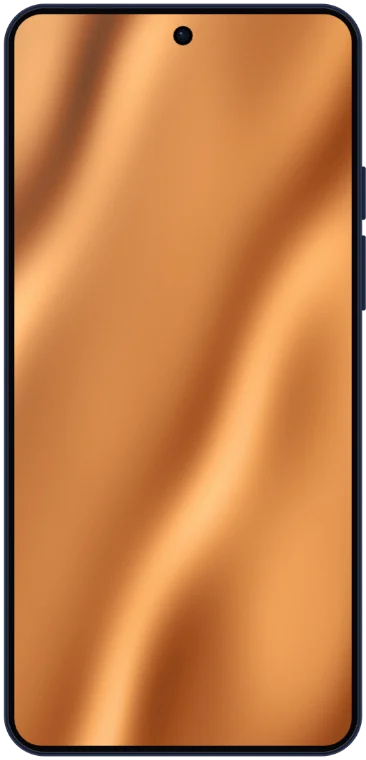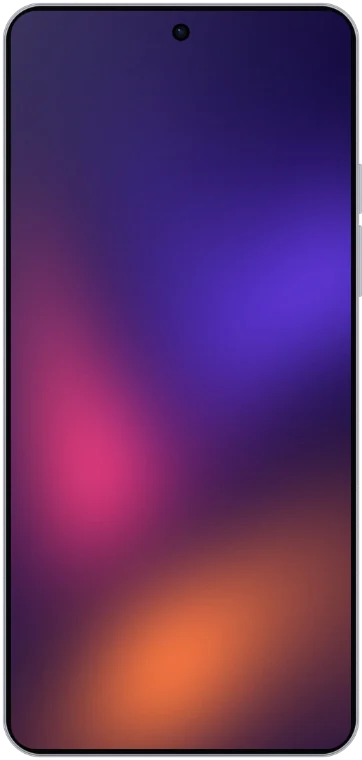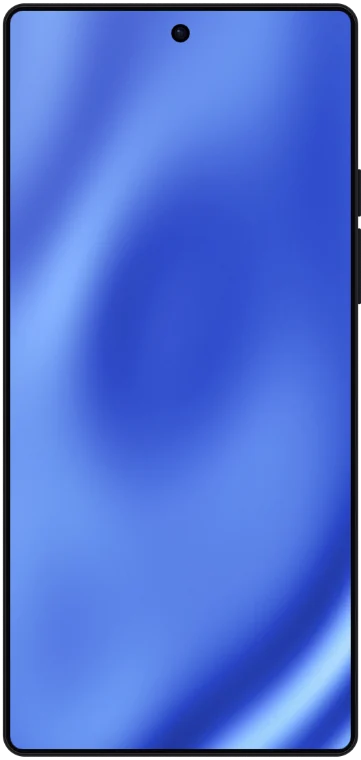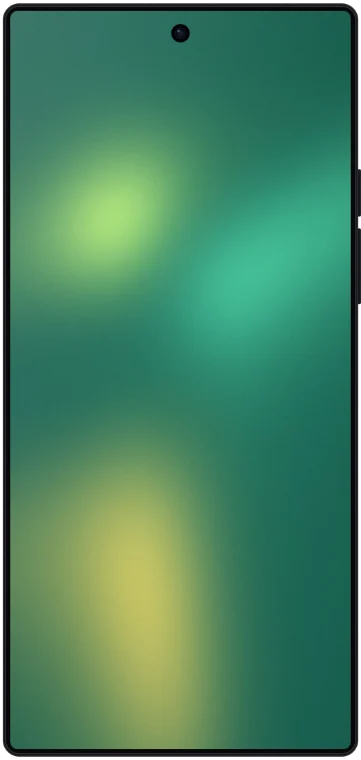
Galaxy S24 Ultra Mockup Generator
Drop your screenshot into a pixel-accurate Galaxy S24 Ultra frame, style the background, and export a PNG, JPEG or WebP for a Google Play listing, a launch post or a pitch deck. Free and online.
- Screen resolution
- 1440 × 3120 px
- Aspect ratio
- 6 : 13
- Orientation
- Portrait
How to make your Galaxy S24 Ultra mockup
Add your screenshot
Upload or paste your Galaxy S24 Ultra screenshot — it snaps into the display at the exact 1440×3120 resolution.
Style the scene
Pick a gradient, mesh, or solid background, add a shadow, and position the device however you like.
Export
Download a crisp, high-resolution PNG ready for the App Store, a landing page, or social.
Galaxy S24 Ultra specifications
- Screen resolution
- 1440 × 3120 px
- Aspect ratio
- 6 : 13
- Orientation
- Portrait
- Device type
- Phone
- Corner radius
- 34 px
- Brand
- Samsung
- Released
- January 2024
Galaxy S24 Ultra screenshots for Google Play
Galaxy S24 Ultra screenshots (1440 × 3120) are taller than the 2:1 that Google Play allows, so upload them inside a mockup on a 9:16 canvas such as 1080 × 1920 rather than as they are.
Google Play needs at least two screenshots and takes up to eight. To be eligible for promotion, apps need at least four of 1080 pixels or more.
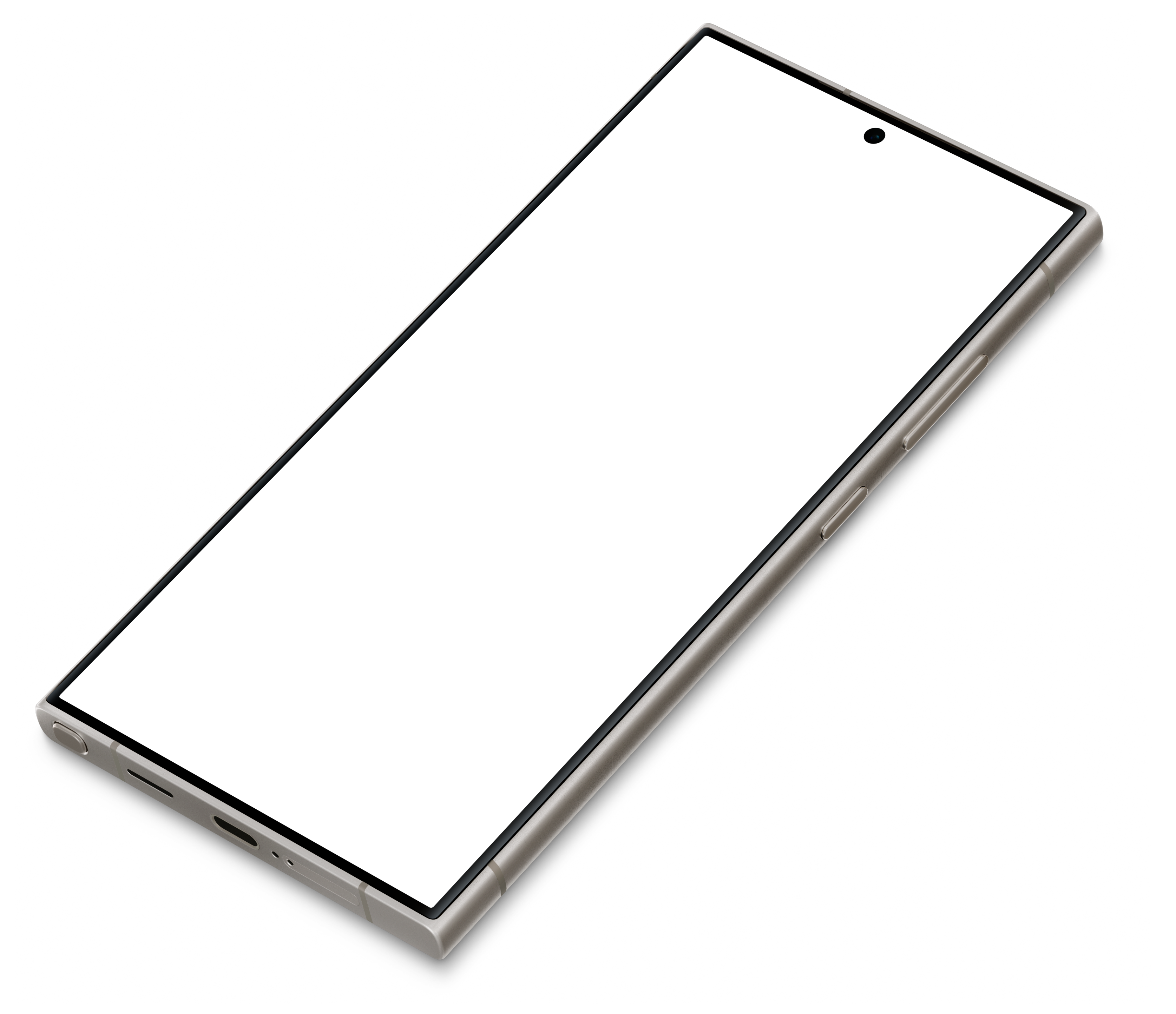
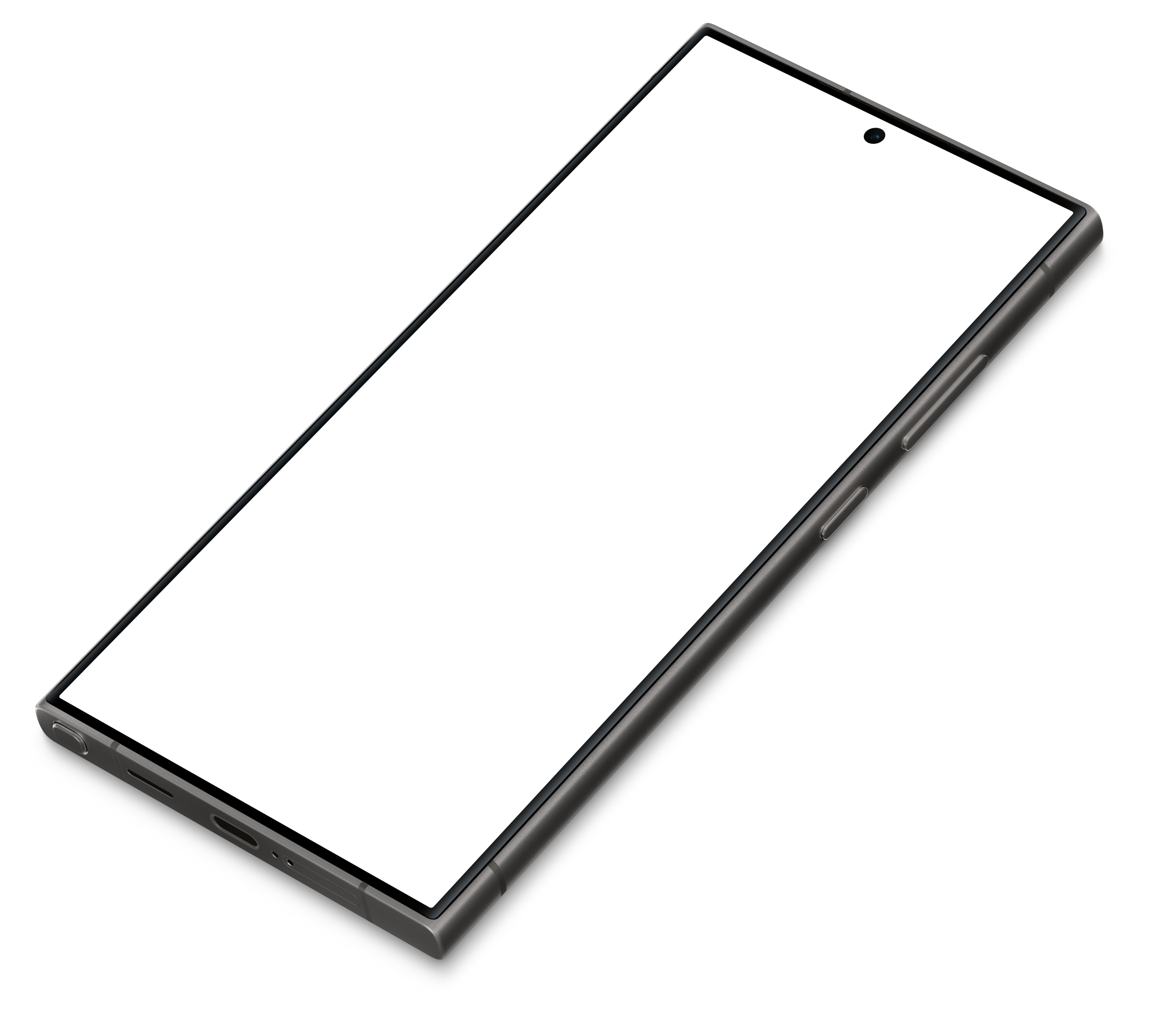
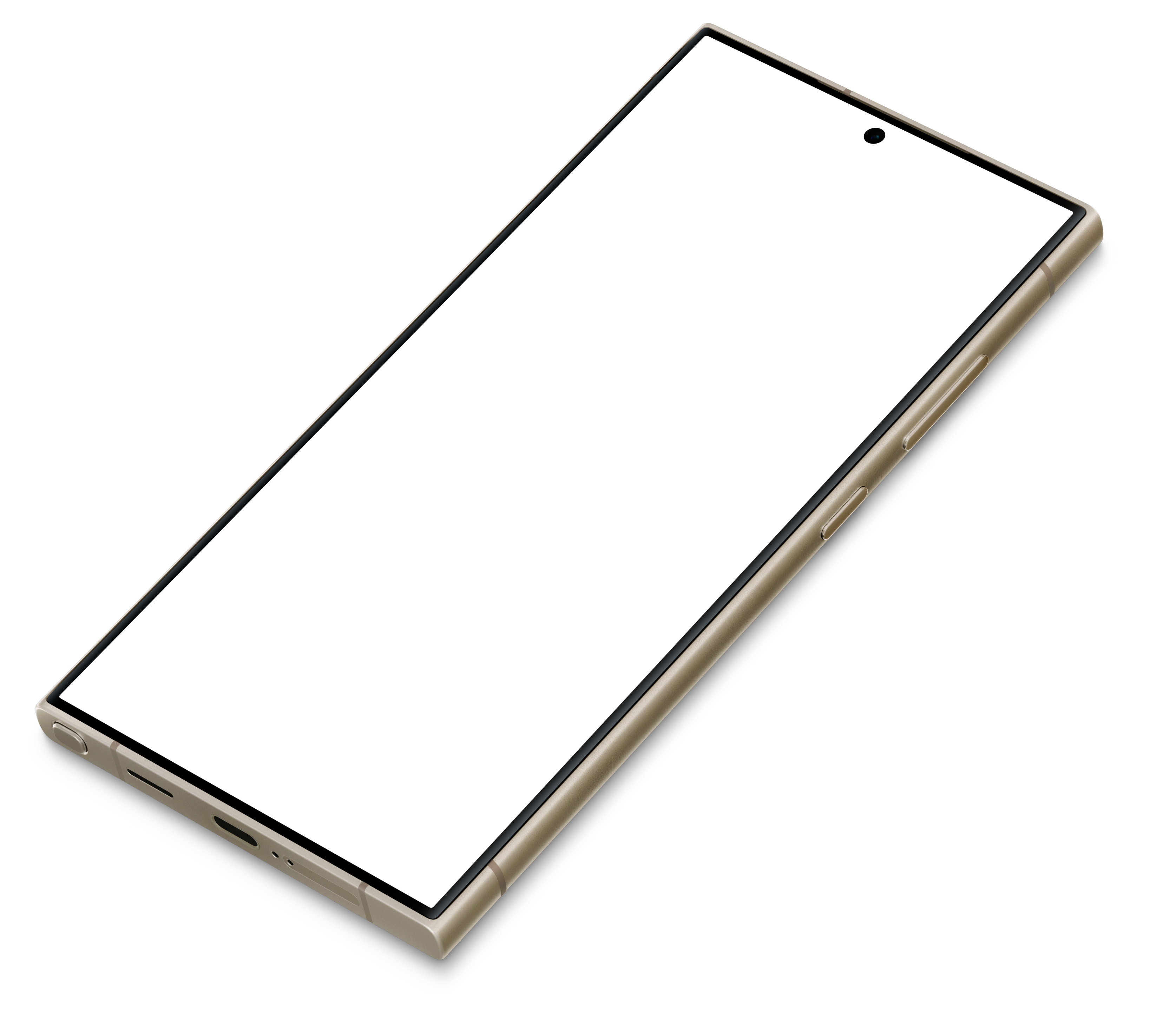
Photoreal Galaxy S24 Ultra scenes (3)
Prefer a photographed device to a flat frame? Each scene below is calibrated to its screen — open one and your screenshot is warped onto the display with real lighting.
Galaxy S24 Ultra mockup FAQ
- Is the Galaxy S24 Ultra mockup generator free?
- Yes. The Galaxy S24 Ultra mockup and the full editor are free, with a small “Made with MockFrame” badge on exports, and you can export images up to 3× resolution for personal use. Pro adds 6K export, video and GIF export, and a commercial license.
- What screenshot size fits the Galaxy S24 Ultra mockup?
- 1440 × 3120 pixels (6 : 13), the Galaxy S24 Ultra's native display resolution. A screenshot at that size fills the screen pixel for pixel; other sizes still work and are scaled to the display.
- Which Galaxy S24 Ultra versions can I use?
- The frame comes in 3 versions: Titanium Black, Titanium Gray, Titanium Violet. Switch between them in the editor's Device section.
- Are there photorealistic Galaxy S24 Ultra mockups?
- Yes — 3 photographed Galaxy S24 Ultra scenes are listed on this page. Each one is calibrated to the screen, so your screenshot is warped onto the display with the photo's lighting.
- Can I use the Galaxy S24 Ultra mockup for App Store screenshots?
- Yes. For a single image, export from the editor at the size you need; for a full listing, the App Store screenshot generator exports every required App Store and Google Play size from one design. Your first full pack is free and can be used for one real store release; more packs need the Pro license.
- Can I use the mockups commercially?
- The free plan is for personal use, plus one store screenshot pack for a real release. Pro includes a commercial license for client work, ads, app store listings and products you sell.