Design realistic Messenger mockups
Fake Messenger Chat Generator
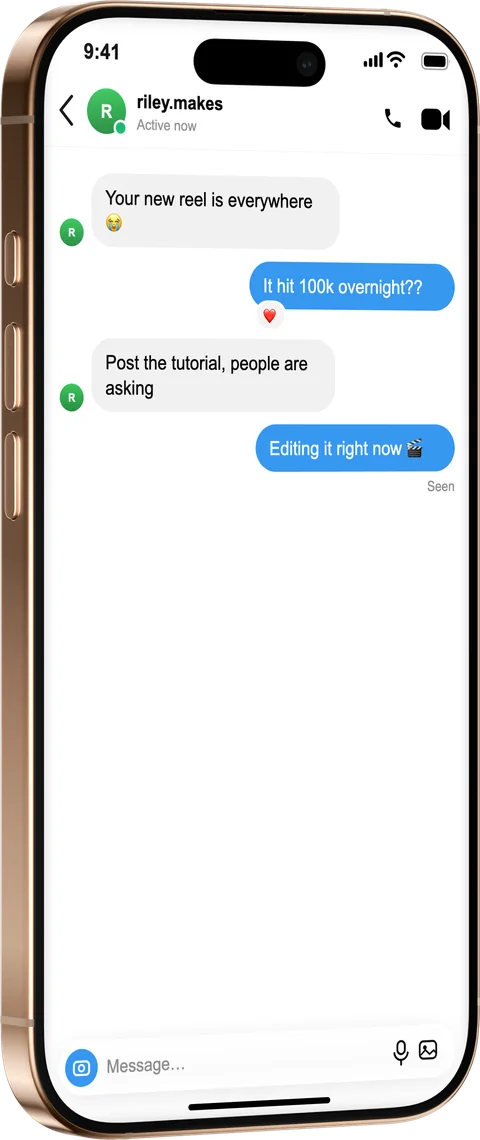
Mock up a Facebook Messenger conversation for demos, ads and UI design. Set the contact, presence and reactions, then export the chat inside a photoreal iPhone — free and without sign-up.
How it works
From source to finished image
- 1
Write the messages
Add bubbles from both people, with emoji reactions.
- 2
Match the Messenger look
Set the contact name, verified badge and “Active” presence.
- 3
Frame and export
Place it in a device, style the background and export a finished image.
Authentic Messenger styling
Rounded bubbles, presence and reactions mirror the real app.
For marketing & design
Show a support flow, a campaign concept or a UI idea cleanly.
Honest recreations
Add the free “fictional” disclosure label so mockups aren’t mistaken for real chats.
What is a fake Messenger Chat Generator?
Facebook Messenger's rounded bubbles and presence dot are their own recognisable look, useful for support-flow demos, campaign concepts and UI ideas. Whether you need a single fake Facebook message or a whole Messenger thread, write both sides of the conversation, set the contact name and verified badge, show an “Active” presence and add emoji reactions to bubbles, then export the chat inside a photoreal iPhone. Everything mirrors the real Messenger layout so the mockup reads cleanly in an ad or a design review, and it's free with no sign-up.
Frequently asked questions
Can I show an “Active” presence and a verified badge?
Yes. Set the contact name, toggle the verified badge and show the green “Active” presence dot in the header.
Can I add reactions to messages?
Yes — attach an emoji reaction to any bubble, matching the real Messenger layout.
Can I use it for ads and campaigns?
Yes, export a clean finished image for ads, campaign concepts and design reviews, with an optional “fictional” label for transparency.