Paste a post URL
X Post Screenshot Generator
Import an X post, adjust its readable width and text scale, then present it as a clean standalone card or inside a device mockup.
How it works
From source to finished image
- 1
Paste the post
Import author, content, media and engagement details from its URL.
- 2
Choose the layout
Control post width, text size, metrics, media and standalone mode.
- 3
Style the scene
Apply a theme, background, device and target social aspect ratio.
Readable story exports
Increase text size and shorten line length for 9:16 sharing.
Media grids
Present posts containing one to four attached images.
Standalone or device
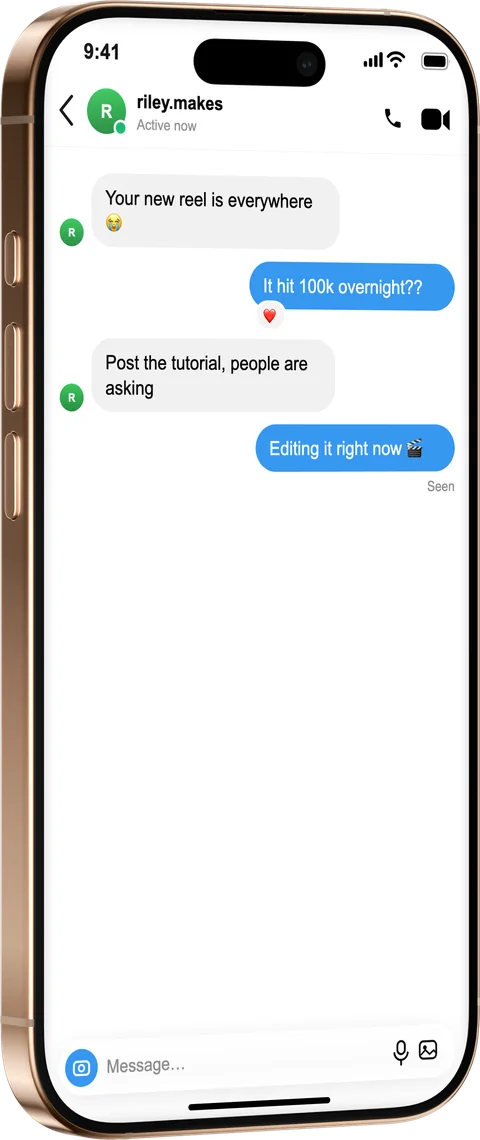
Export the post card alone or place it inside a phone.
What is a X Post Screenshot Generator?
Native X screenshots crop awkwardly and shrink to nothing in a vertical story. Paste a post URL and MockFrame imports the author, text, attached media and engagement counts into an editable card, then lets you scale the text and shorten the line length rather than squashing the whole thing. Present it as a clean standalone card or place it inside a phone — either way you control the width, the visible metrics and the target aspect ratio before exporting.
Frequently asked questions
Do I need X (Twitter) API access?
No. Paste the public post URL and MockFrame imports the content for you — no developer account or API key required.
Can I include the images attached to a post?
Yes, posts with one to four attached images render as a proper media grid inside the card.
How do I make a post readable in a vertical story?
Increase the text size and reduce the card width instead of scaling the whole card down — the text reflows so it stays legible at 9:16.