Capture any public URL
Website Screenshot Generator
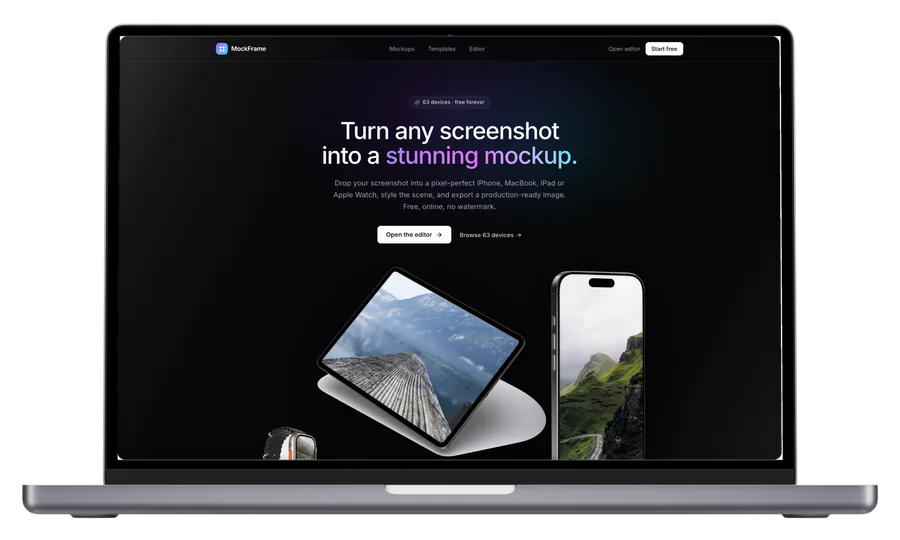
Capture desktop or mobile pages, wait for lazy-loaded images, place the result in a browser or device, and export it at social-ready sizes.
How it works
From source to finished image
- 1
Paste a URL
Choose desktop or mobile and whether to capture the full page.
- 2
Let the page settle
MockFrame scrolls lazy pages and waits for images before capture.
- 3
Frame and export
Use a browser, phone, tablet or laptop and export the finished scene.
Lazy-load support
Capture images and sections that normally appear only after scrolling.
Public-target protection
Private network addresses and unsafe redirects are rejected server-side.
Real device output
Move from a raw page capture to a believable marketing mockup in one workflow.
What is a Website Screenshot Generator?
A raw browser screenshot rarely looks like something you can put on a landing page or in a pitch deck. MockFrame captures the live page for you — scrolling through lazy sections so nothing renders half-loaded — and then hands you the same editor used for device mockups, so you can drop the capture into a browser window, laptop or phone, add a backdrop, and export at the exact ratio each platform wants. The capture runs server-side against public HTTPS URLs, with private-network and unsafe-redirect targets rejected before anything is fetched.
Frequently asked questions
Can it capture content that only loads while scrolling?
Yes. The capture pass scrolls the full document and waits for images before rendering, so lazy-loaded sections and below-the-fold content appear in the result.
Does it work on pages behind a login?
No — captures run against public HTTPS URLs only. For a private or authenticated page, take a normal browser screenshot and drop that image into the editor to frame it.
What sizes can I export at?
Any social-ready ratio (landscape, square, story) plus custom canvases. 4K and 6K output are available on Pro.