Design realistic Telegram mockups
Fake Telegram Chat Generator
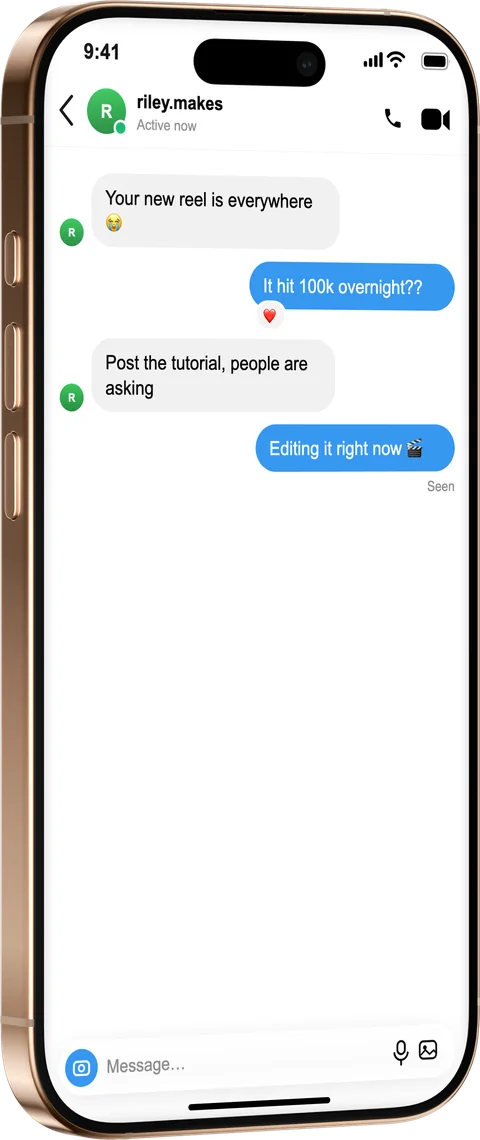
Generate a realistic Telegram chat mockup for demos, docs and design. Write the conversation, set the contact, presence, wallpaper and ticks, and export it inside a photoreal iPhone or Android frame.
How it works
From source to finished image
- 1
Write the conversation
Add messages from both sides, with replies and attachments.
- 2
Match the Telegram look
Set the contact, “last seen” status, wallpaper and delivery ticks.
- 3
Frame and export
Place it in a device, style the scene and export at any size.
Accurate Telegram styling
Bubbles, ticks and wallpapers match the real app for believable demos.
For product & support docs
Show a feature or a bot flow without exposing a real conversation.
Transparent mockups
Add the free “fictional” label to recreated chats in one tap.
What is a fake Telegram Chat Generator?
Telegram is where a lot of product support, bot flows and community features live, so it's a common thing to document — without exposing a real chat. Write the conversation, set the contact and “last seen” status, choose the wallpaper behind the bubbles and the delivery ticks, then export inside a photoreal iPhone or Android frame at any size. The bubbles, ticks and wallpapers match the real app, which is what makes a bot walkthrough or feature demo believable in a doc or a store screenshot.
Frequently asked questions
Can I export inside an iPhone or Android frame?
Both. Drop the Telegram screen into a photoreal iPhone or an Android device frame and export at any size.
Can I set the “last seen” status and delivery ticks?
Yes — set the contact's presence line and the single or double ticks on sent messages.
Can I change the chat wallpaper?
Yes, pick the wallpaper behind the bubbles to match Telegram's light or dark themes.