iPad mockup templates
Calibrated iPad Pro scenes, photographed flat and at an angle in Silver and Space Black. Each one takes a 2752 × 2064 landscape screenshot, the 13-inch iPad Pro's display resolution, and warps it onto the screen with the photo's lighting.
For a drawn frame, the iPad Pro 13-inch and 11-inch, iPad Air and iPad mini each have a mockup page below with their native resolution, and the 13-inch iPad Pro also comes in landscape.
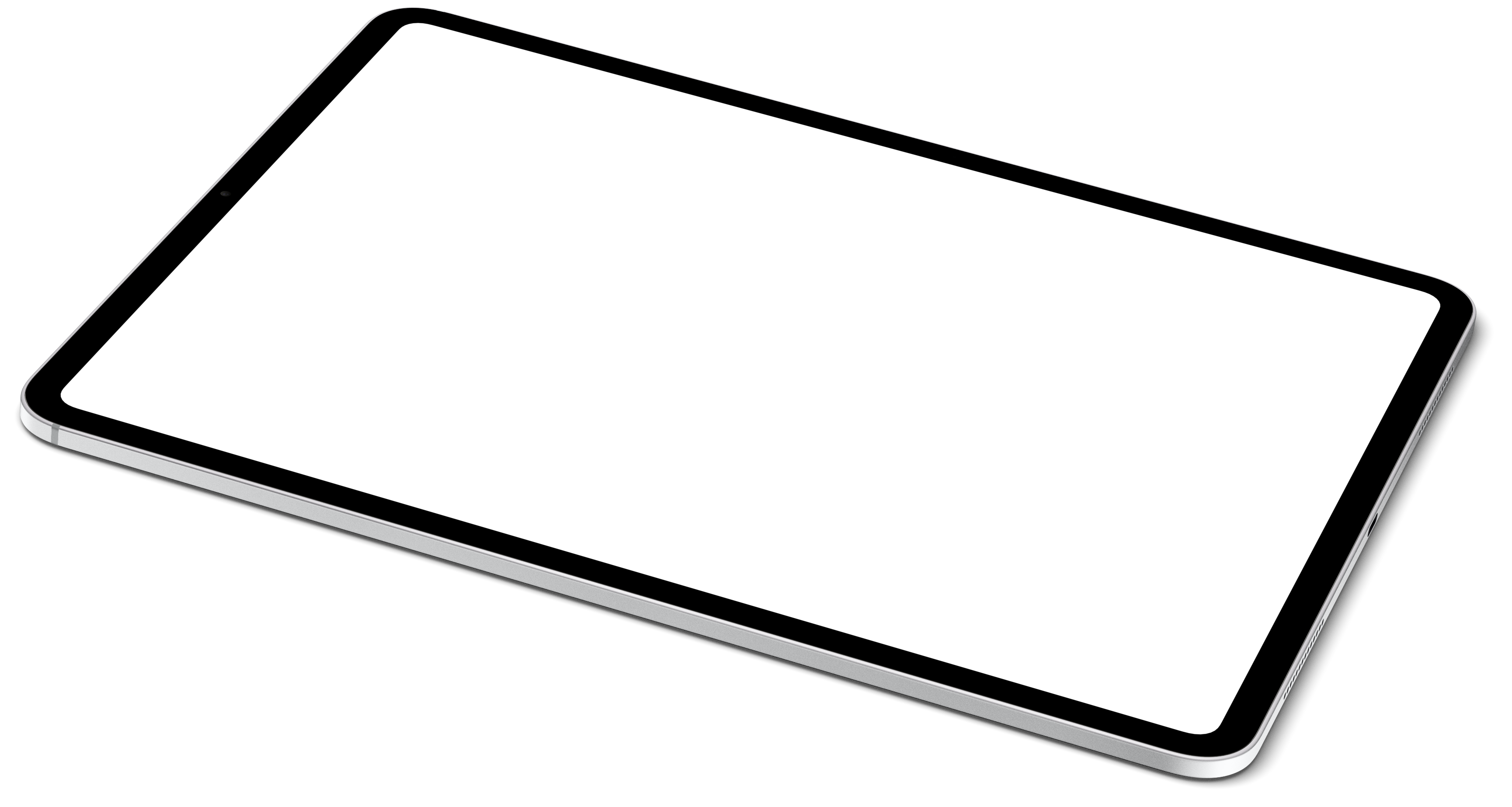
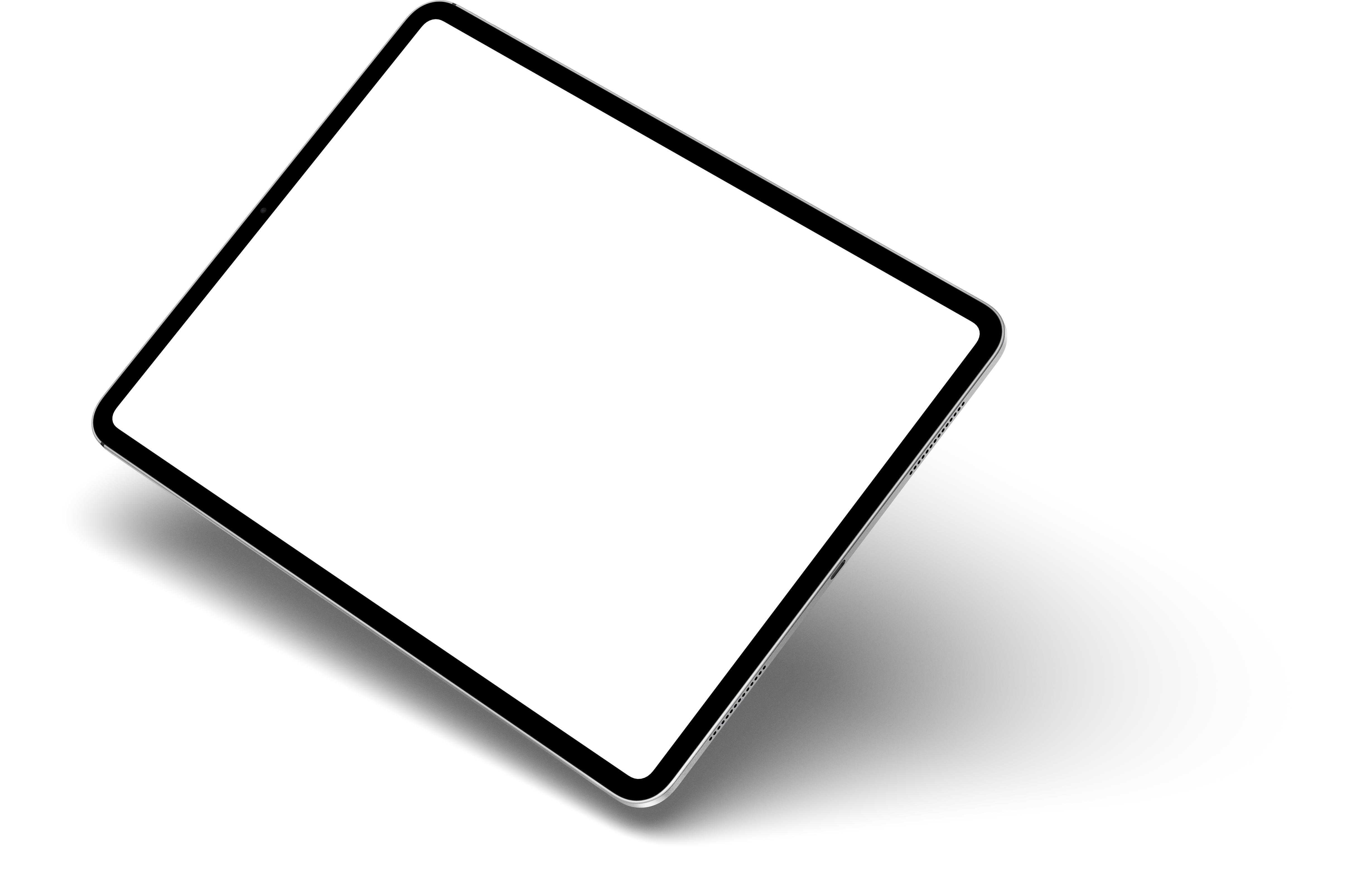
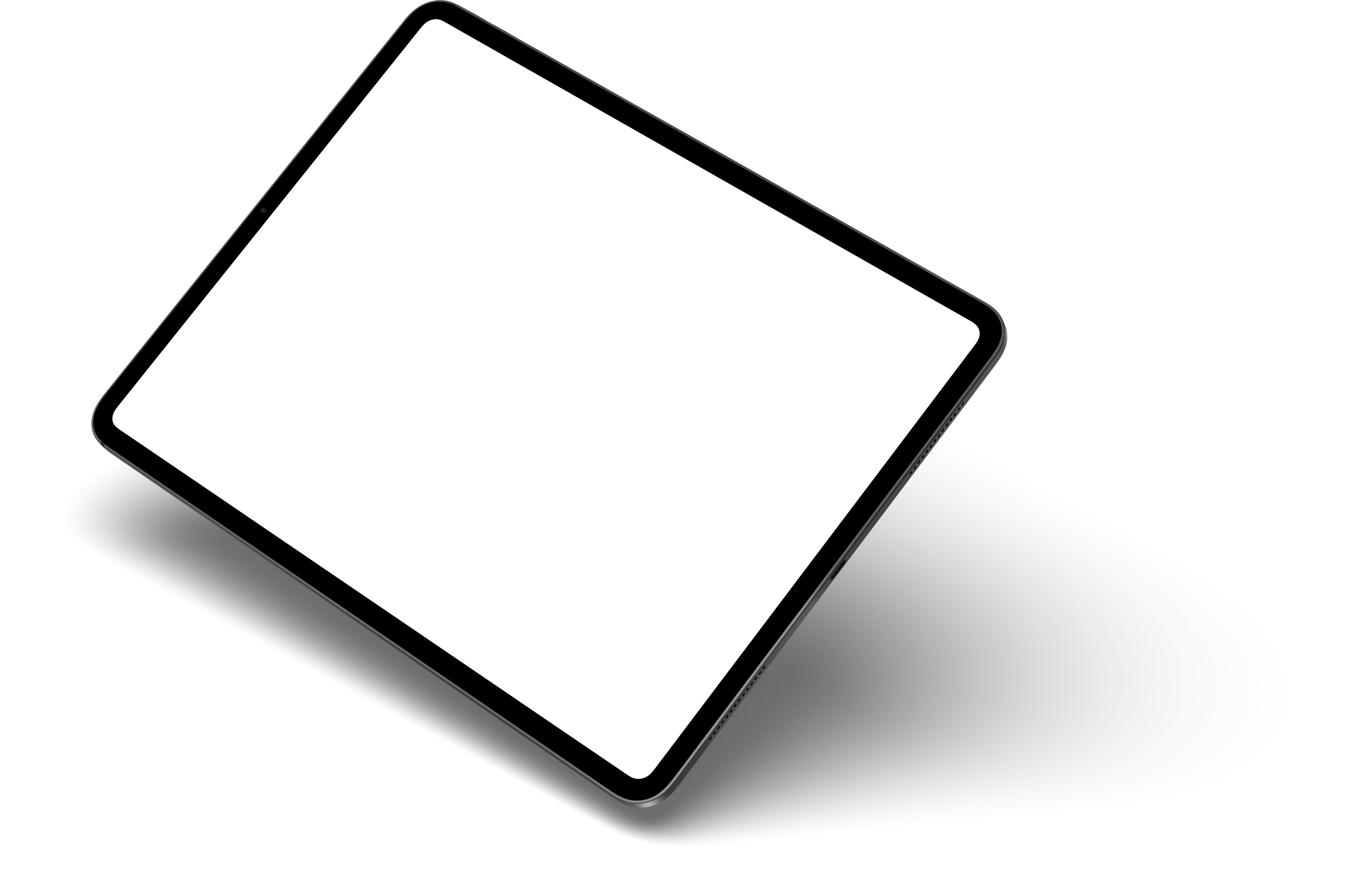
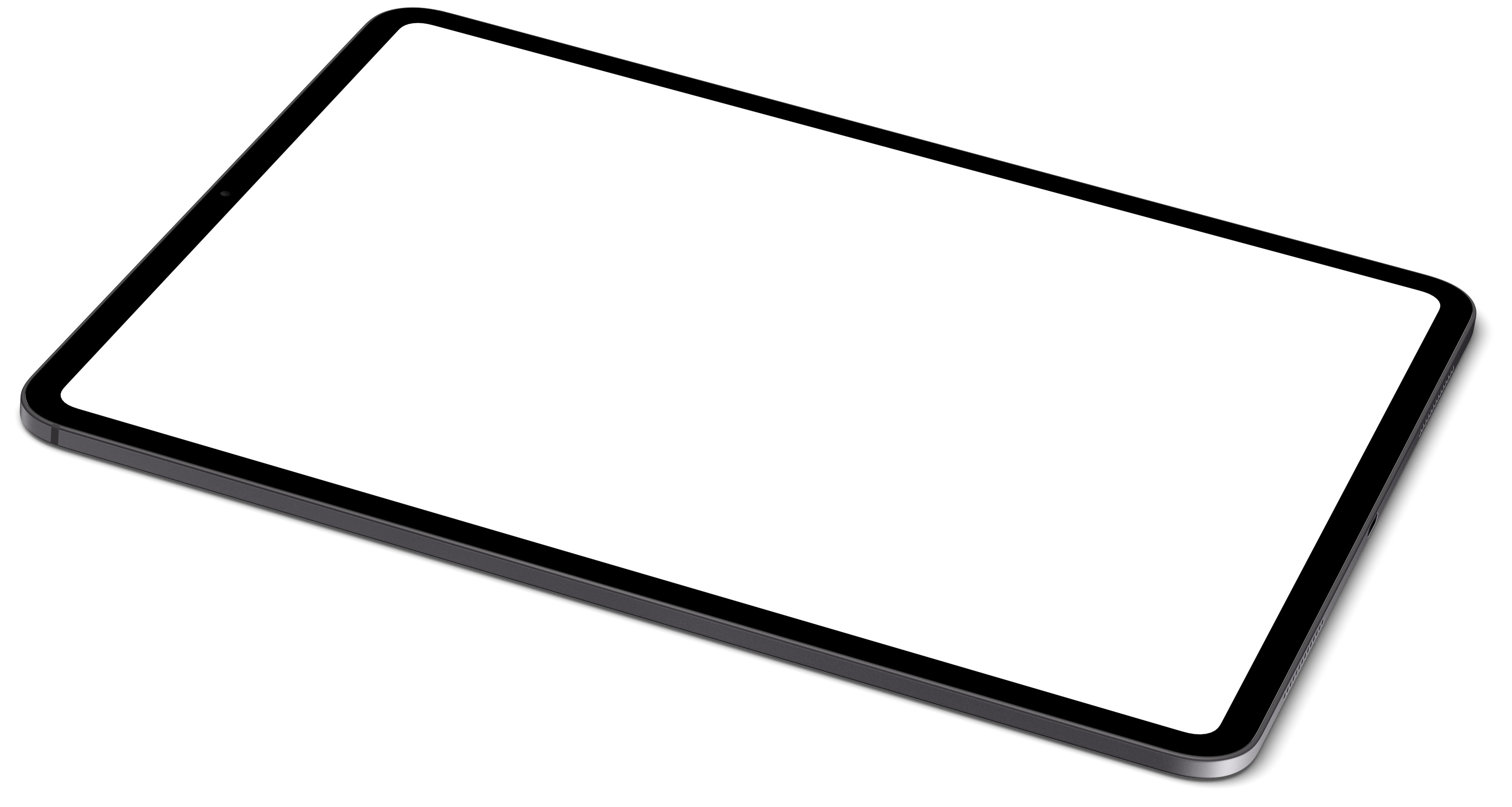
Every iPad mockup
Each page has the device's specifications, its photo scenes and a link that opens it in the editor.
| Device | Screen | Aspect ratio | Photo scenes |
|---|---|---|---|
| iPad Air (M2) | 1640 × 2360 | 1 : 1.44 | — |
| iPad Mini | 1488 × 2266 | 1 : 1.52 | — |
| iPad Pro 11" (M4) | 1668 × 2420 | 1 : 1.45 | — |
| iPad Pro 13" (M4) | 2064 × 2752 | 3 : 4 | 4 |
| iPad Pro 13" — Landscape | 2752 × 2064 | 4 : 3 | — |
Which iPad screenshot size do you need?
If your app runs on iPad, the App Store needs the 13-inch iPad size: 2064 × 2752 or 2048 × 2732 pixels, in portrait or landscape. A screenshot from a 13-inch iPad Pro (M4) is already 2064 × 2752.
Screenshots from smaller iPads, such as the 11-inch iPad Pro at 1668 × 2420, are not one of the App Store sizes. Put them in a frame on a 13-inch canvas, or let the App Store screenshot generator export every size from one design.