iPhone mockup templates
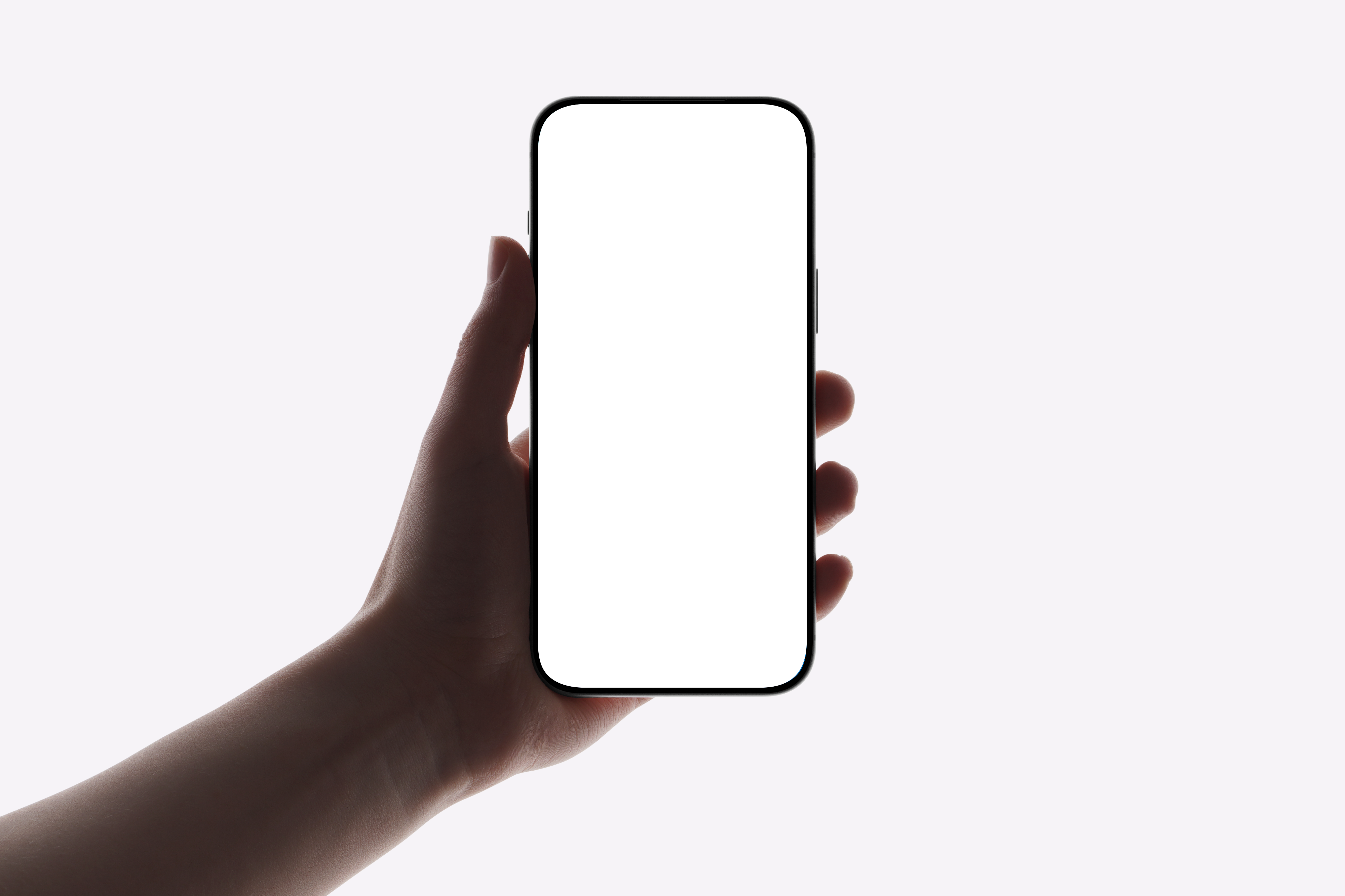
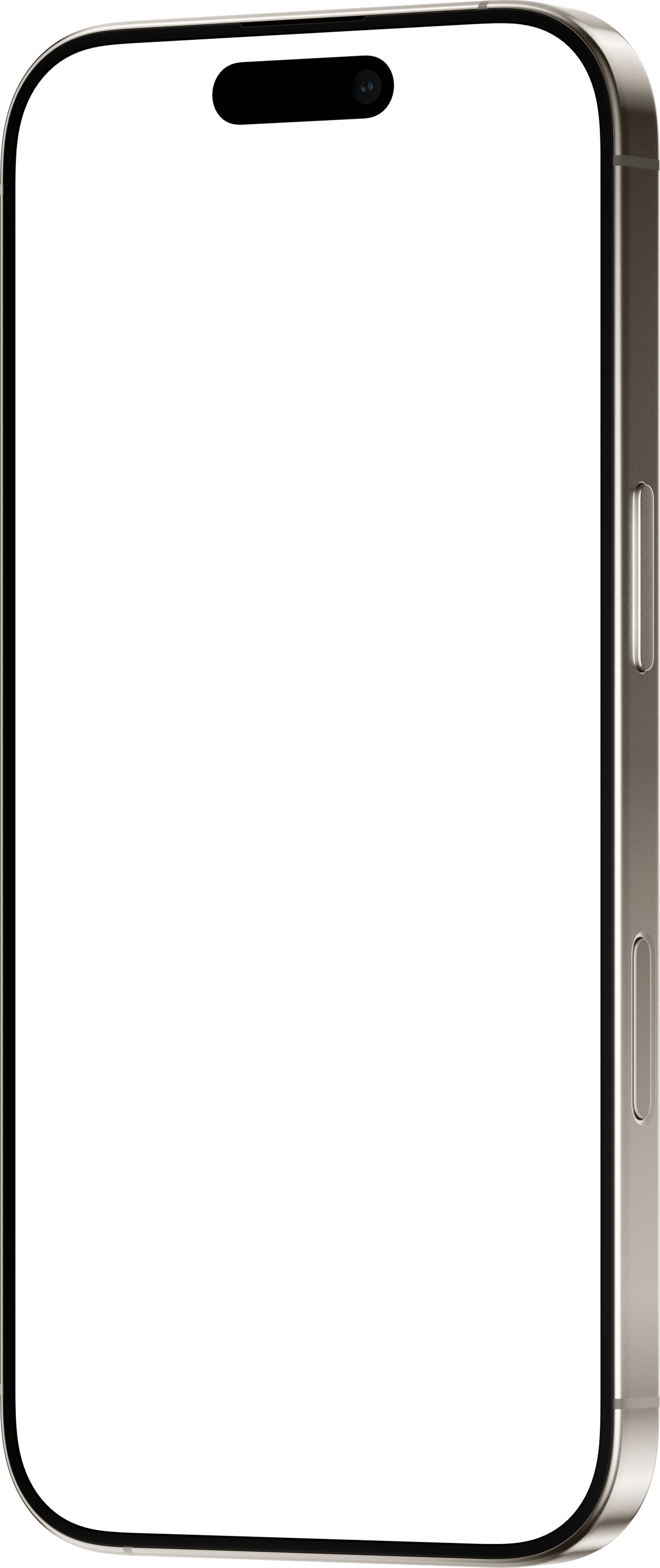
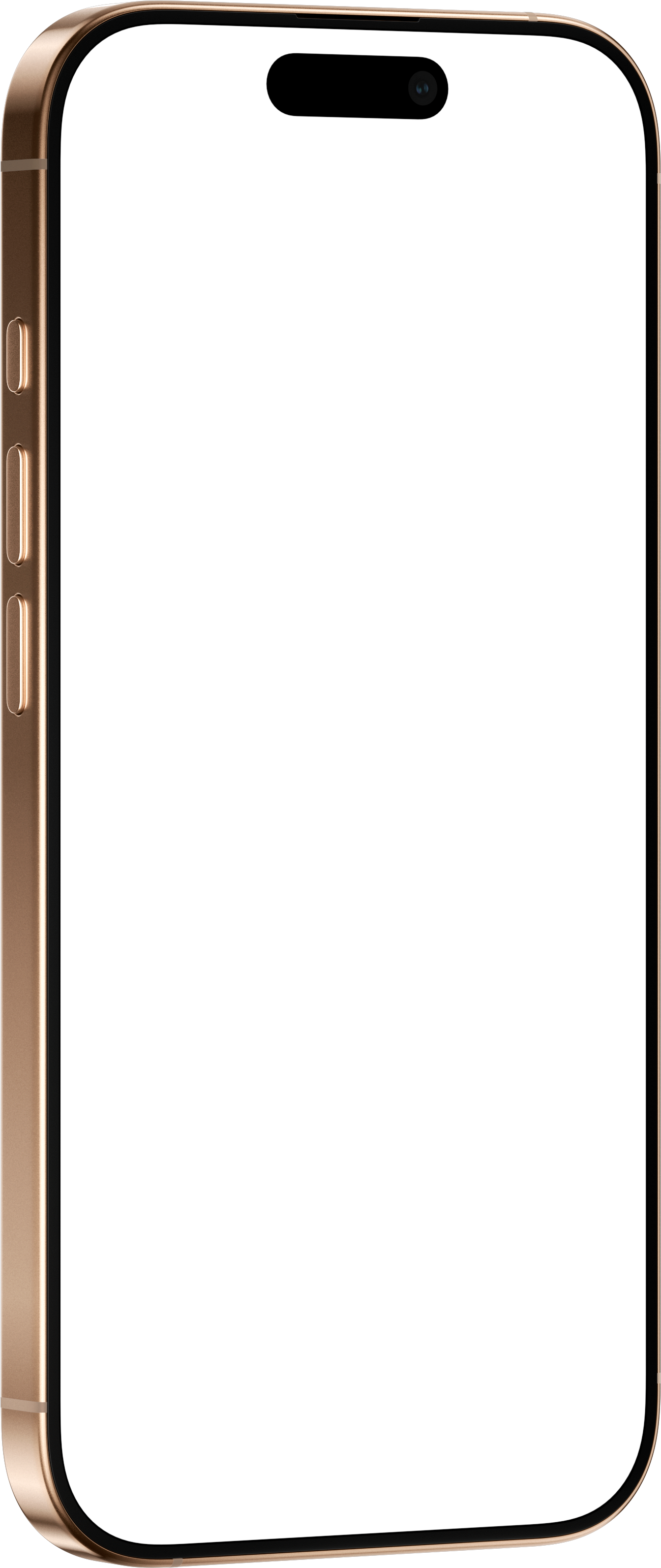
These are photographed iPhone scenes ready for your screenshot: iPhone 17 Pro held in a hand, and iPhone 16 Pro in Natural, Desert, Black and White Titanium. Open one, drop in a screenshot, and it is warped onto the screen with the photo's own lighting and reflections.
Want a drawn frame you can tilt and place on any background instead? Every iPhone from iPhone 15 to iPhone 17 Pro Max has its own mockup page, listed below with its native screen resolution.
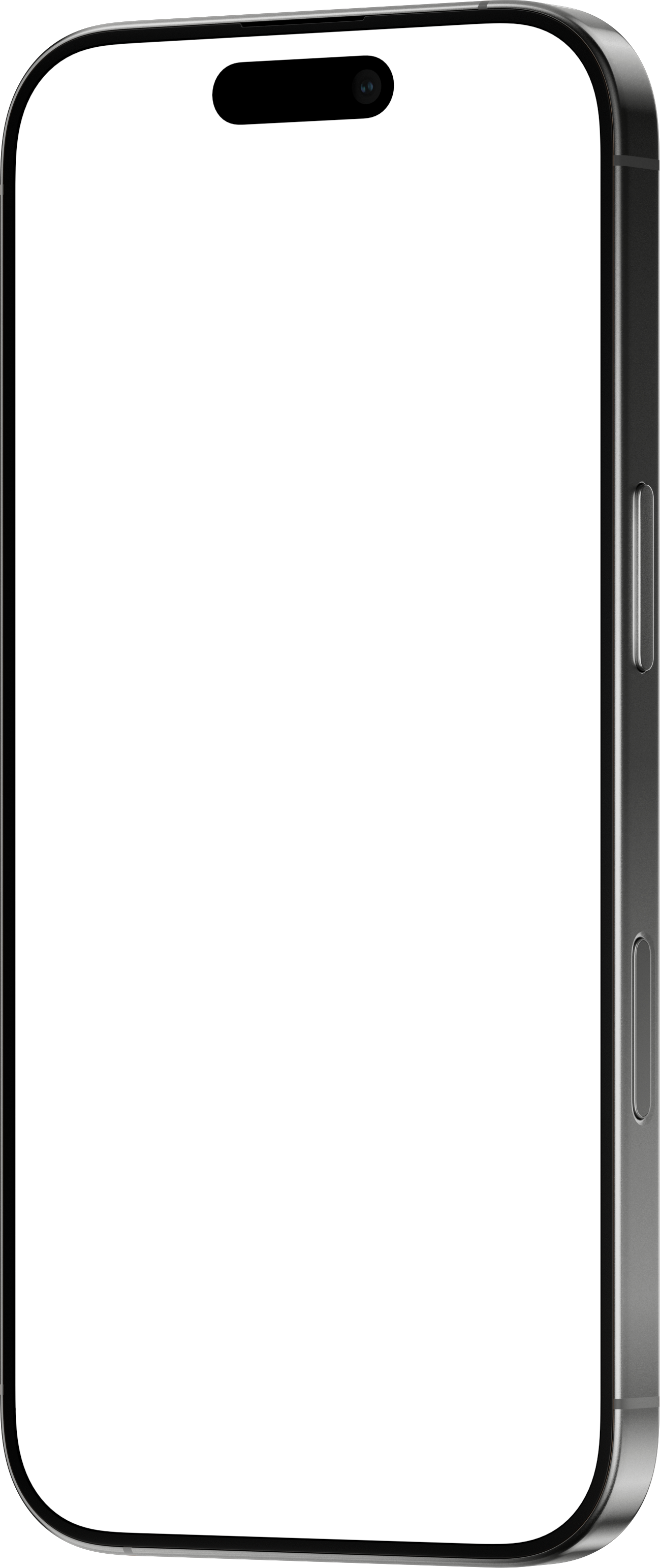
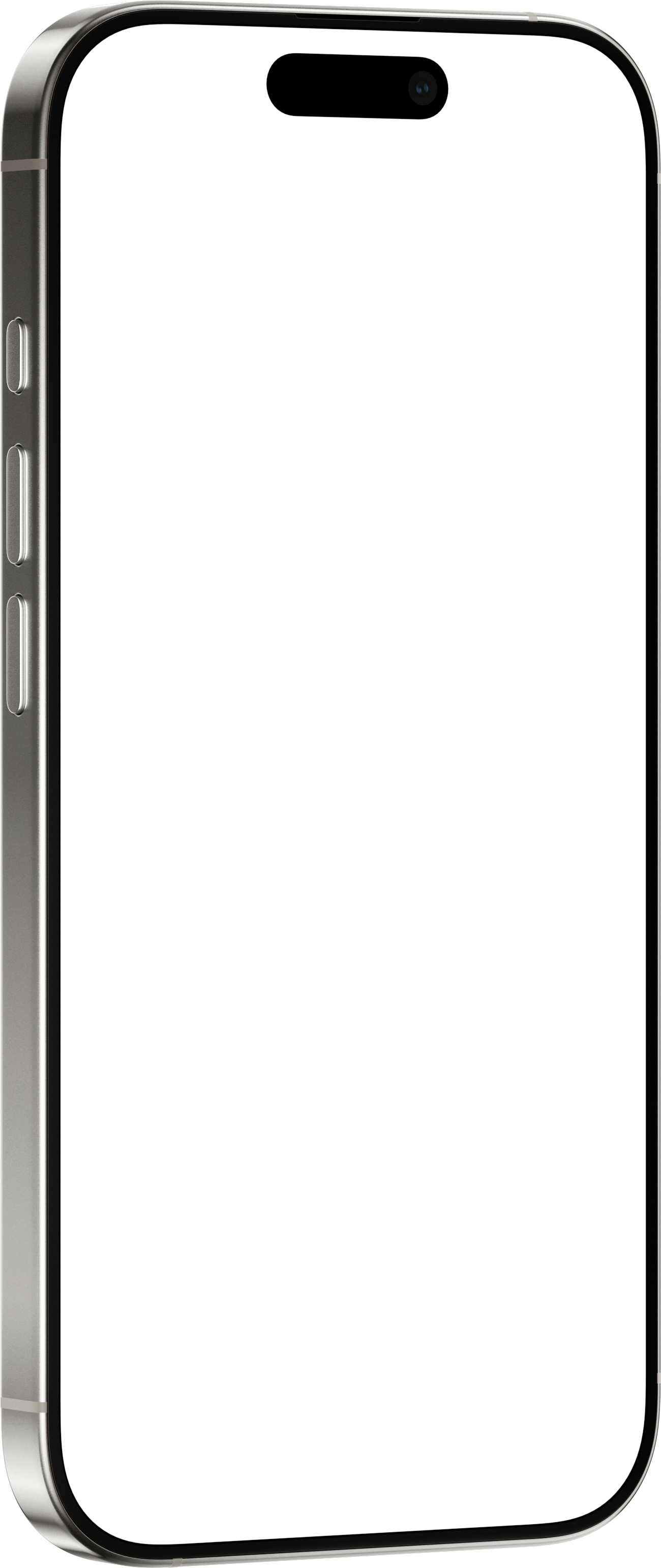
Every iPhone mockup
Each page has the device's specifications, its photo scenes and a link that opens it in the editor.
| Device | Screen | Aspect ratio | Photo scenes |
|---|---|---|---|
| iPhone 15 | 1179 × 2556 | 1 : 2.17 | — |
| iPhone 15 Plus | 1290 × 2796 | 1 : 2.17 | — |
| iPhone 15 Pro | 1179 × 2556 | 1 : 2.17 | — |
| iPhone 15 Pro Max | 1290 × 2796 | 1 : 2.17 | — |
| iPhone 16 | 1179 × 2556 | 1 : 2.17 | — |
| iPhone 16 Plus | 1290 × 2796 | 1 : 2.17 | — |
| iPhone 16 Pro | 1206 × 2622 | 1 : 2.17 | 16 |
| iPhone 16 Pro Max | 1320 × 2868 | 1 : 2.17 | — |
| iPhone 16e | 1170 × 2532 | 1 : 2.16 | — |
| iPhone 17 | 1206 × 2622 | 1 : 2.17 | 5 |
| iPhone 17 Air | 1260 × 2736 | 1 : 2.17 | — |
| iPhone 17 Pro | 1206 × 2622 | 1 : 2.17 | 2 |
| iPhone 17 Pro Max | 1320 × 2868 | 1 : 2.17 | 1 |
| iPhone Fold (concept) | 2713 × 1920 | 1.41 : 1 | — |
Which iPhone screenshot size do you need?
For the App Store, Apple lists one required iPhone size: the 6.3-inch display, at 1206 × 2622 or 1179 × 2556 pixels in portrait. iPhone 16 Pro, iPhone 17 and iPhone 17 Pro screenshots are already 1206 × 2622, and iPhone 15, 15 Pro and 16 screenshots are 1179 × 2556.
The 6.9-inch size (1320 × 2868, 1290 × 2796 or 1260 × 2736) is optional, and developers report App Store Connect rejecting 6.9-inch images in the 6.3-inch slot, so render that set separately.