Design realistic LINE mockups
Fake LINE Chat Generator
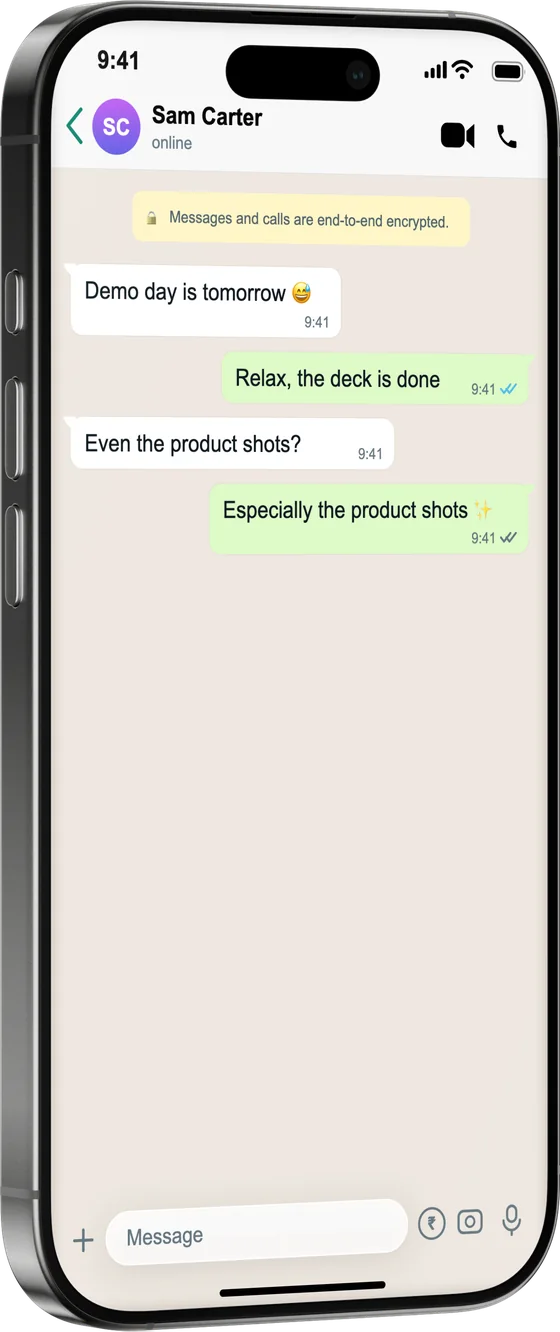
Build a LINE chat mockup for app marketing, tutorials and content aimed at audiences in Japan, Taiwan and Thailand. Compose the conversation and export it inside a photoreal phone.
How it works
From source to finished image
- 1
Write the conversation
Add both sides of the chat with timestamps.
- 2
Match the LINE look
Bubbles, read marks and the header mirror the real app.
- 3
Frame and export
Drop it into a device and export for your campaign or lesson.
Region-authentic
The messenger your Japanese, Taiwanese and Thai audiences actually use.
For localised marketing
Stage app-store and campaign material that feels native to the market.
Honest by default
One click adds the “fictional” disclosure label.
What is a fake LINE Chat Generator?
LINE is the everyday messenger for hundreds of millions of people across Japan, Taiwan, Thailand and Indonesia — and content aimed at those markets lands better when it shows the app people actually use. This generator recreates LINE's distinctive look (the green identity, read indicators and sticker-friendly bubbles) so marketers localising app-store material, teachers making language-learning content, and creators writing region-specific stories can stage exactly the conversation they need. Compose both sides, preview live, and export inside an iPhone or Android frame.
Frequently asked questions
Who is a LINE mockup for?
Anyone making content for markets where LINE is the default messenger — app marketers localising store listings, language teachers, and creators telling region-specific stories.
Does it show read indicators?
Yes, LINE's read marks render like the real app.
Is it free?
Free to build and preview; exporting LINE screens is part of Pro.