Design realistic Signal mockups
Fake Signal Chat Generator
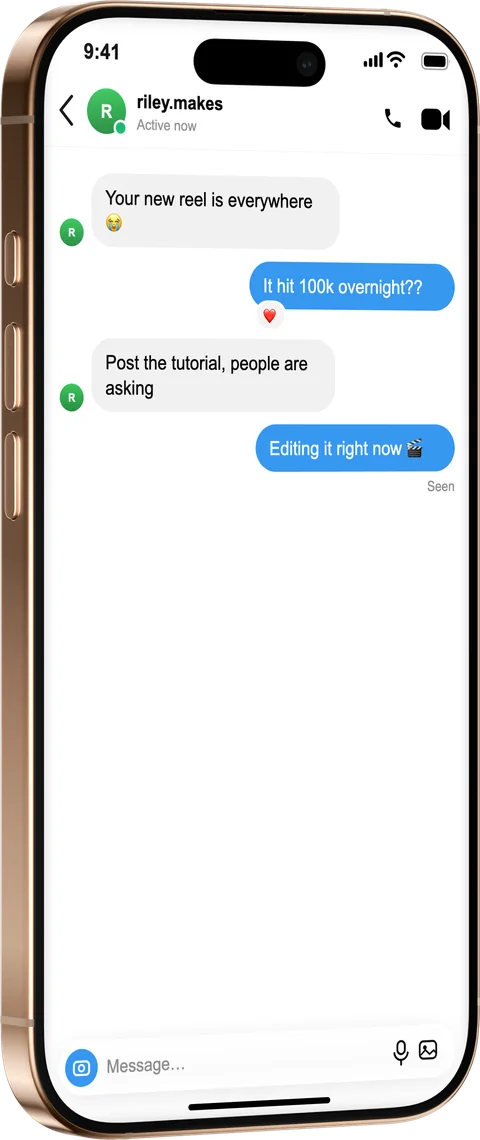
Create a Signal chat mockup for privacy-focused product demos, journalism illustrations and tutorials. Compose both sides, set the contact and disappearing-message hints, and export in a photoreal iPhone.
How it works
From source to finished image
- 1
Write the conversation
Add messages from both sides with timestamps.
- 2
Match the Signal look
Minimal bubbles and delivery states mirror the real app.
- 3
Frame and export
Place it in a device, style the scene and export.
True-to-app minimalism
Signal's clean bubble style and states, faithfully recreated.
For sensitive contexts
Illustrate exchanges for stories and training without real sources.
Transparent recreations
The optional “fictional” label keeps illustrations honest.
What is a fake Signal Chat Generator?
Signal screenshots appear in journalism, security training and privacy-product marketing — exactly the contexts where screenshotting a real conversation is most inappropriate. This generator stages Signal's clean interface: contact name, delivery states and the app's distinctive minimal bubbles. Security educators can illustrate safe-messaging practices, journalists can recreate exchanges for stories without exposing sources, and privacy products can show Signal-style flows in their onboarding. As with every MockFrame chat screen, the preview renders live and a “fictional” disclosure label is one click away.
Frequently asked questions
Why mock up a Signal chat instead of screenshotting?
Signal conversations are usually private by nature — a staged mockup illustrates the exchange without exposing a real contact or source.
Can I set delivery states?
Yes, sent/delivered/read states render like the real app.
Is it free?
Free to compose and preview; exporting Signal screens is part of Pro.