Design realistic Teams mockups
Fake Microsoft Teams Chat Generator
Mock up a Microsoft Teams conversation for corporate training, IT documentation and product demos. Stage the exchange, then export inside a laptop or phone frame — free to build.
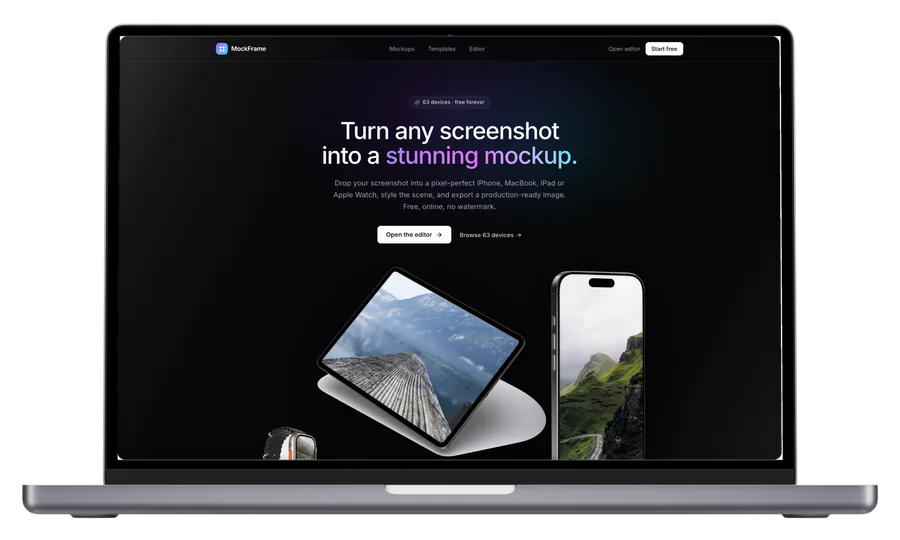
How it works
From source to finished image
- 1
Write the exchange
Add each participant's messages with names and times.
- 2
Match the Teams look
Message layout and header mirror the real client.
- 3
Frame and export
Present in a laptop frame for slides, or a phone for mobile docs.
Enterprise-accurate
Reads like a real Teams thread — ideal for corporate material.
For training & IT docs
Stage phishing-awareness examples and help-desk flows safely.
Slide-ready output
Export at presentation sizes inside clean device frames.
What is a fake Microsoft Teams Chat Generator?
Teams is where enterprise conversations happen, which makes it the screenshot corporate trainers, IT departments and B2B products need most — and the one hardest to take safely, because real workspaces are full of colleagues' names and internal information. Stage exactly the exchange you need: security-awareness training (“this is what a phishing message looks like”), help-desk documentation, product announcements from your app's bot, or communication-skills coursework. The layout mirrors the real Teams client, and the finished conversation exports inside a laptop or phone frame ready for slides and docs.
Frequently asked questions
Can I use this for security training?
Yes — staged phishing-example messages are a standard training tool, and a mockup means no real colleague names appear in your material.
Can my app's bot appear in the chat?
Yes, name any sender after your bot to demo Teams integrations.
Is it free?
Free to compose and preview; exporting Teams screens is part of Pro.