1
Open website capture
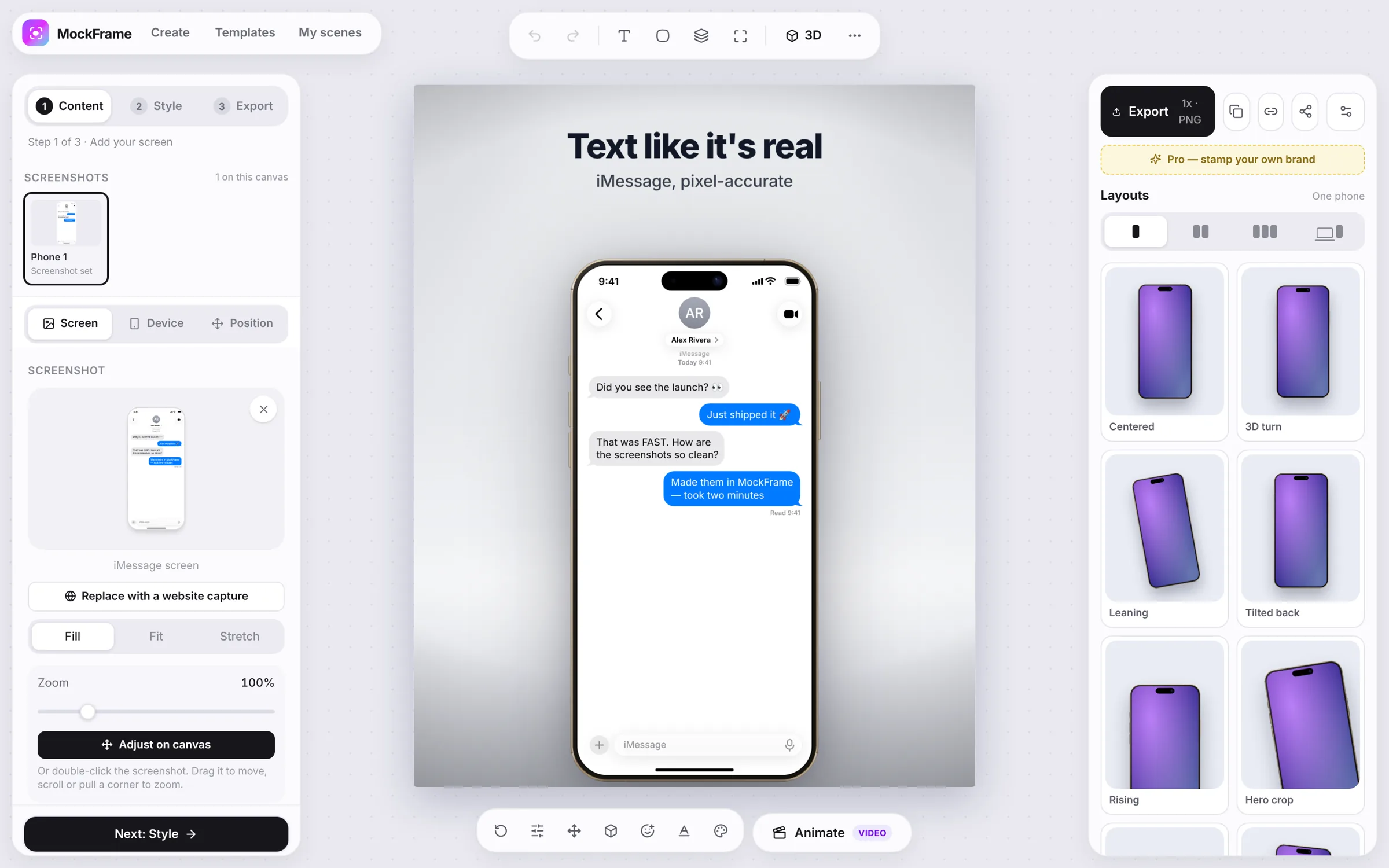
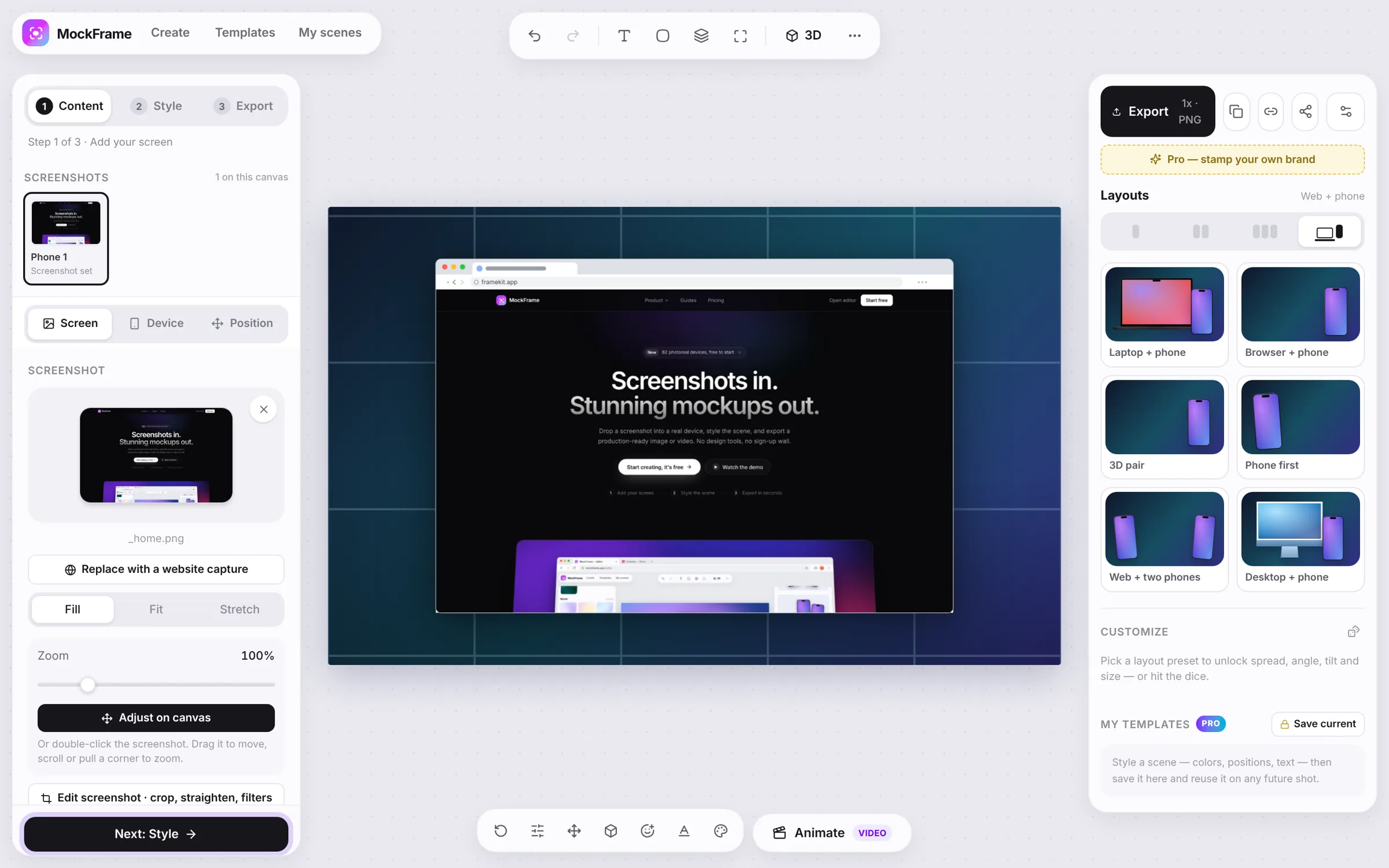
Choose Capture a website in the Screenshot section (or Replace with a website capture on an existing screen) and enter a public HTTPS address.
Generate a clean website capture from a URL and wait for content that loads while scrolling.
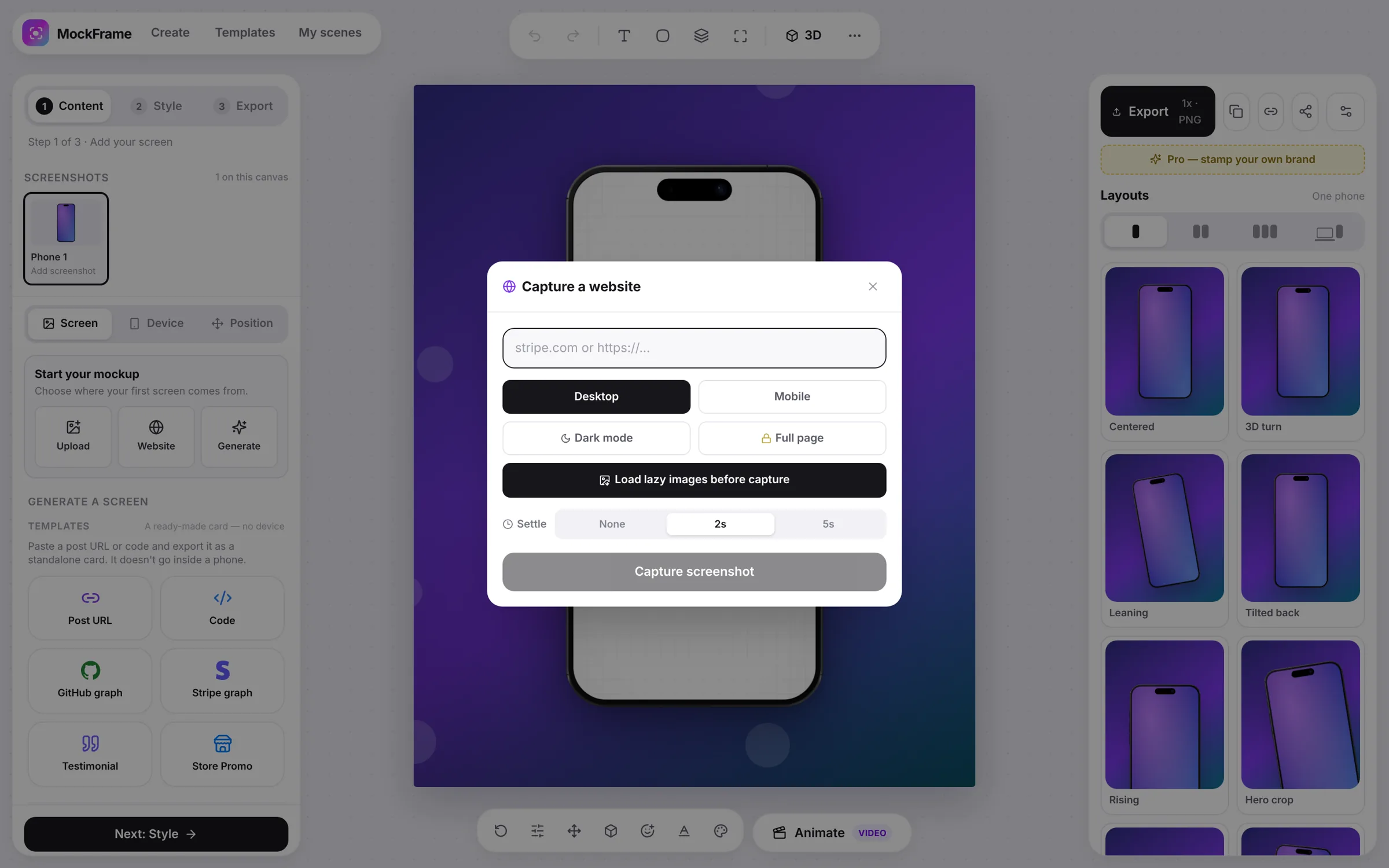
Choose Capture a website in the Screenshot section (or Replace with a website capture on an existing screen) and enter a public HTTPS address.
Use Full page when the page runs below the fold, and Load lazy images before capture so the pass scrolls the document before rendering. Add a settle delay for animated pages.
Check sticky headers, consent dialogs and dynamic sections. Recapture after closing overlays when the website allows it.
Use a browser, laptop or desktop frame and adjust the screenshot fit without stretching the source. Layouts pairs the site with a phone in one click.
Free, no sign-up, and it runs in your browser.