1
Open a card template
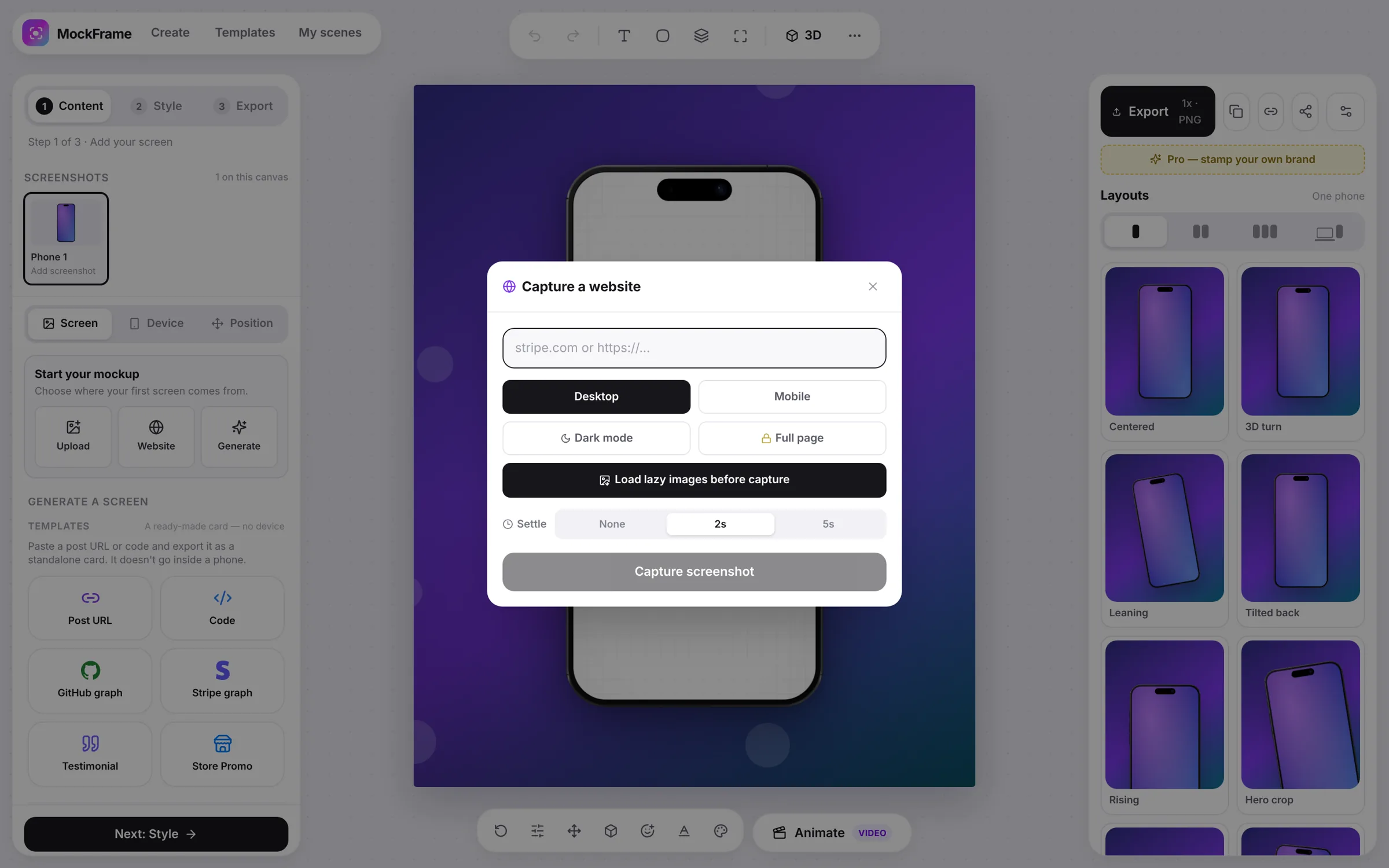
Templates → Content cards lists every card. Each opens on its own canvas and background, sized so the card sits comfortably in the frame.
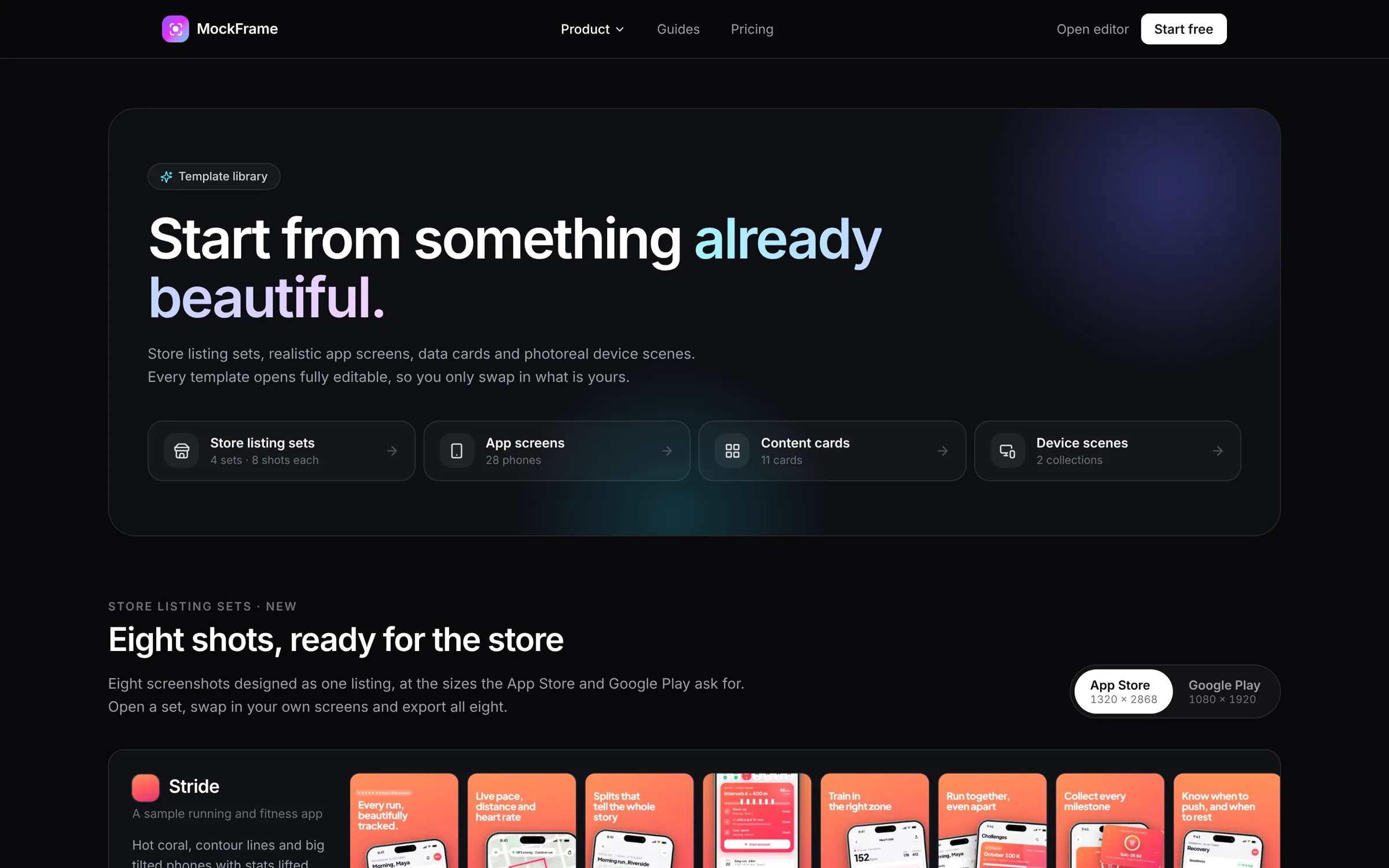
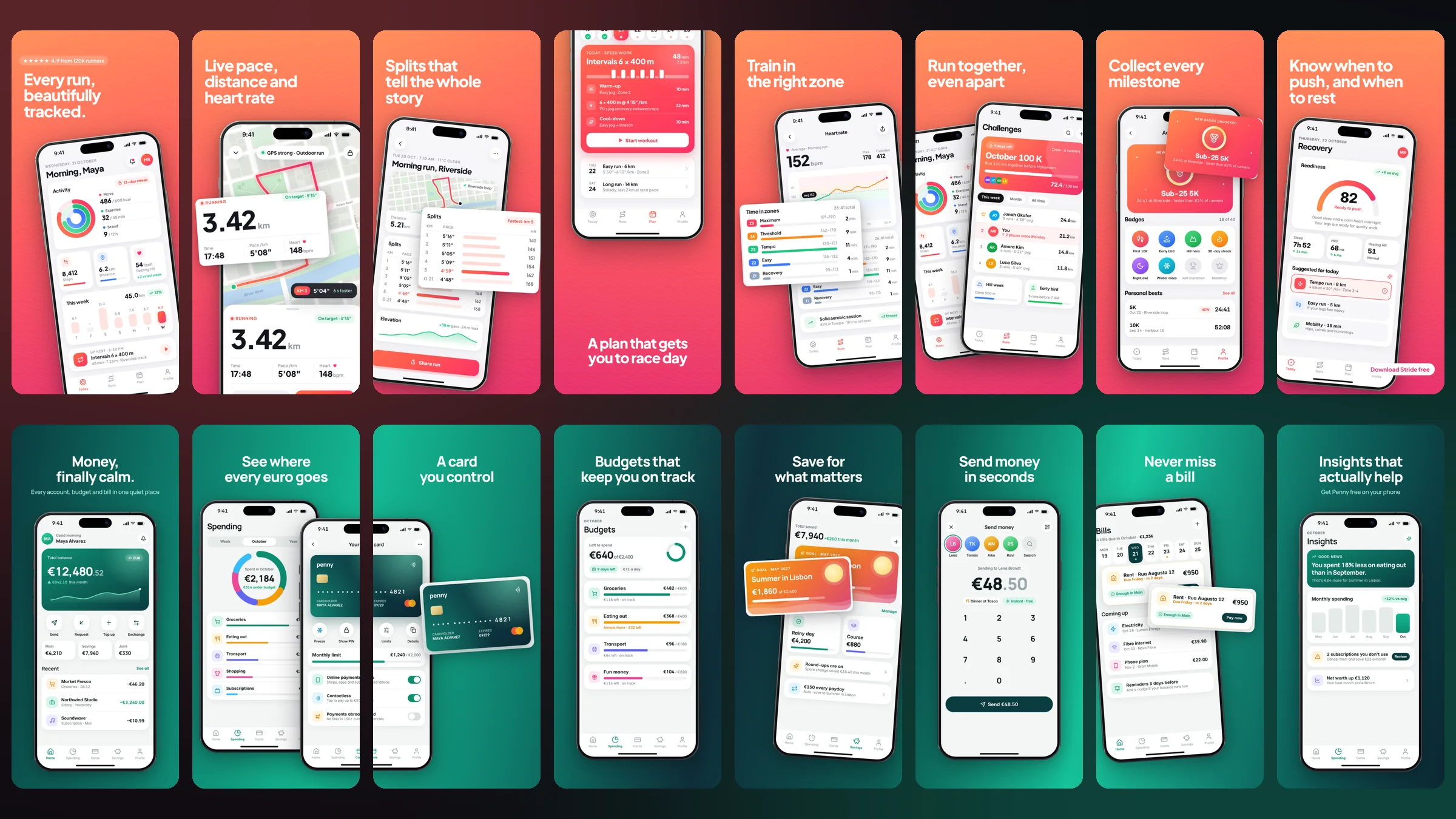
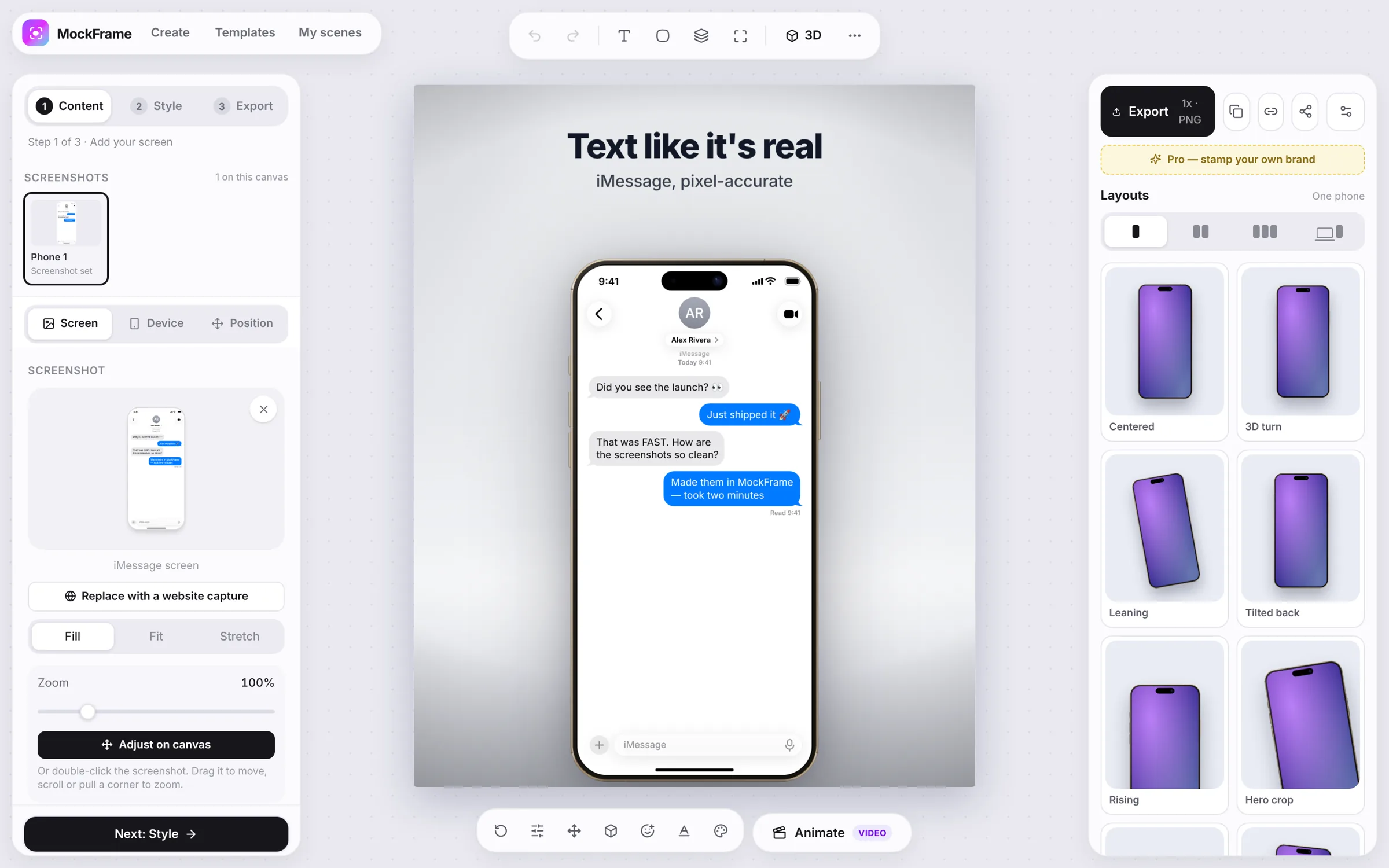
Use the content-card templates for posts, code, charts, notifications, Now Playing and store listings, then edit every word and number.
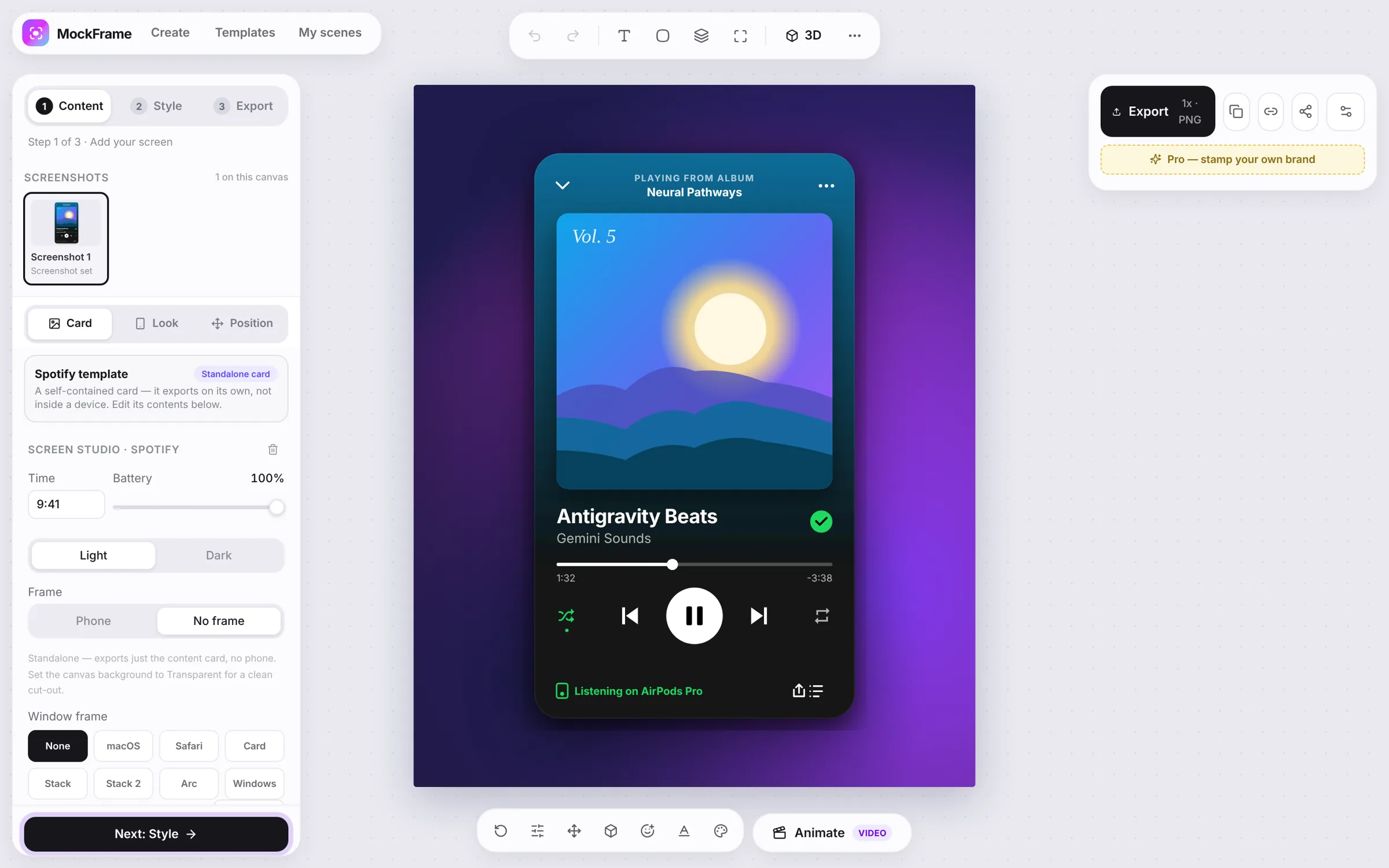
Templates → Content cards lists every card. Each opens on its own canvas and background, sized so the card sits comfortably in the frame.
The Screenshot section holds Screen Studio for that card: titles, names, ratings, progress and colours. Changes render live and stay editable; nothing is flattened.
For posts, paste a public X, Bluesky, Threads, LinkedIn or Mastodon link on the templates page. MockFrame fills in the author, text and counts, and you can still edit all of it.
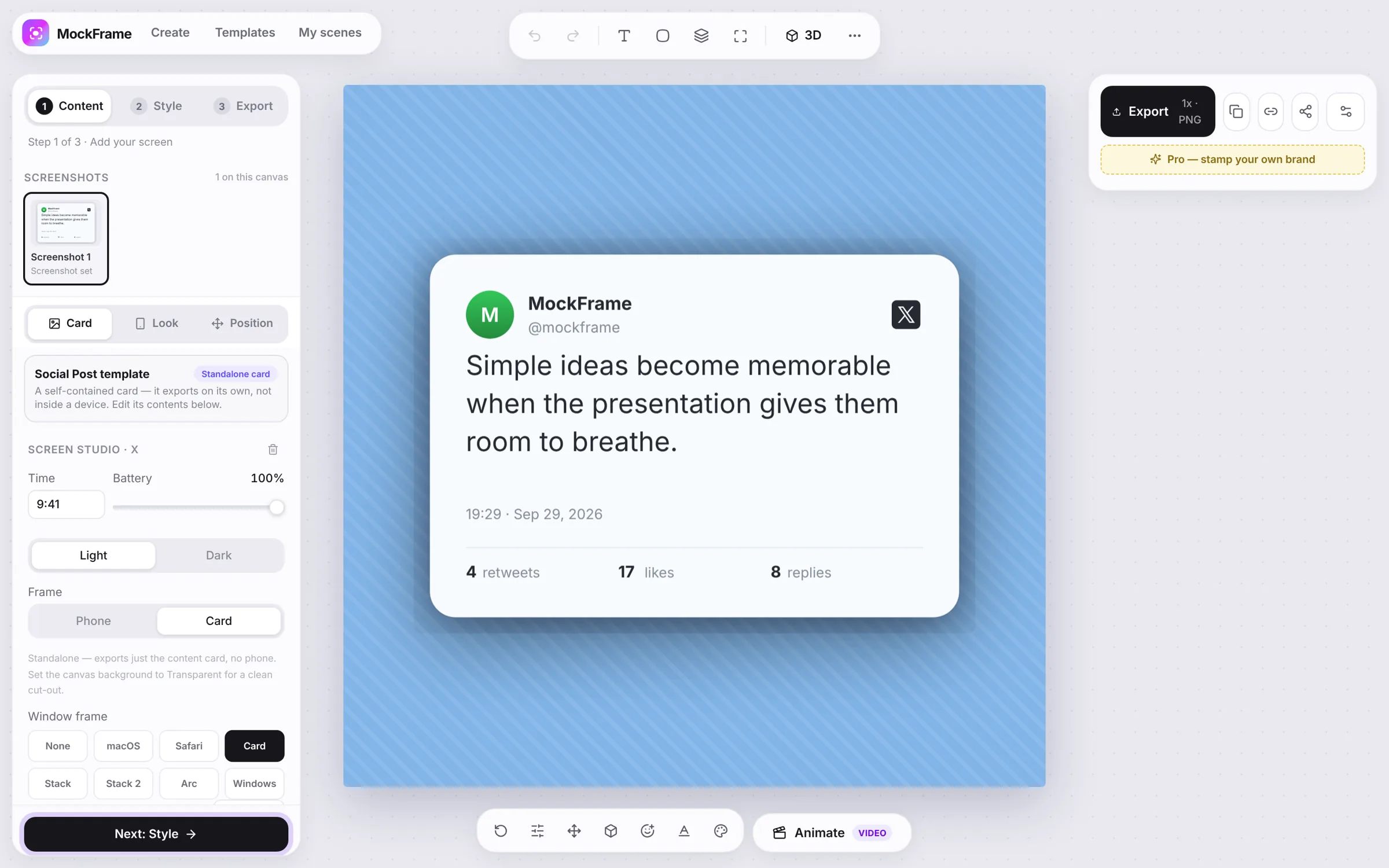
Export the card on its own with a transparent background, or keep it in a scene beside a phone or browser for a richer composition.
Free, no sign-up, and it runs in your browser.