1
Add your screen
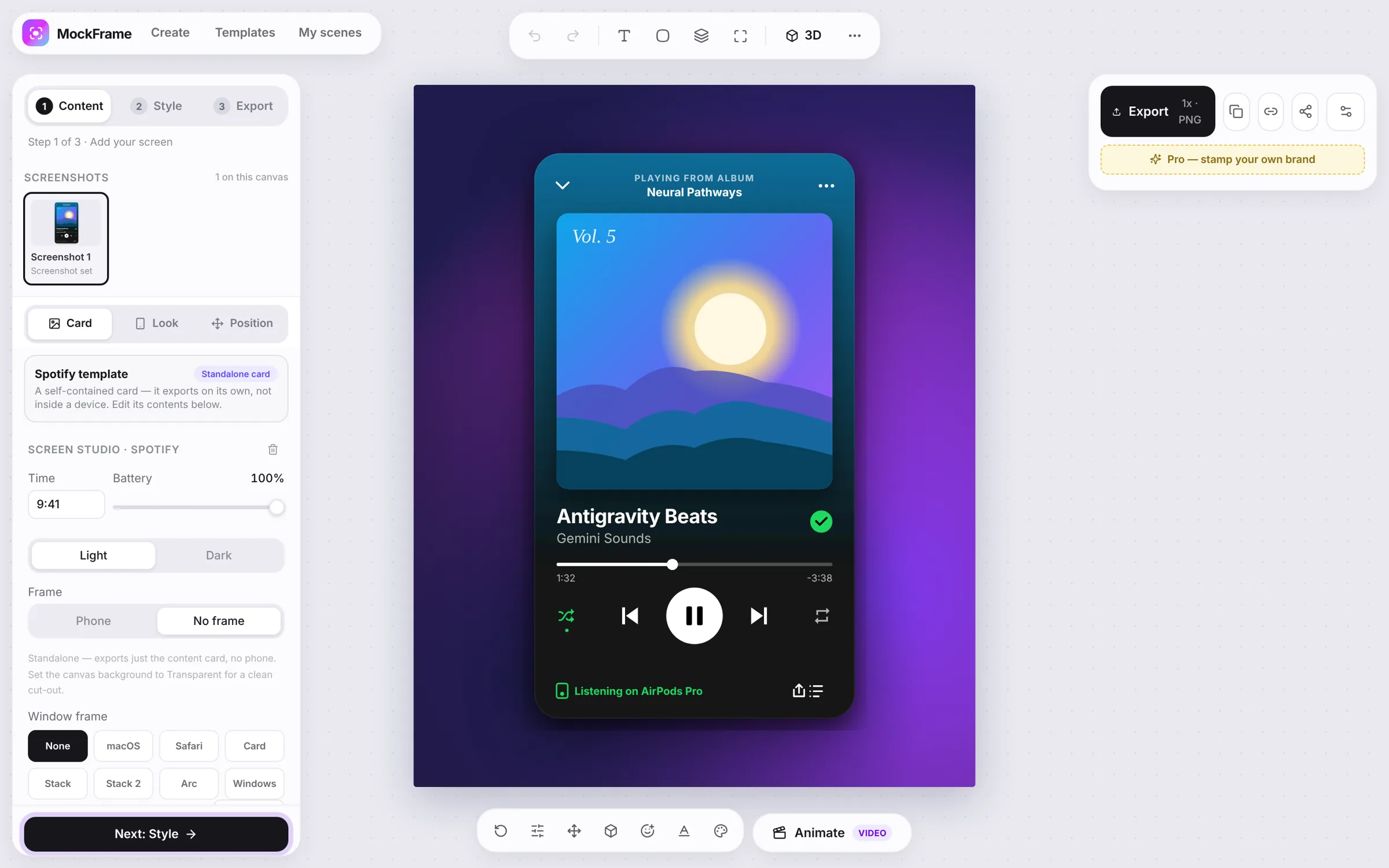
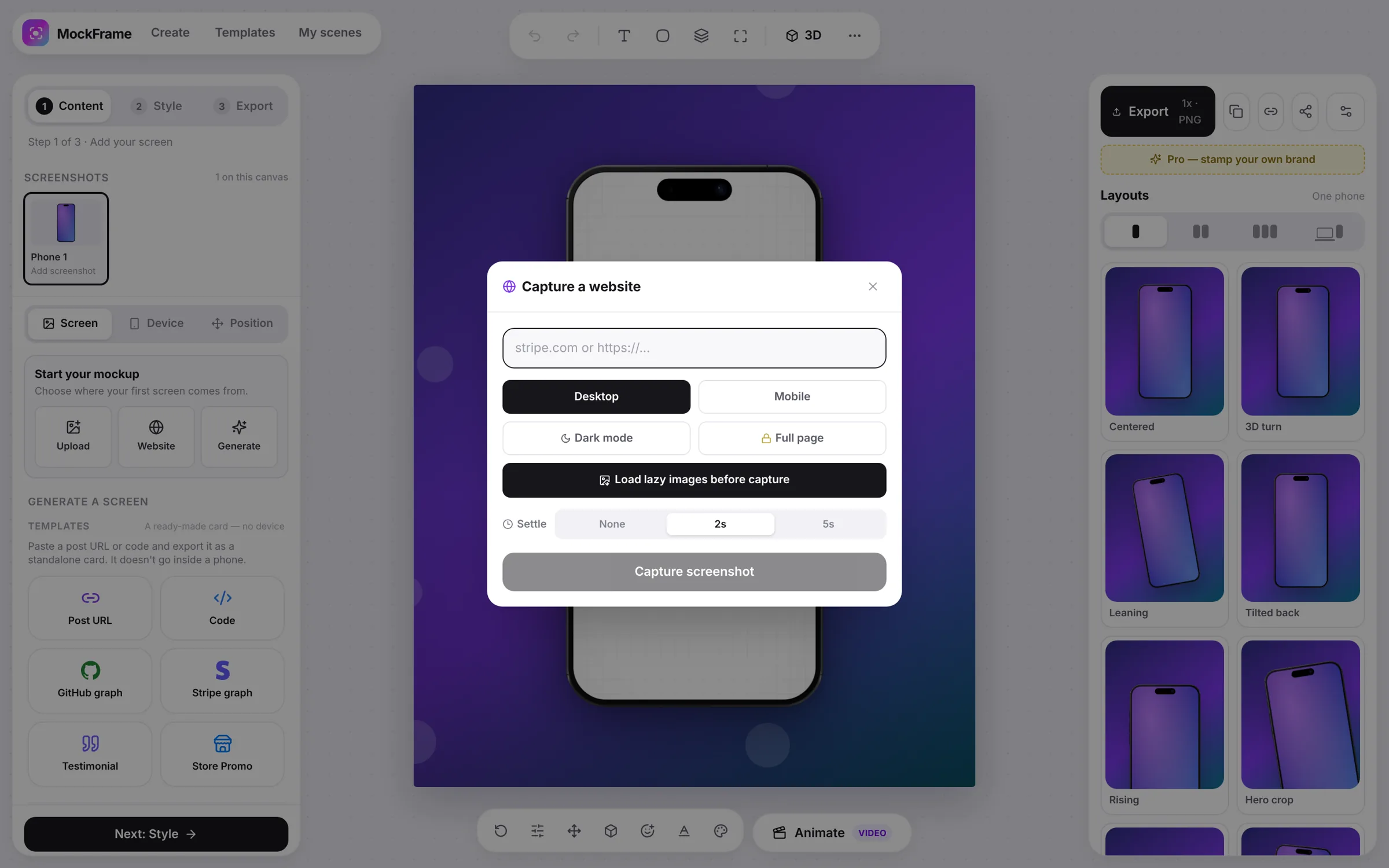
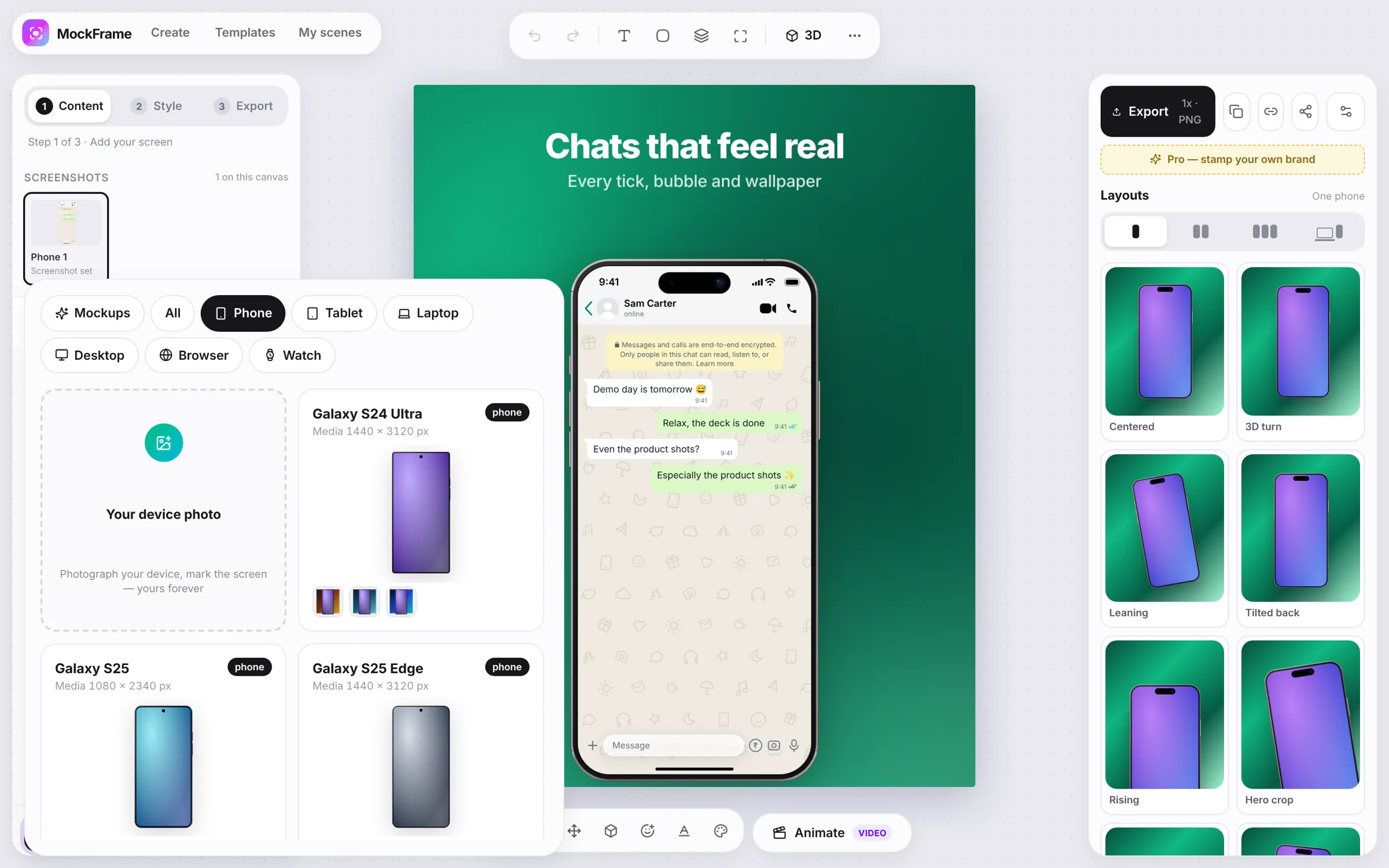
In the Screenshot section, upload, paste or drop a screenshot, capture a website, or generate a realistic app screen. MockFrame keeps the source at its original quality.
Turn a raw app screenshot into a composed phone, tablet, watch or laptop scene in three steps: Screenshot, Background, Export.
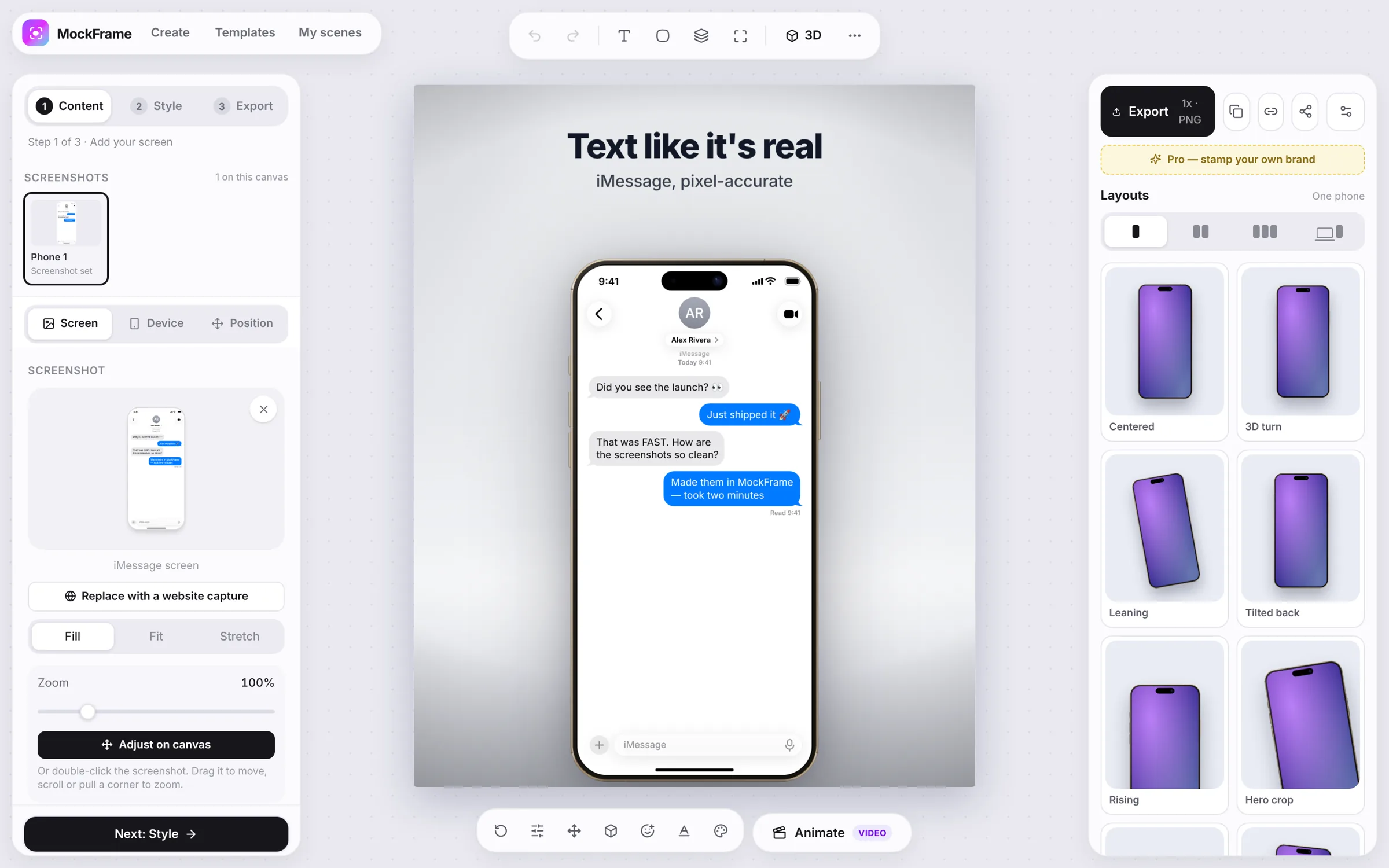
In the Screenshot section, upload, paste or drop a screenshot, capture a website, or generate a realistic app screen. MockFrame keeps the source at its original quality.
Open the Device section and pick the phone, tablet, watch, laptop or browser that matches your screenshot. Frame colour and shadow live in the same section.
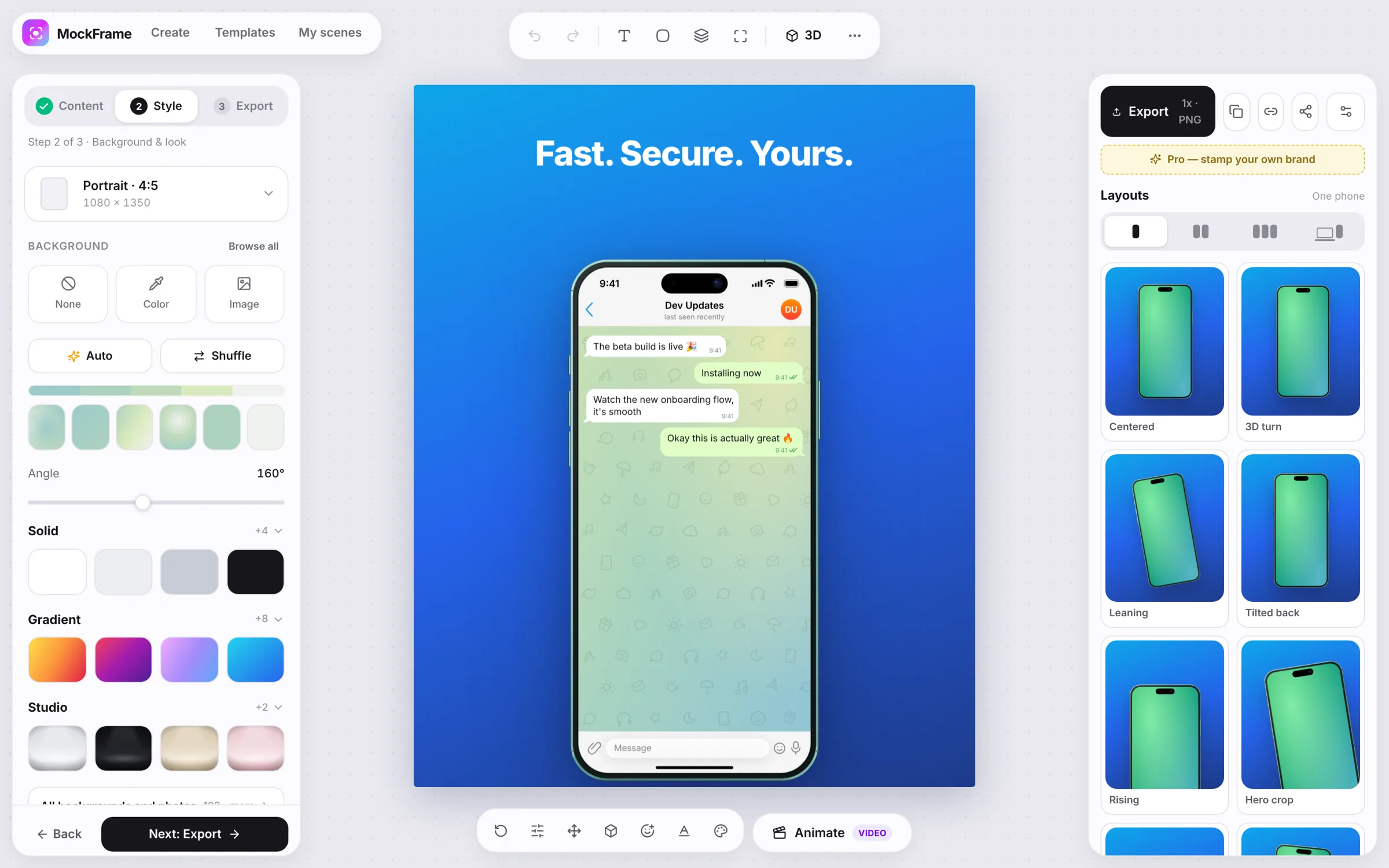
In the Background section, set the canvas size and backdrop, then add pattern and lighting in Effects. A quieter backdrop keeps the device's silhouette and the screen text readable.
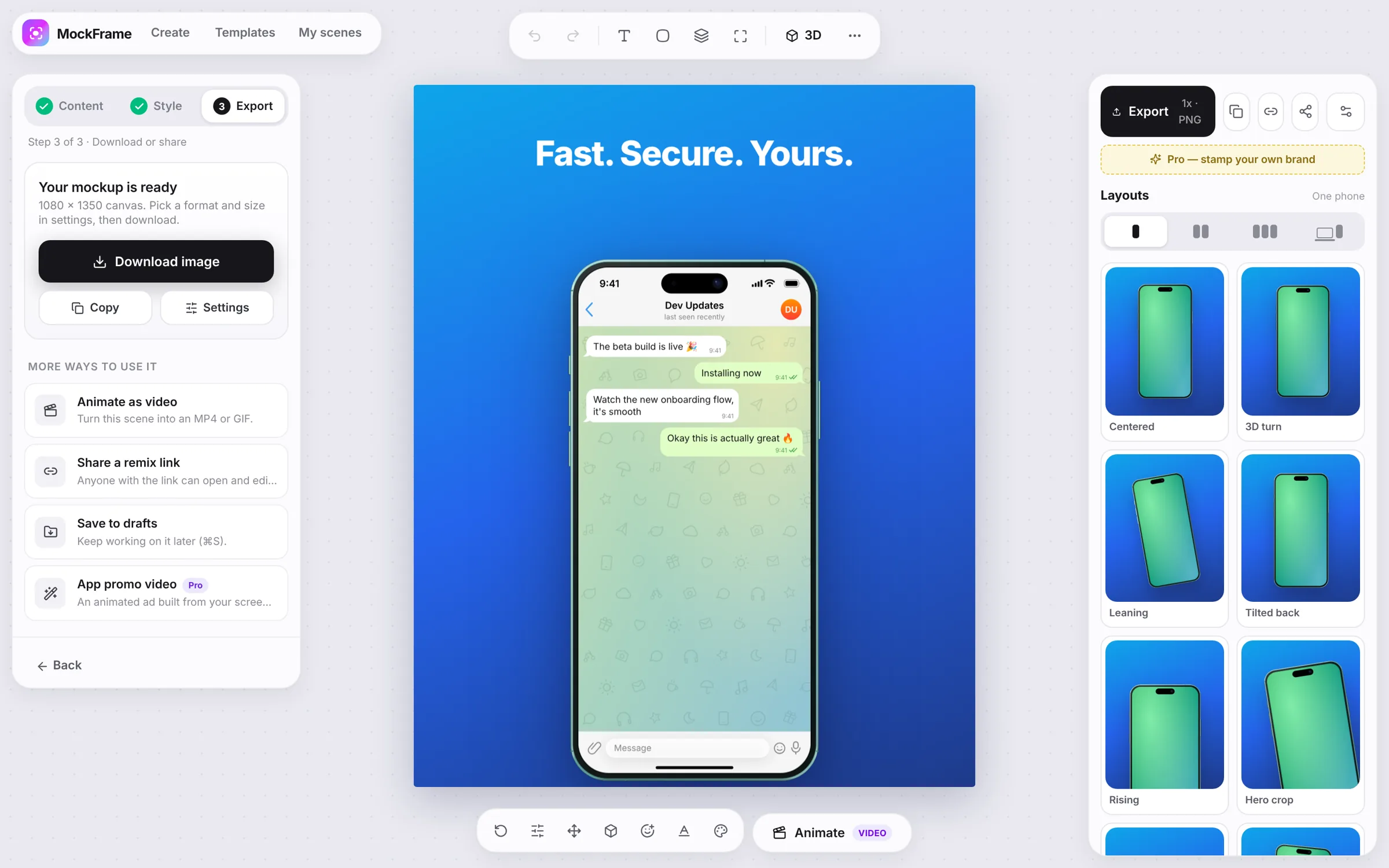
The Export button (top right) downloads PNG, JPEG or WebP at 1× to 3×, copies to the clipboard, or turns the scene into a video. Pick the platform ratio before exporting instead of cropping afterwards.
Free, no sign-up, and it runs in your browser.