1
Create one shot per message
Open Shot batch in the More section and add a shot for every message. Each shot keeps its own devices, text and media.
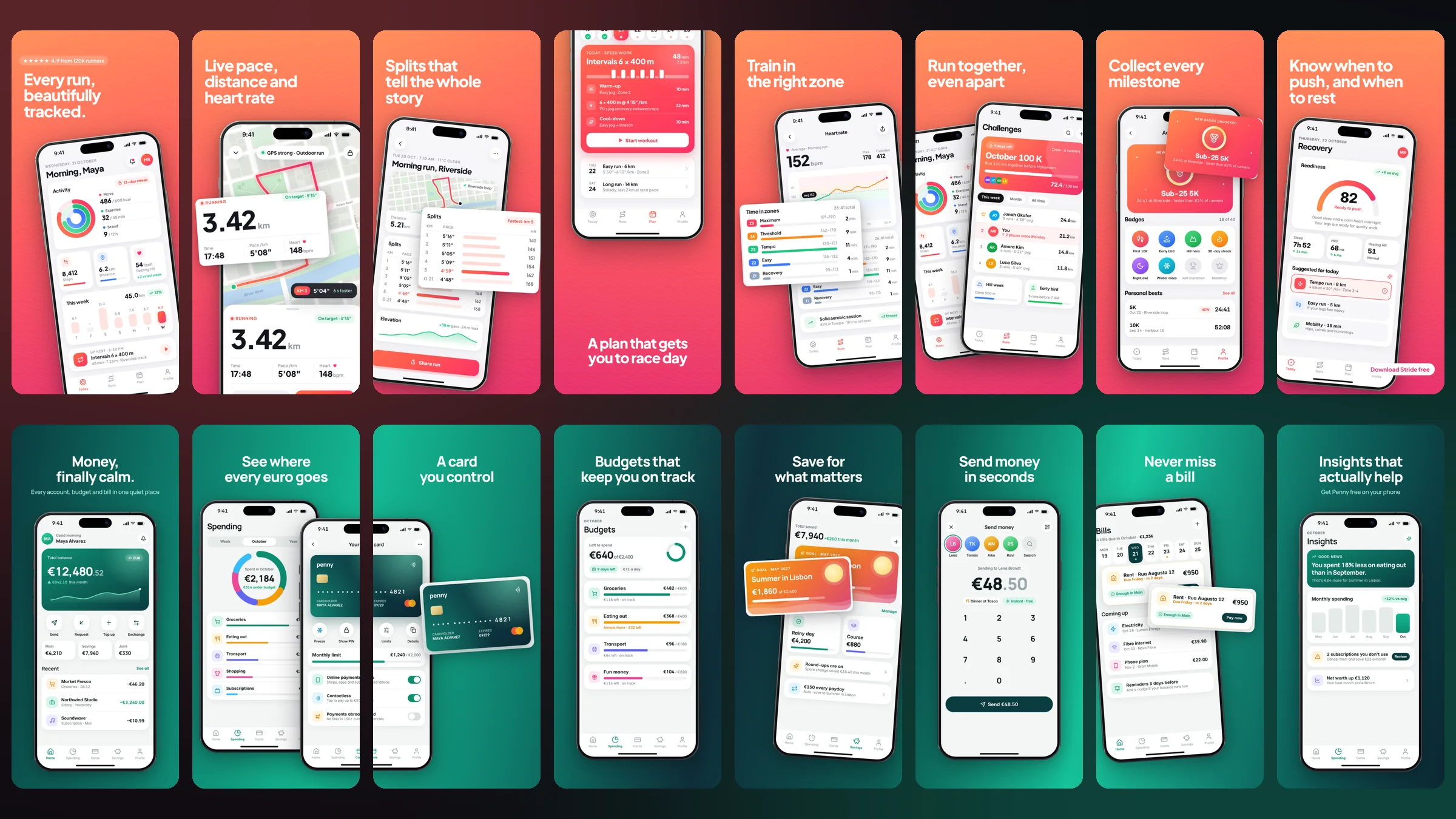
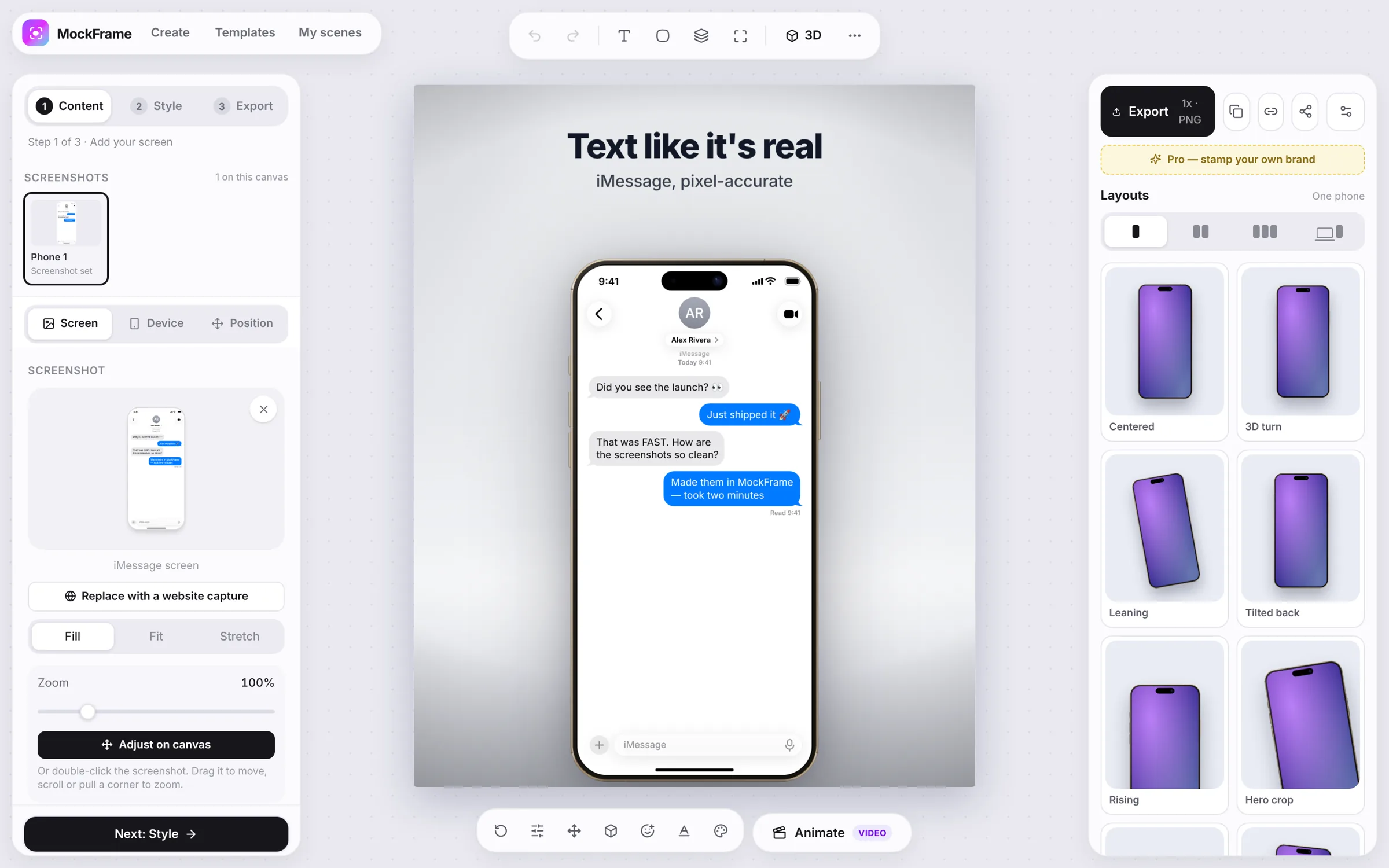
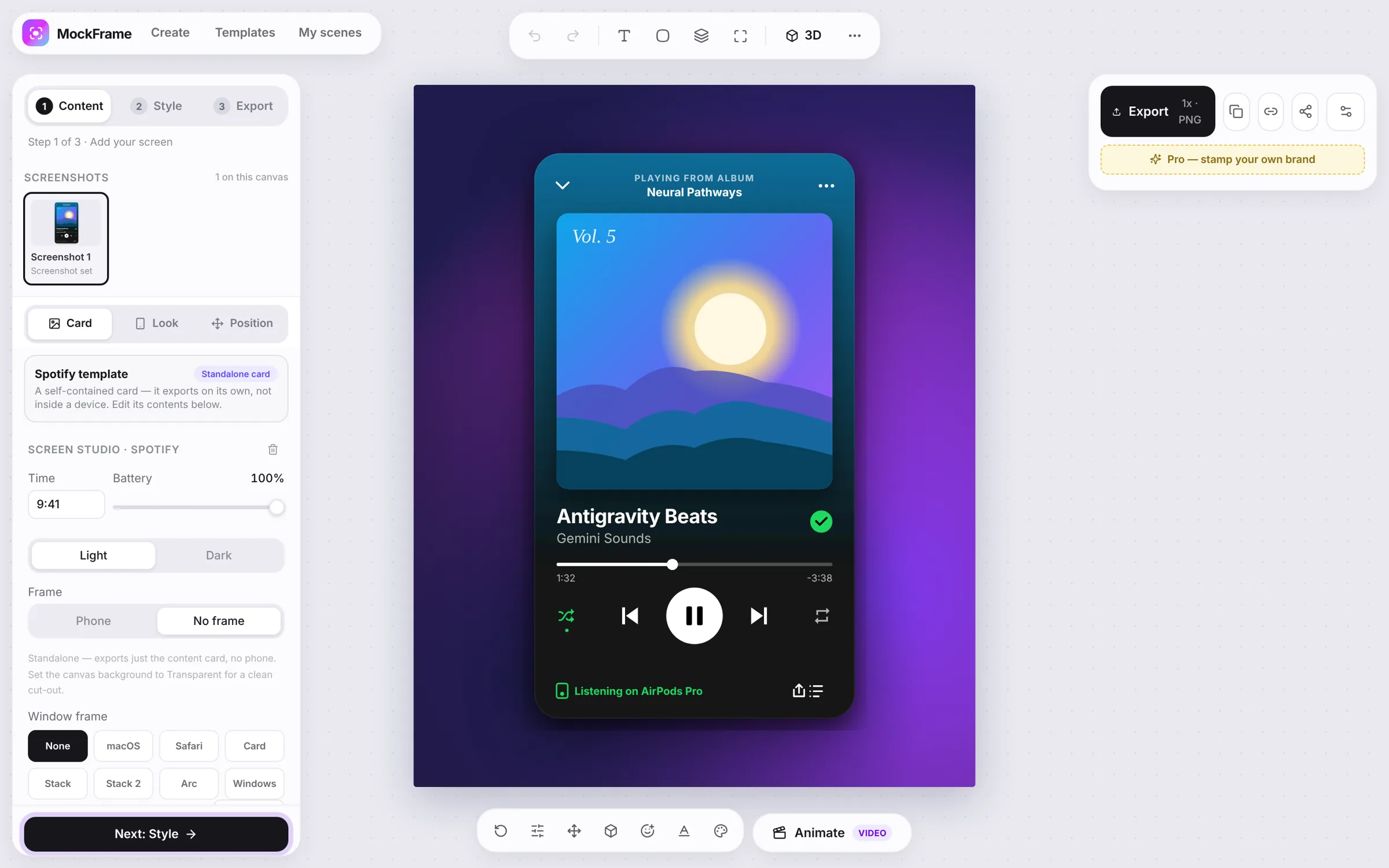
Build several independent shots, reuse one visual system, and export the set together.
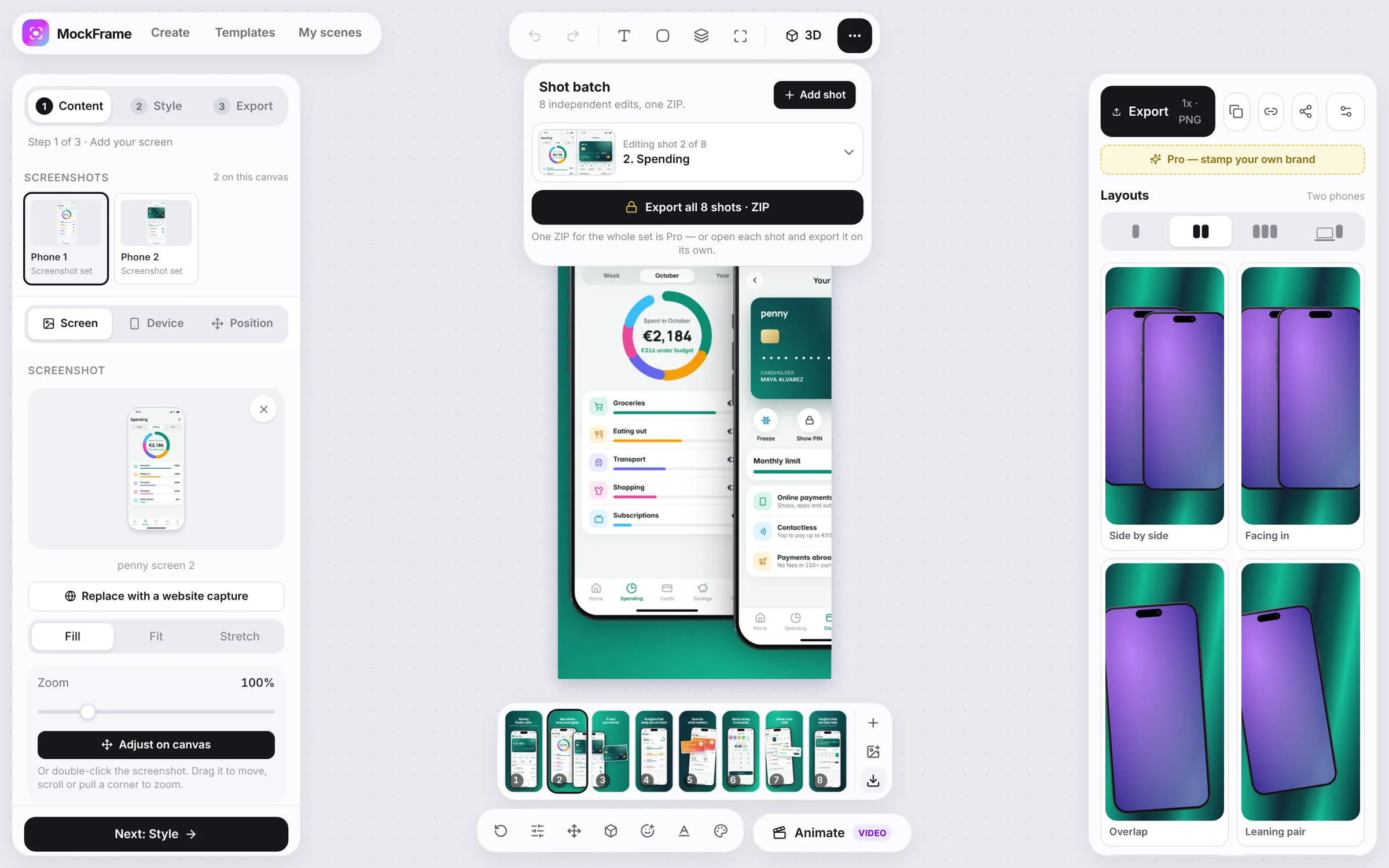
Open Shot batch in the More section and add a shot for every message. Each shot keeps its own devices, text and media.
Choose the destination size, device count and backdrop. Make the first shot the visual reference for the rest.
Save the styling as a theme and apply it to the other shots, then vary only what supports each message. Or start from a store listing set, which is already a consistent system.
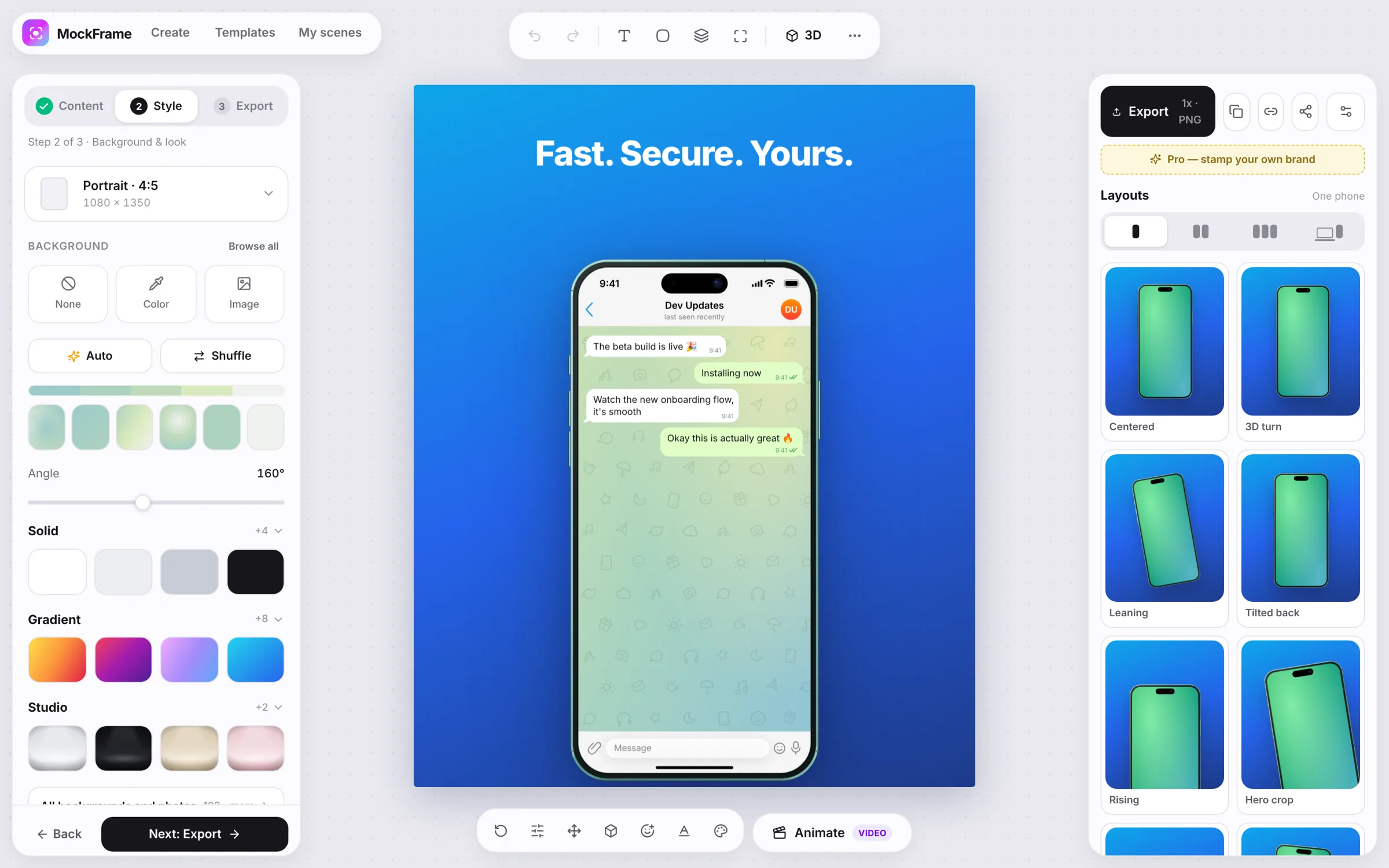
Review every shot, then export the complete set as a ZIP when the sequence is ready.
Free, no sign-up, and it runs in your browser.