1
Identify visual friction
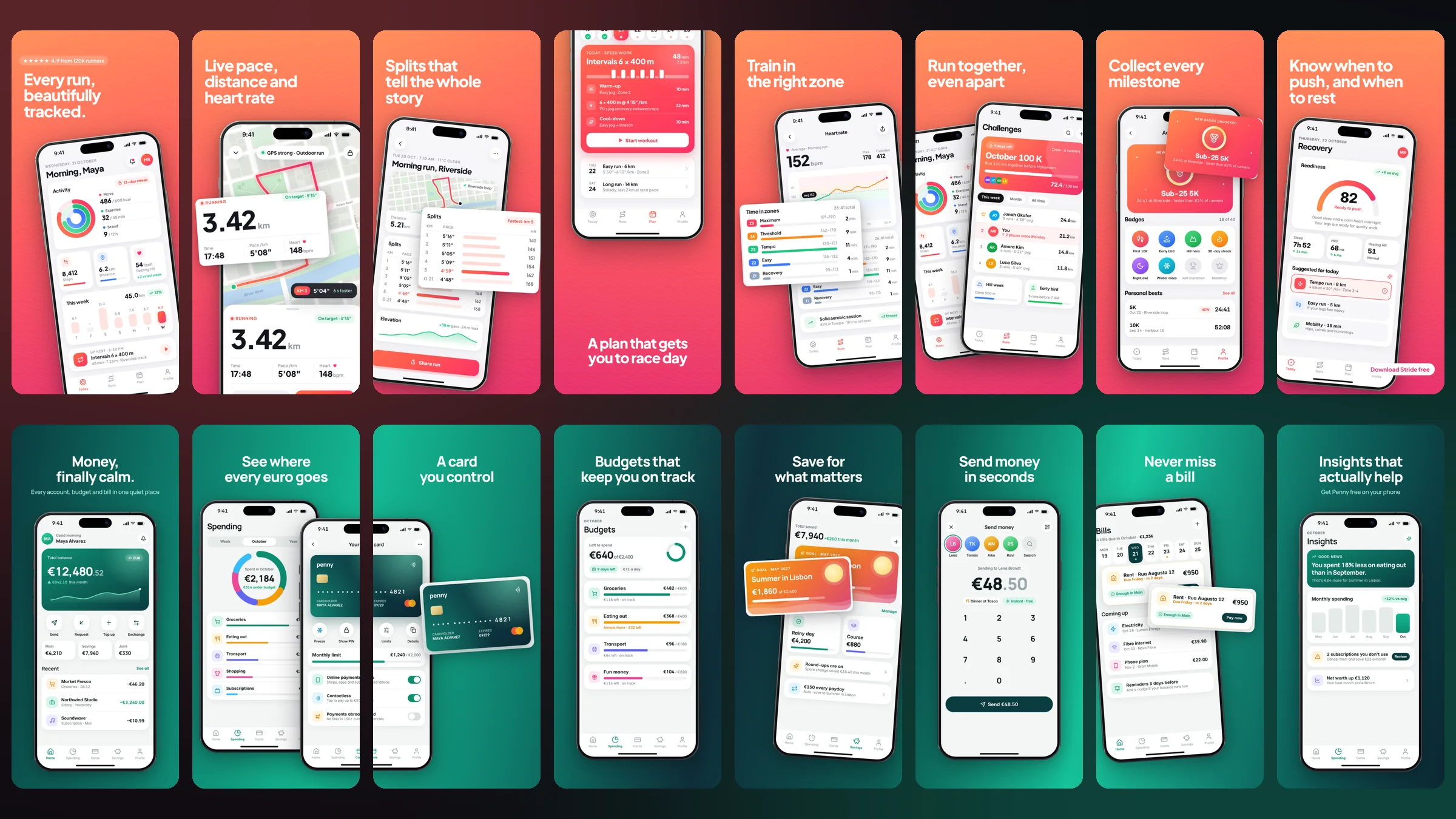
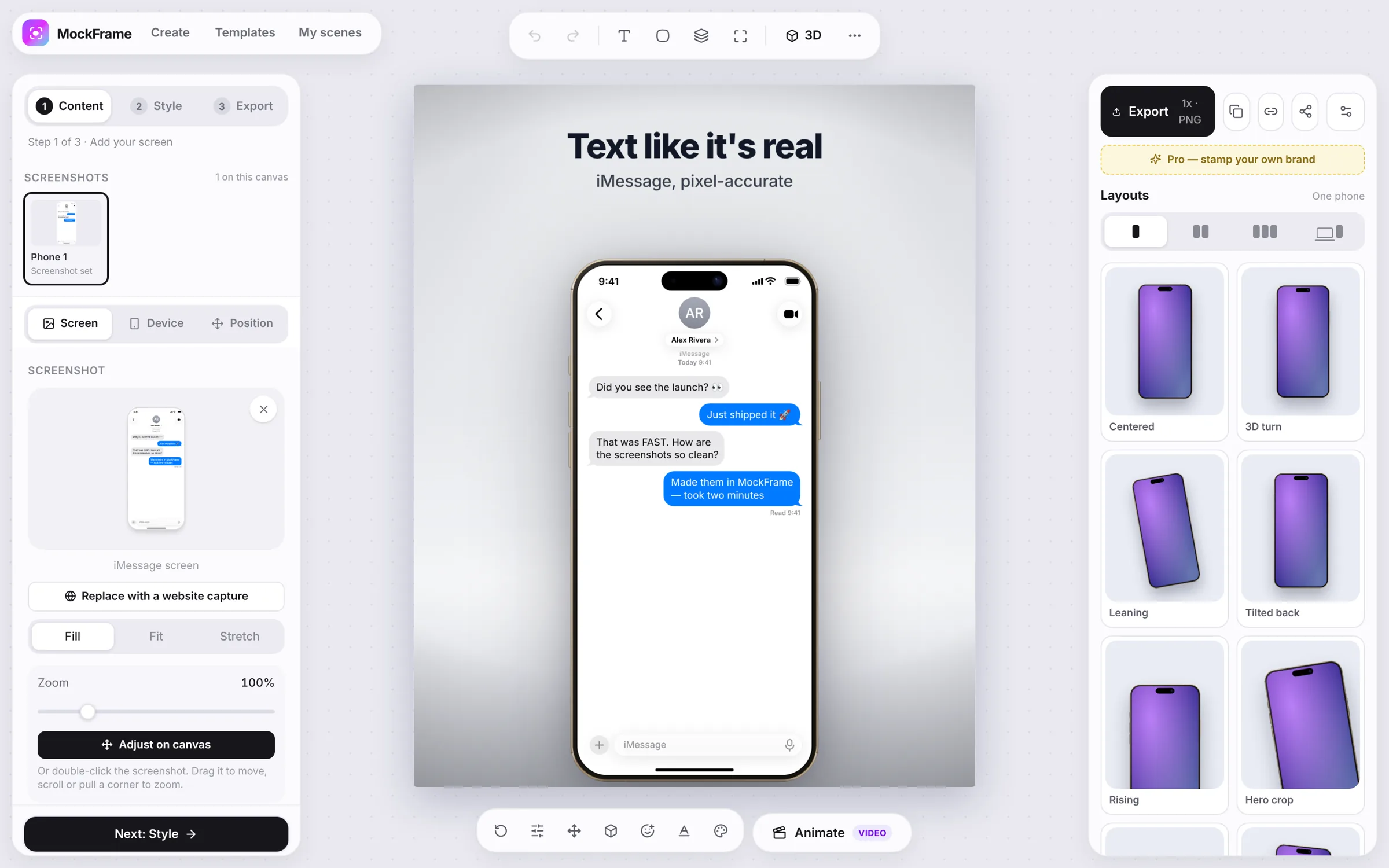
Raw, unmasked screenshots look generic and fail to stand out. Presenting screenshots in realistic browser or phone frames establishes trust and product context instantly.
How presenting your product in realistic browser and device frames builds trust and context on a landing page, and how to test the change on your own site.
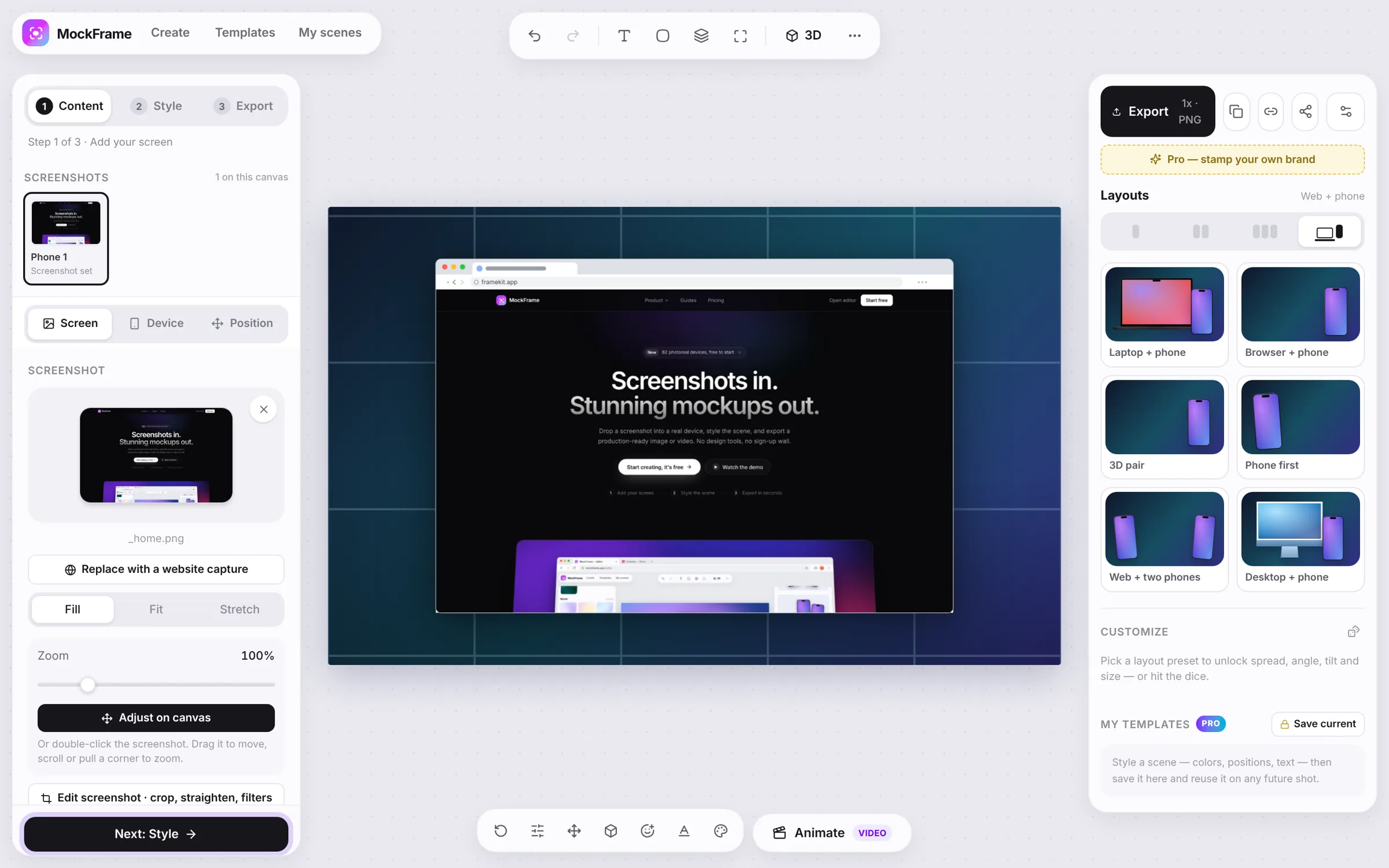
Raw, unmasked screenshots look generic and fail to stand out. Presenting screenshots in realistic browser or phone frames establishes trust and product context instantly.
Use MockFrame's Chrome Browser or iPhone 16 Pro frames to place the user inside your actual SaaS experience.
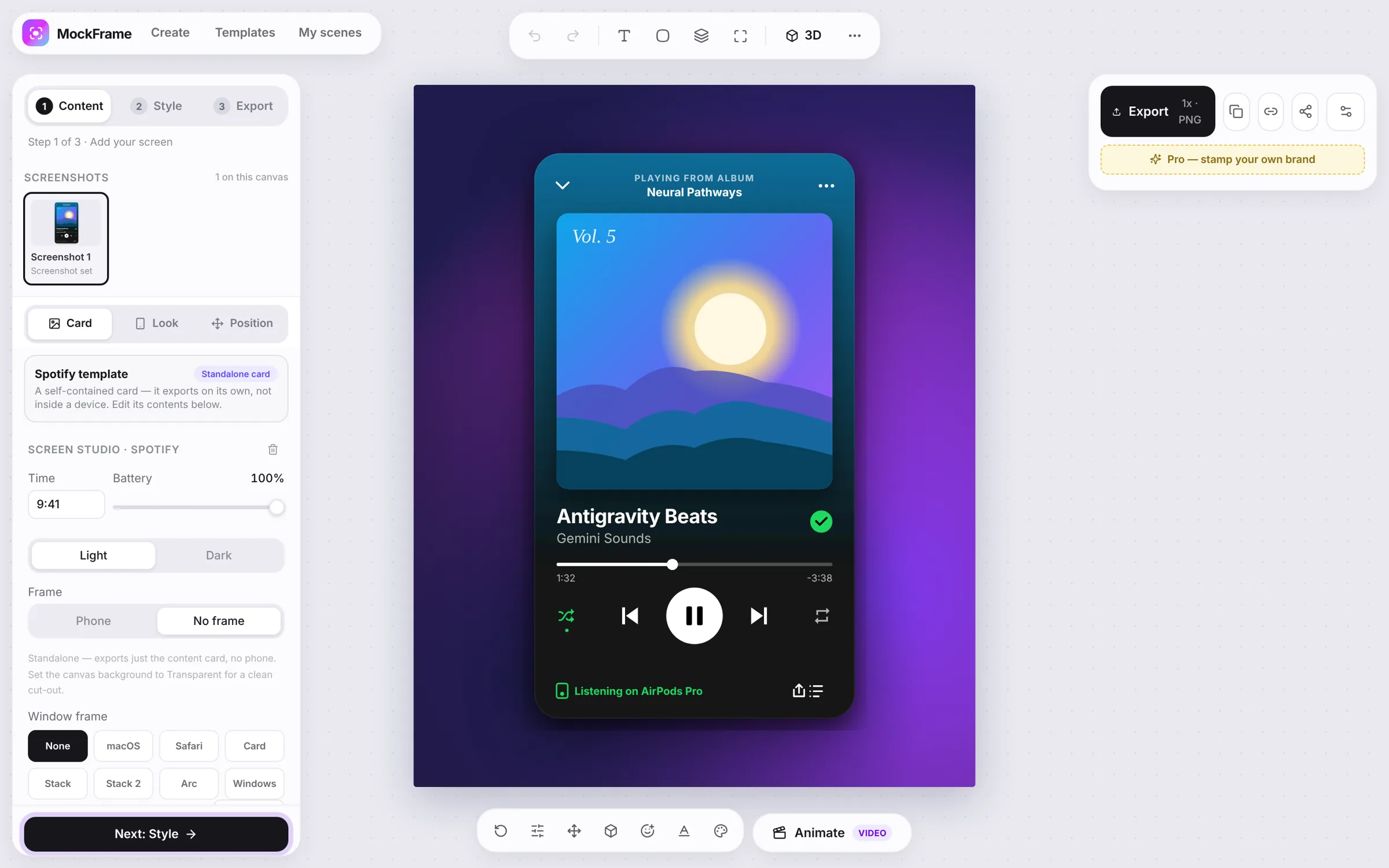
Apply cohesive color patterns and mesh gradients to blend the mockup with your landing page design.
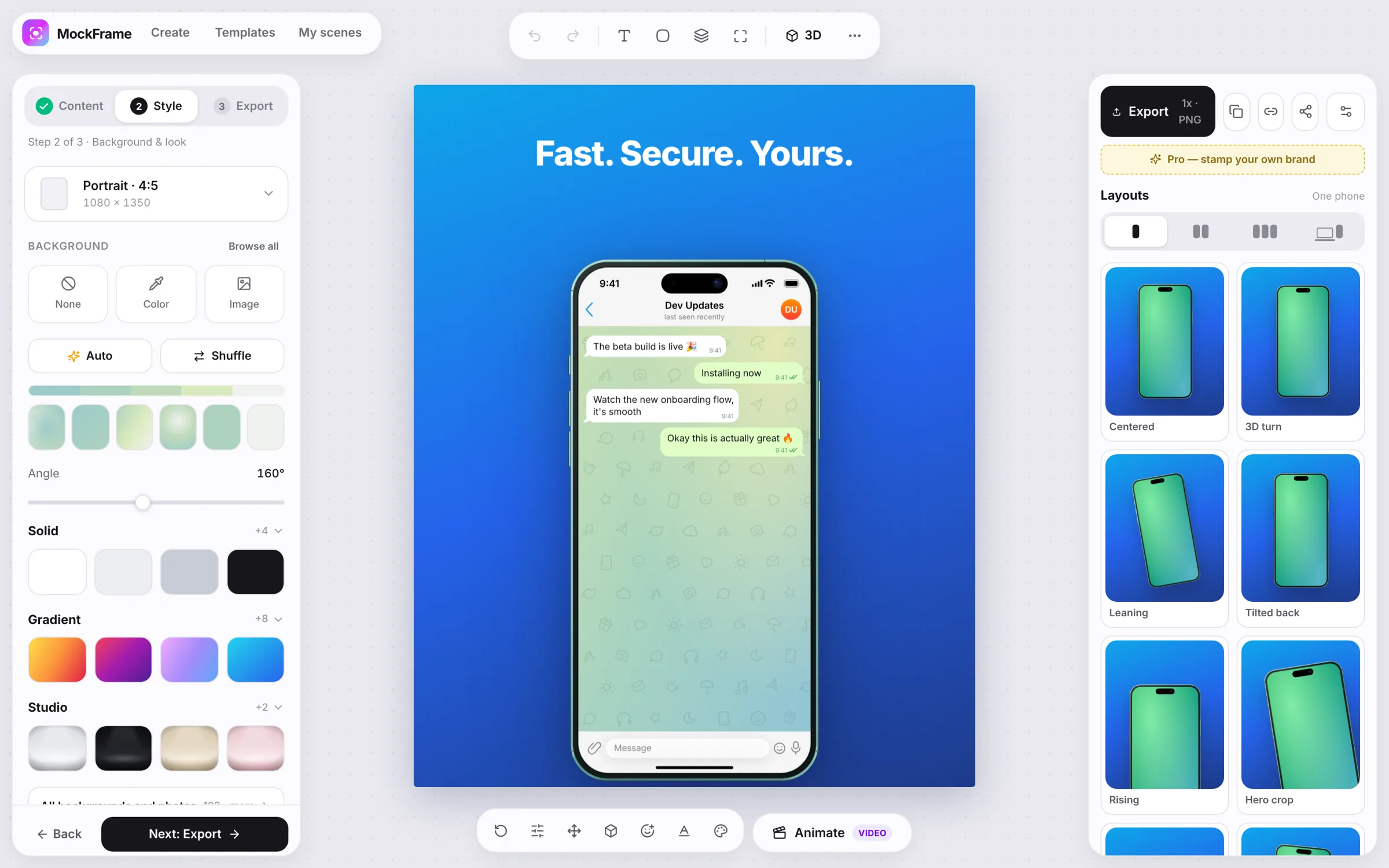
Ship the framed visuals as an A/B test against your current screenshots and compare scroll depth and sign-up rate over a few weeks — your own numbers beat any benchmark.
Free, no sign-up, and it runs in your browser.