1
Finish the reference style
Set the canvas, backdrop, typography, pattern and effects that should stay consistent.
Move the same backdrop, typography and styling rules between collaborators without manual matching.
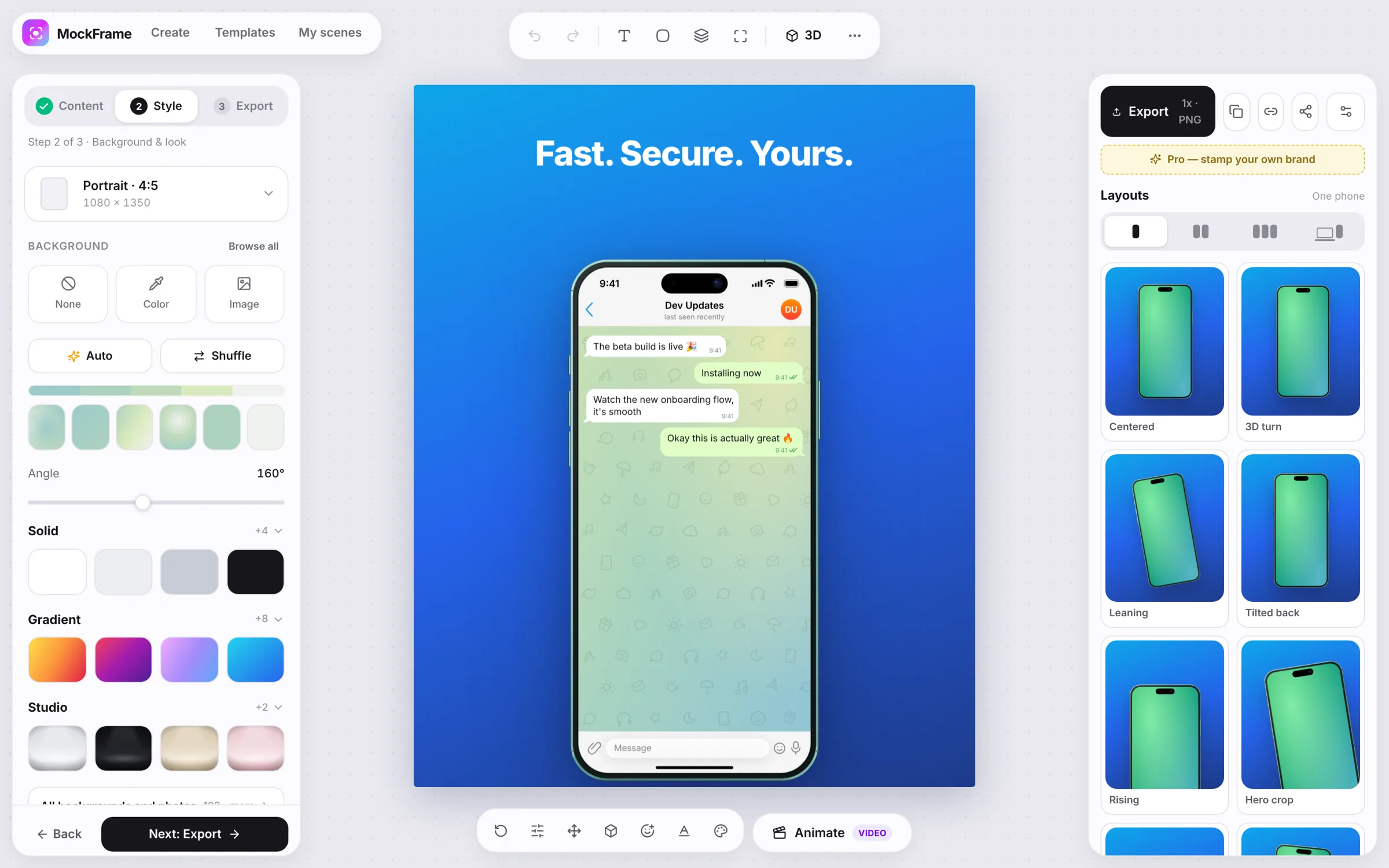
Set the canvas, backdrop, typography, pattern and effects that should stay consistent.
Open Layouts › Themes and save the current styling with a clear brand or campaign name.
Download the theme and send that small file to a collaborator. Uploaded screenshots are not embedded in it.
The recipient imports the JSON and applies the same styling to their own scenes.
Free, no sign-up, and it runs in your browser.